# Album Cover in wav files refuses to change in WMP. (RESOLVED)
**URL:** https://community.mp3tag.de/t/album-cover-in-wav-files-refuses-to-change-in-wmp-resolved/71317
**Category:** Support
**Tags:** player
**Created:** [May 21, 2026, 3:50am UTC](https://community.mp3tag.de/t/album-cover-in-wav-files-refuses-to-change-in-wmp-resolved/71317 "2026-05-21T03:50:12Z")
**Posts on this page:** 4
**Page:** 1
### Author:  [@mytune486](https://community.mp3tag.de/u/mytune486)
#### Post date: [May 21, 2026, 3:50am UTC](https://community.mp3tag.de/t/album-cover-in-wav-files-refuses-to-change-in-wmp-resolved/71317/1 "2026-05-21T03:50:12Z")
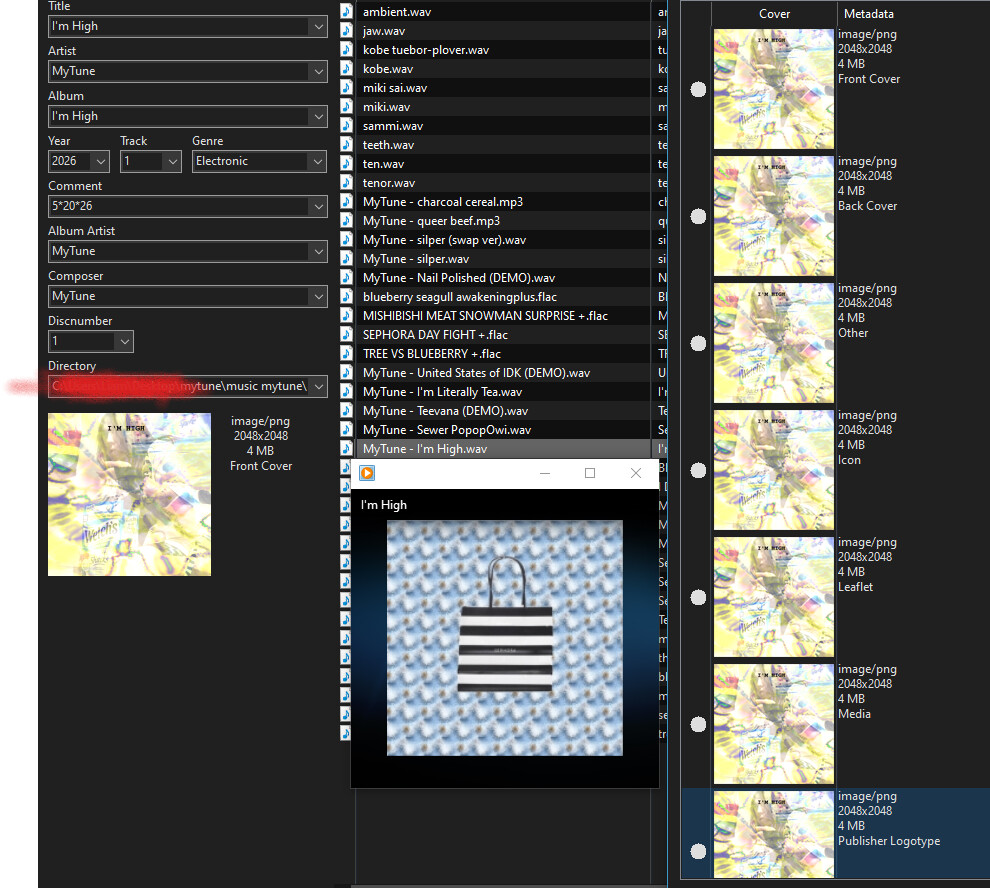
I have been unable to change the album cover of any song. All of them turn into a specific album cover that is unrelated to the album itself. I have been unable to change the album cover for a few days, and I would like the metadata to actually change instead of saying it changed when I click save tag then not changing any of it. There has been ZERO metadata assigned to these audio files before I started doing this.
---
### Author:  [@poster](https://community.mp3tag.de/u/poster)
#### Post date: [May 21, 2026, 4:50am UTC](https://community.mp3tag.de/t/album-cover-in-wav-files-refuses-to-change-in-wmp-resolved/71317/2 "2026-05-21T04:50:32Z")
As can be seen from your screenshot, the cover art appears in the MP3 file not just once, but multiple times - each as a different cover type. So, where exactly are you unable to see the cover, and which player is displaying only a generic cover to you? That player is likely where the problem lies.
---
### Author:  [@mytune486](https://community.mp3tag.de/u/mytune486)
#### Post date: [May 22, 2026, 4:08am UTC](https://community.mp3tag.de/t/album-cover-in-wav-files-refuses-to-change-in-wmp-resolved/71317/3 "2026-05-22T04:08:43Z")
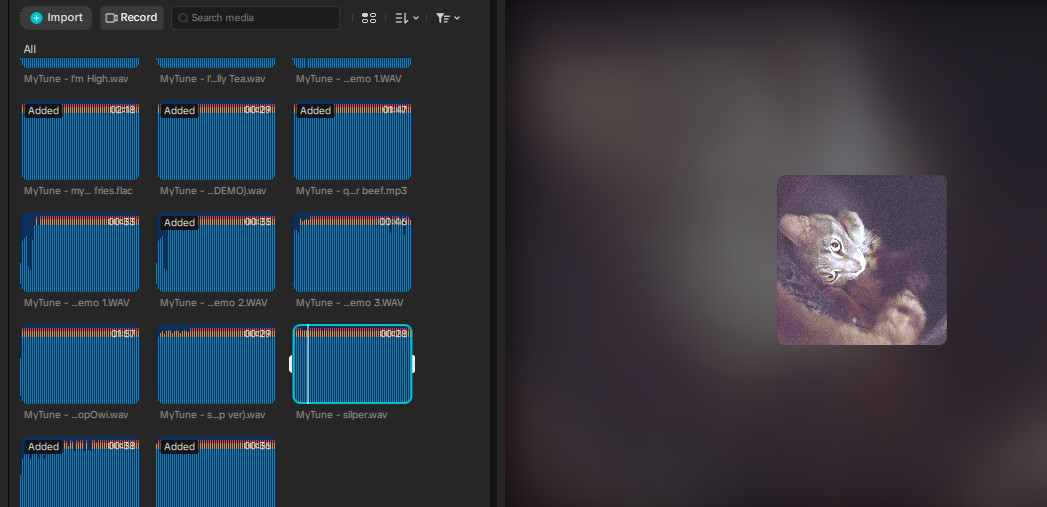
I just realized that I was not using MP3, but I was using WAV as I exported them as WAV, and as I see, the metadata is appearing on those files, but isn't showing up when I put them in WMP, and only appears as the cover for Sephora Bag Plus Album. So, I think that is the issue. When I listen to the songs on a application that shows metadata, it shows the album cover.
---
### Author:  [@system](https://community.mp3tag.de/u/system)
#### Post date: [May 29, 2026, 4:08am UTC](https://community.mp3tag.de/t/album-cover-in-wav-files-refuses-to-change-in-wmp-resolved/71317/4 "2026-05-29T04:08:46Z")
This topic was automatically closed 7 days after the last reply. New replies are no longer allowed.