# Convert → Tag - File name append an E for explicit
**URL:** https://community.mp3tag.de/t/convert-tag-file-name-append-an-e-for-explicit/71766
**Category:** Support
**Created:** [August 25, 2026, 4:31pm UTC](https://community.mp3tag.de/t/convert-tag-file-name-append-an-e-for-explicit/71766 "2026-08-25T16:31:54Z")
**Posts on this page:** 5
**Page:** 1
### Author:  [@UtkuGARIP](https://community.mp3tag.de/u/UtkuGARIP)
#### Post date: [August 25, 2026, 4:31pm UTC](https://community.mp3tag.de/t/convert-tag-file-name-append-an-e-for-explicit/71766/1 "2026-08-25T16:31:54Z")
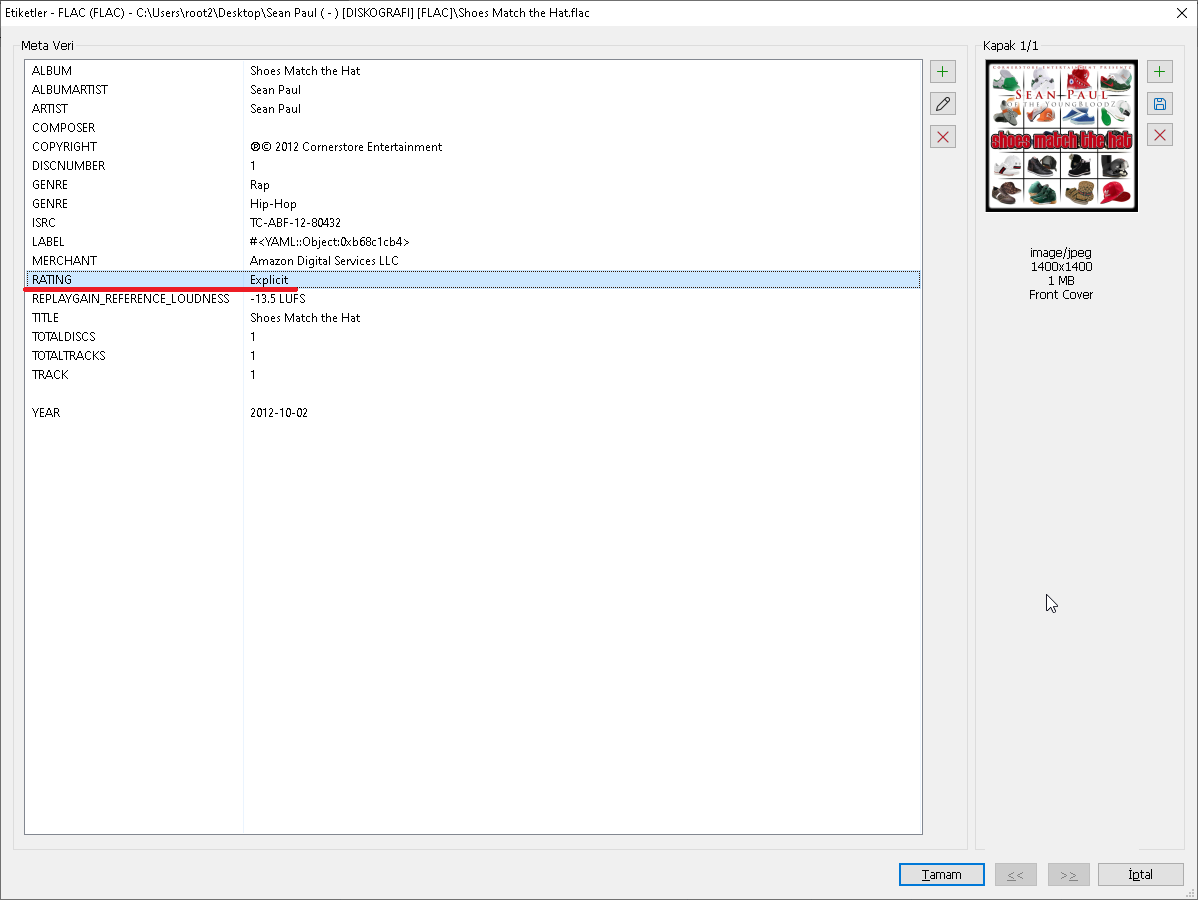
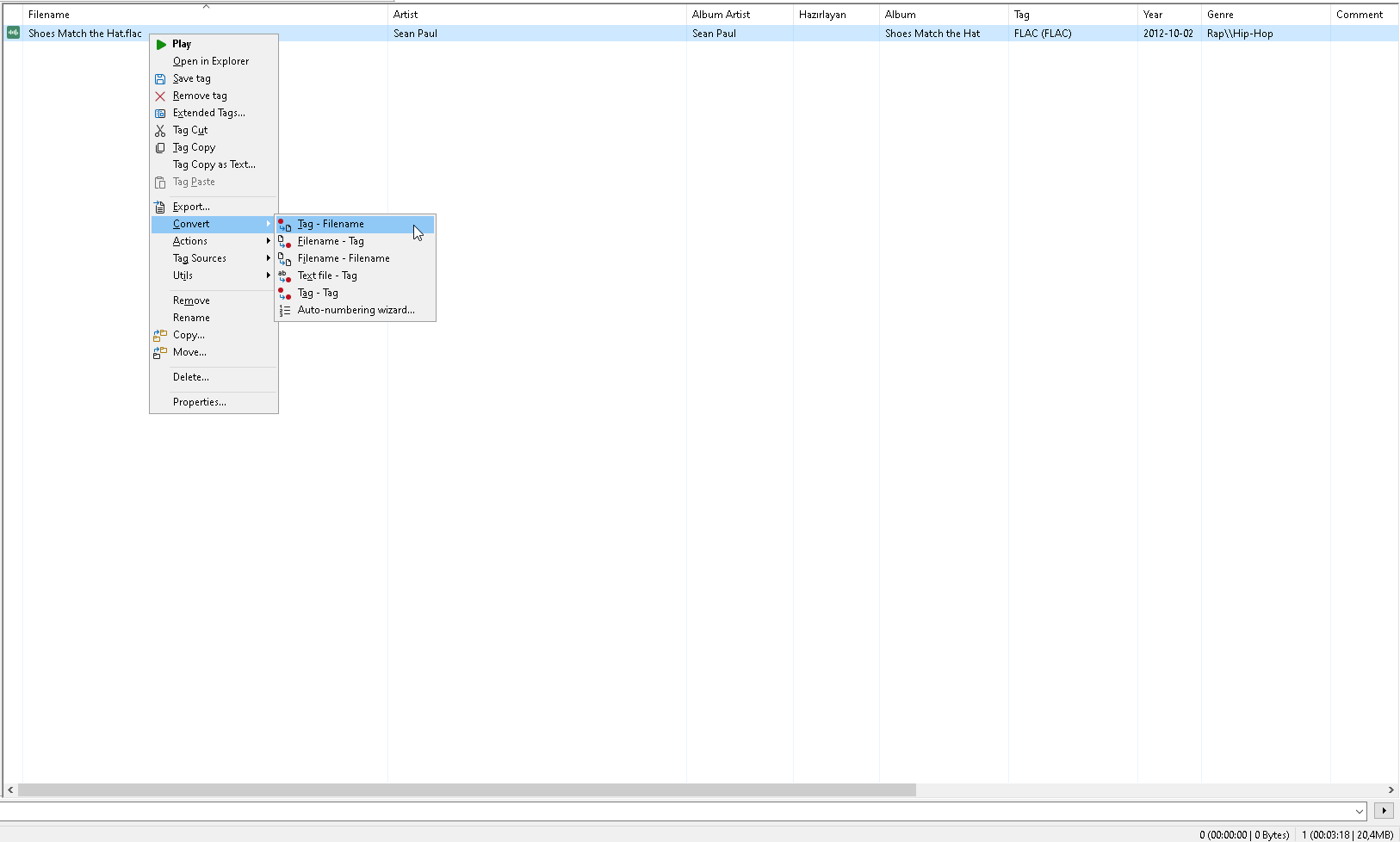
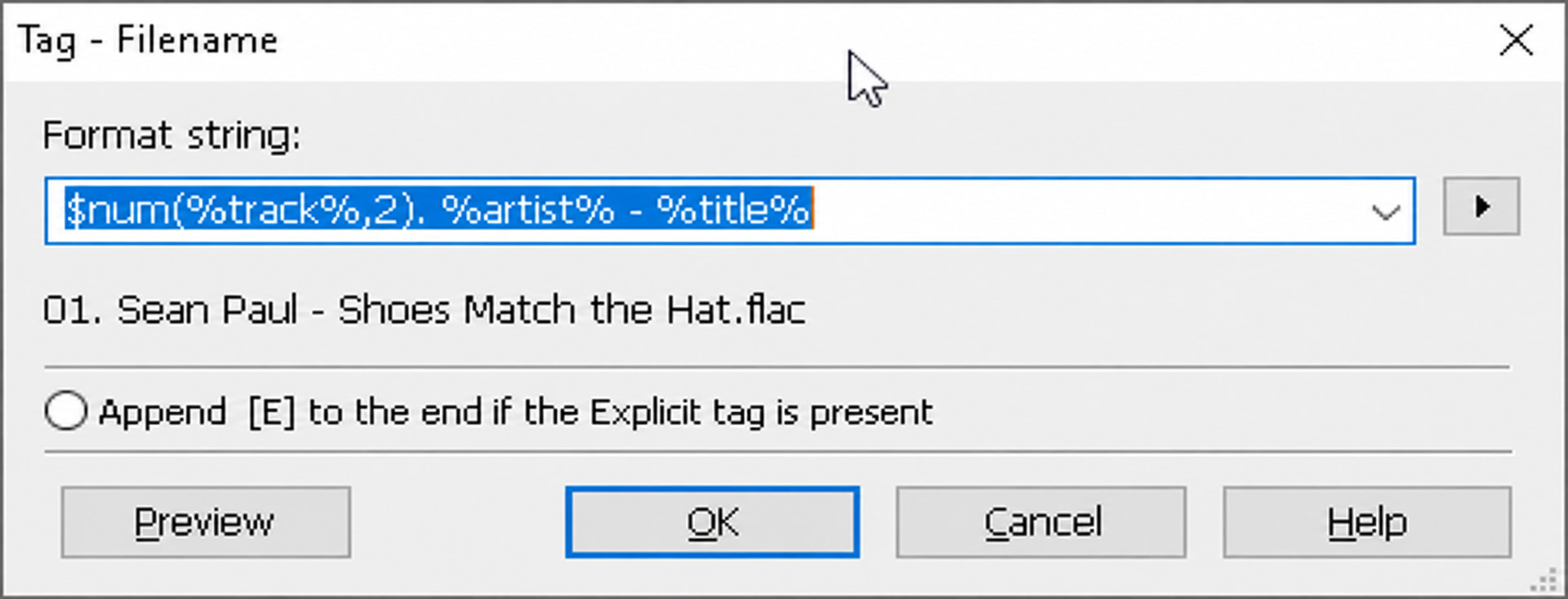
For songs with the “Explicit” tag, a feature for automatic naming can be added.
_This Image AI genereted._
---
### Author:  [@ohrenkino](https://community.mp3tag.de/u/ohrenkino)
#### Post date: [August 25, 2026, 4:38pm UTC](https://community.mp3tag.de/t/convert-tag-file-name-append-an-e-for-explicit/71766/2 "2026-08-25T16:38:32Z")
You can add more or less any string to the format string so that it would not be necessary to implement a special treatment for particular fields.
You could append your format string with
`['['$left(%rating%,1)']']`
AFAIK there is no standard field called RATING. If you want to add the "excplicit" property to a file, then the field ITUNESADVISORY would be the correct place.
So I doubt even more that a special function would be added for a user-defined field.
---
### Author:  [@LyricsLover](https://community.mp3tag.de/u/LyricsLover)
#### Post date: [August 25, 2026, 4:41pm UTC](https://community.mp3tag.de/t/convert-tag-file-name-append-an-e-for-explicit/71766/3 "2026-08-25T16:41:47Z")
Alternatively, you can Filter for tracks with an "Explicit" `RATING` and then add an [E] to the end of those filenames.
> **[Filter and Search – Mp3tag Documentation](https://docs.mp3tag.de/filter/)**
>
> Documentation on Filter and Search and keywords to form complex filter expressions. Mp3tag is the universal Tag Editor.
Format string:
`$num(%track%,2)- %artist% - %title% '[E]'`
---
### Author:  [@KEEBLER](https://community.mp3tag.de/u/KEEBLER)
#### Post date: [August 26, 2026, 12:43pm UTC](https://community.mp3tag.de/t/convert-tag-file-name-append-an-e-for-explicit/71766/4 "2026-08-26T12:43:47Z")
this is what i do with explicit song titles
%artist% - (E) %title% %smyr%
or
`$num(%track%,2)-`%artist% - (E) %title% %smyr%
this way they are easy to spot and either use or forget during playback
note: smyr is a tab that i created using ($right(%year%,2))
---
### Author:  [@system](https://community.mp3tag.de/u/system)
#### Post date: [August 30, 2026, 7:23am UTC](https://community.mp3tag.de/t/convert-tag-file-name-append-an-e-for-explicit/71766/5 "2026-08-30T07:23:29Z")
This topic was automatically closed 2 days after the last reply. New replies are no longer allowed.