# How to bulk-rename files to just tracks and titles?
**URL:** https://community.mp3tag.de/t/how-to-bulk-rename-files-to-just-tracks-and-titles/71462
**Category:** Support
**Created:** [June 19, 2026, 6:25pm UTC](https://community.mp3tag.de/t/how-to-bulk-rename-files-to-just-tracks-and-titles/71462 "2026-06-19T18:25:11Z")
**Posts on this page:** 4
**Page:** 1
### Author:  [@songofpastromance](https://community.mp3tag.de/u/songofpastromance)
#### Post date: [June 19, 2026, 6:25pm UTC](https://community.mp3tag.de/t/how-to-bulk-rename-files-to-just-tracks-and-titles/71462/1 "2026-06-19T18:25:11Z")
I got a new mp3 player recently but it's one of those that shows the full file names for songs. I really don't wanna go through and rename every single file manually so is there a way to make the names just "track # - title"?
---
### Author:  [@ohrenkino](https://community.mp3tag.de/u/ohrenkino)
#### Post date: [June 19, 2026, 6:27pm UTC](https://community.mp3tag.de/t/how-to-bulk-rename-files-to-just-tracks-and-titles/71462/2 "2026-06-19T18:27:59Z")
Please see this section:
> **[Renaming Files based on Tags - First Steps – Mp3tag Documentation](https://docs.mp3tag.de/getting-started/first-steps/#renaming-files-based-on-tags)**
>
> This is a collection of tasks with step-by-step instructions intended for novice users of Mp3tag. | A collection of tasks with step-by-step instructions intended for novice users of Mp3tag. Mp3tag is the universal Tag Editor.
---
### Author:  [@wayniesinclair](https://community.mp3tag.de/u/wayniesinclair)
#### Post date: [June 19, 2026, 9:44pm UTC](https://community.mp3tag.de/t/how-to-bulk-rename-files-to-just-tracks-and-titles/71462/3 "2026-06-19T21:44:07Z")
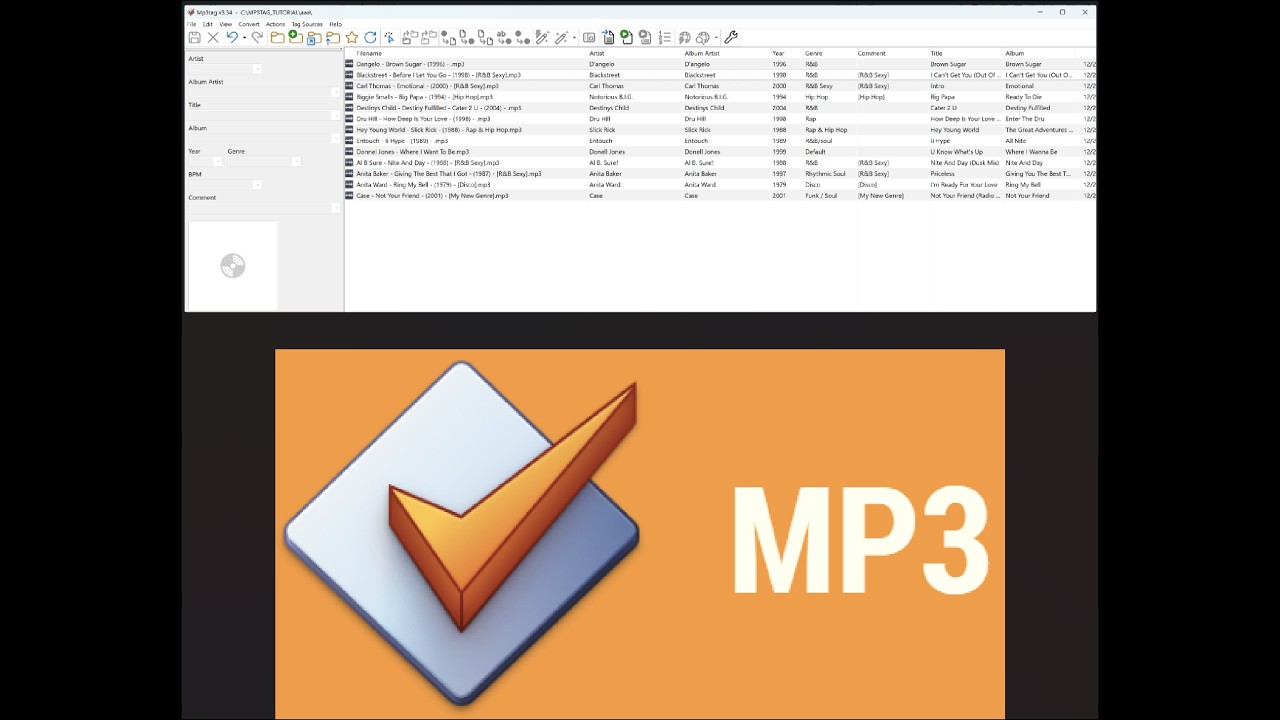
I found this video useful for what you need to do.
[ ](https://www.youtube.com/watch?v=aSdEPbBNS74&t=1646)
---
### Author:  [@system](https://community.mp3tag.de/u/system)
#### Post date: [June 26, 2026, 9:44pm UTC](https://community.mp3tag.de/t/how-to-bulk-rename-files-to-just-tracks-and-titles/71462/4 "2026-06-26T21:44:27Z")
This topic was automatically closed 7 days after the last reply. New replies are no longer allowed.