Hello @Florian,
After reading the comments from the two members who couldn't use the keys on the left side of their keyboards—whereas I could use both the left and right ones—I figured you would be able to come up with a way to set up a standard key configuration for all keyboards.
I have no issues with Mp3tag v3.36.
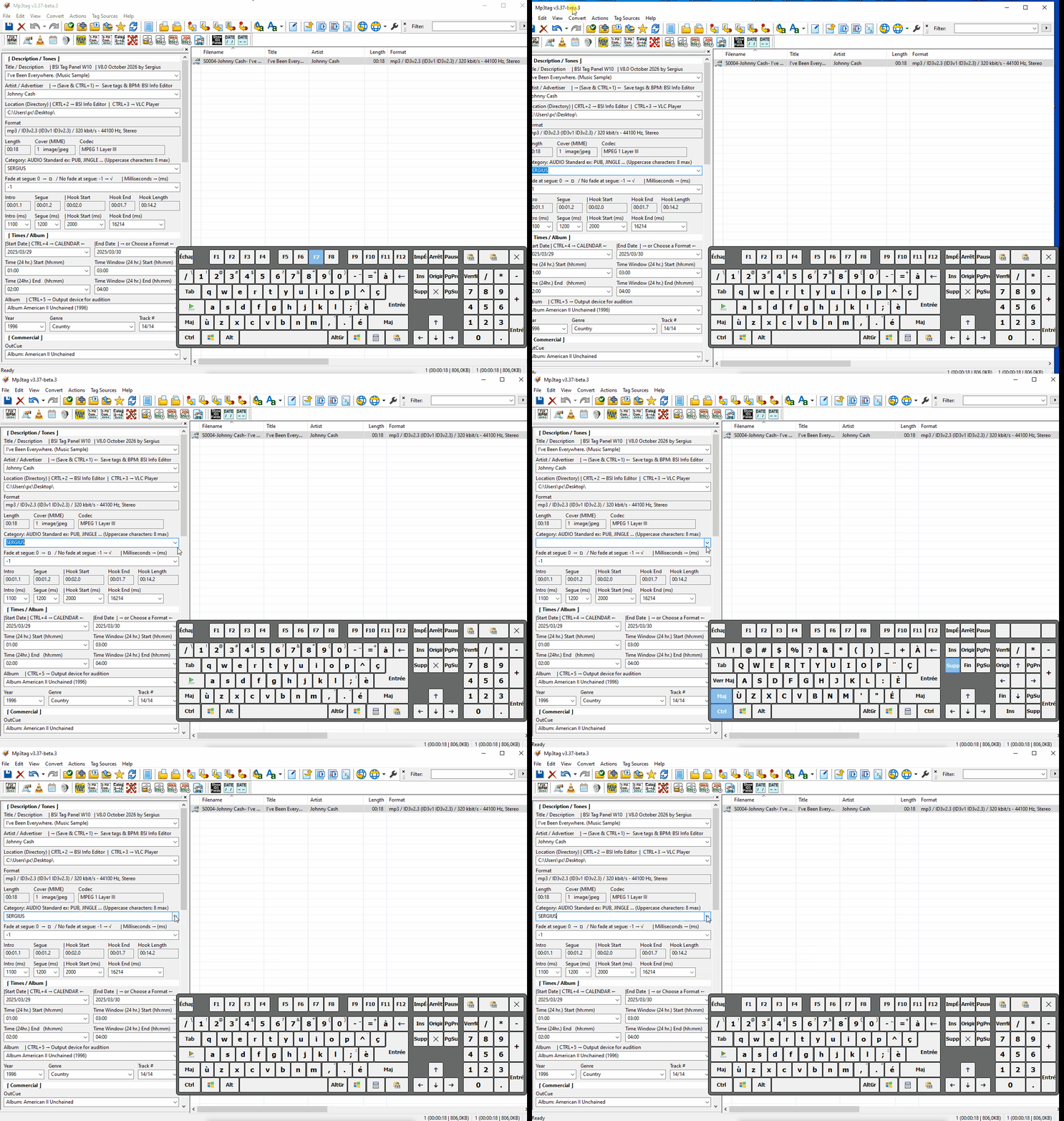
Testing with Mp3tag v3.37-beta.2:
On my Windows 7 machine, the keys on the right side don't work for either keyboard... I tried a third keyboard with the same result; all three keyboards are from different manufacturers.
On my first Windows 10 machine, the keys on the right side work for both keyboards...
On my second Windows 10 machine, the keys on the right side don't work for either keyboard...
I'm baffled by these results; I don't understand it at all...
I thought your idea of testing with different keyboards would be the solution—it seemed logical to me, given the known differences between computer keyboards in Germany, France, and Canada. In the past, when I was working with a programmer from France on the AutoBoot program, we ran into an issue where French keyboards (France) couldn't use the Ctrl+0 through Ctrl+9 shortcuts in Mp3tag.
A friend of mine in France who uses Mp3tag confirmed this; he also couldn't use the Ctrl+0 through Ctrl+9 keys. Instead, he right-clicks on the audio file and uses the "Tools" list—he told me that method worked fine for him...
When configuring the Toolsbar in the Hot Virtual Keyboard program, I encountered the same issue with French keyboard (France) layouts: the CTRL+0 through CTRL+9 key combinations could not be used.
The French programmer who created my AutoBoot program told me he had encountered an accidental conflict with the Caps Lock key; when he tried to use his French keyboard (France) for the CTRL+0 through CTRL+9 commands in Mp3tag, it worked, but it ended up toggling Caps Lock on his keyboard.
That gave me an idea: I programmed my Toolsbar using the "Hot Virtual Keyboard" software in a specific way that allows keyboards from any country to use my toolbar without issues:
CTRL+1 <KEY Caps><KEY Ctrl+1><KEY Caps>
CTRL+2 <KEY Caps><KEY Ctrl+2><KEY Caps>
CTRL+3 <KEY Caps><KEY Ctrl+1><KEY Caps>...
If I may offer a piece of advice, Florian: unless you can find a universal method that works for all keyboards and solves the problem, it would be great to keep both programming approaches—the one in Mp3tag v3.36 and the one in Mp3tag v3.37-beta.2 (beta-1)—by adding an option in the settings that lets us choose between these two command methods.