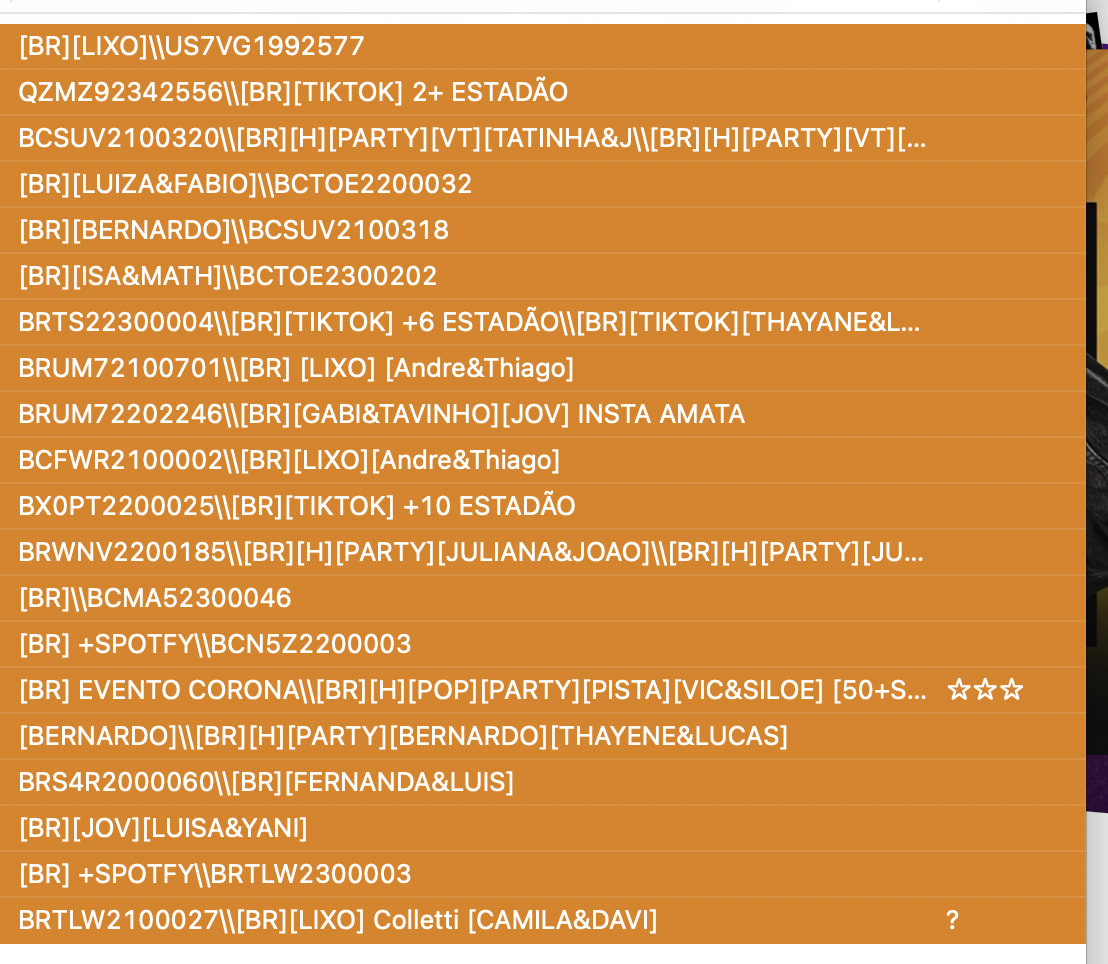
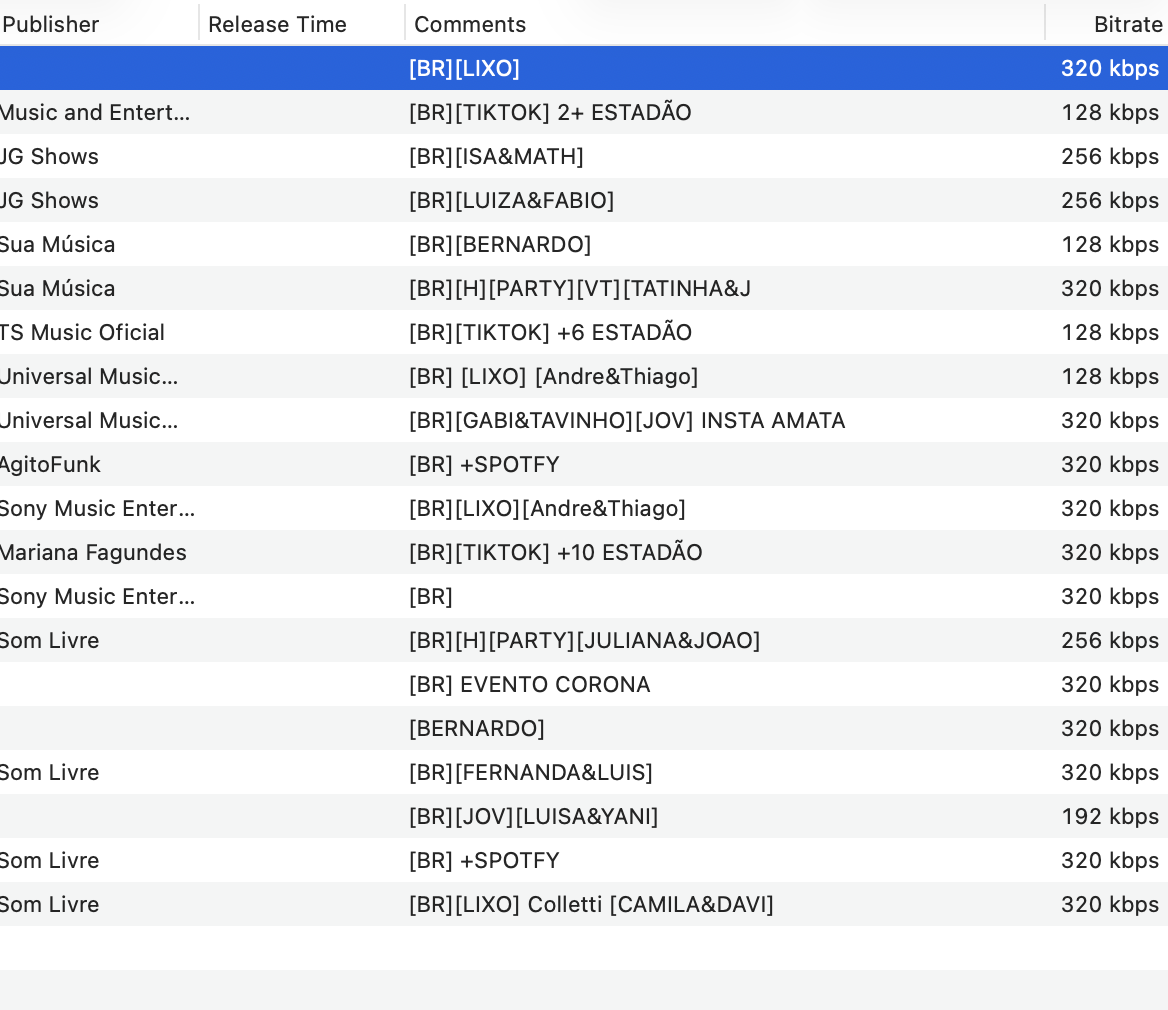
I'm having an issue with some files: when I open them in Mp3tag, a string of codes appears in the comment field—codes that don't show up in other MP3tag apps or the software I use to listen to the music. What could be causing this, and how can I fix it? There are too many files to delete these codes manually. The orange print screen is from MP3tag, the other print screen is from other app.
Please check the extended tags dialogue to see how many fields of the type COMMENT you have.
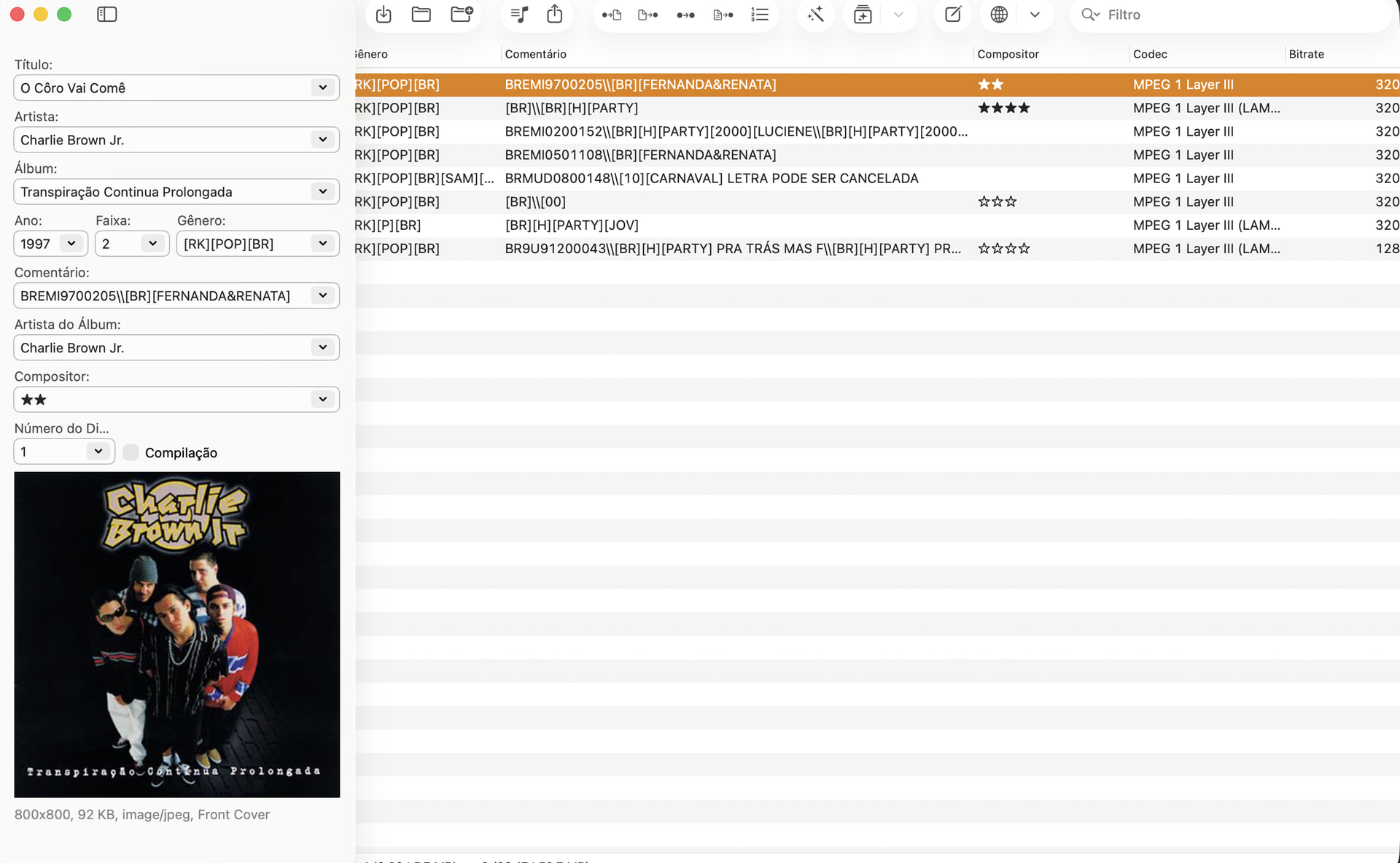
⌘ T opens the Extended Tags...
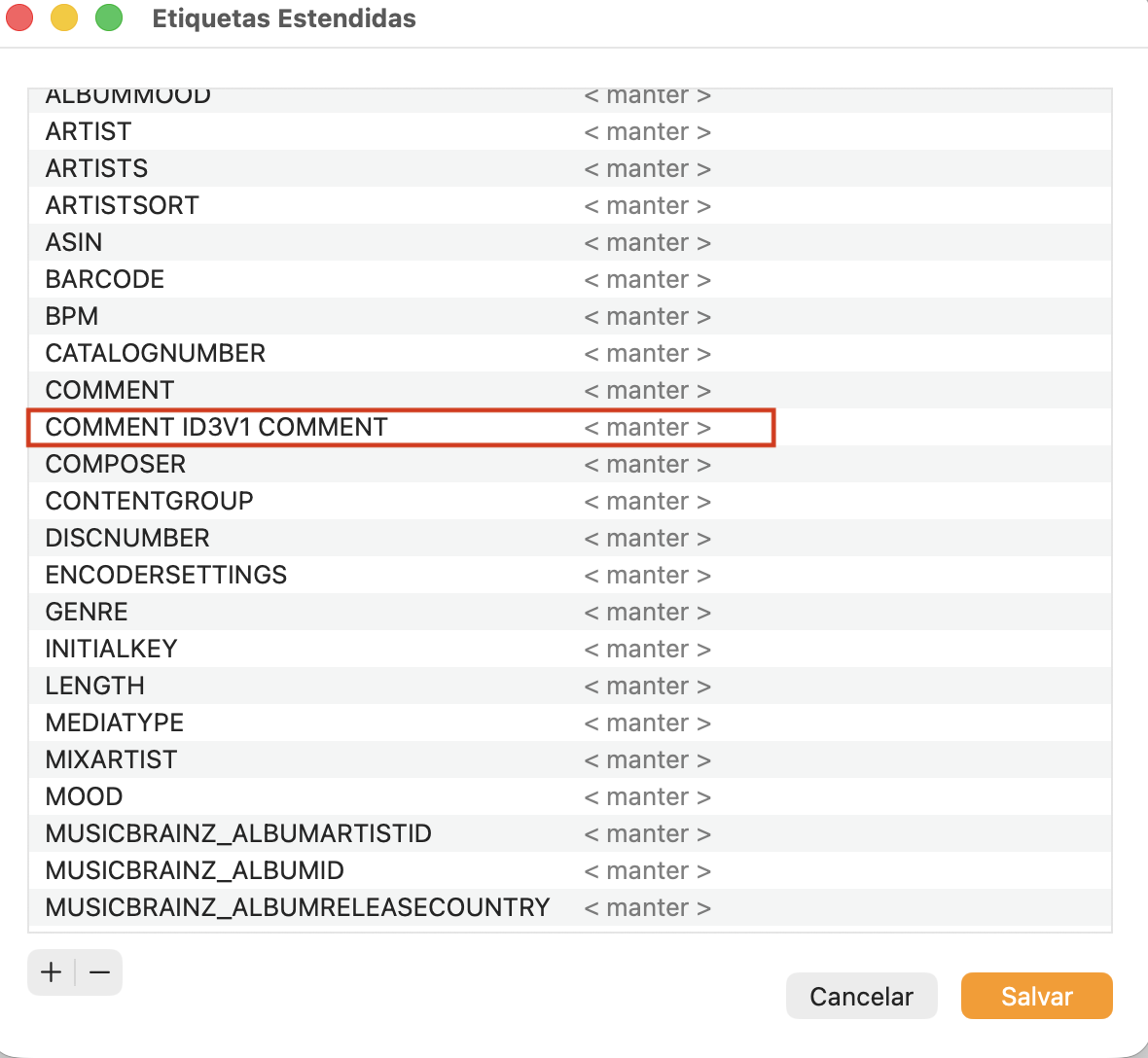
It could well be that this field causes the irritation.
If you see no benefit for that data,
- load all files,
- select all files
- open the extended tags dialogue
- select the
COMMENT ID3V1 COMMENTfield and delete it - save the changes.
This removes the field from all files.
I removed the ID3V1 COMMENT tag, but the problem isn't there. I had previously opened the extended tags for several files simultaneously; this time, I did it with just one file:
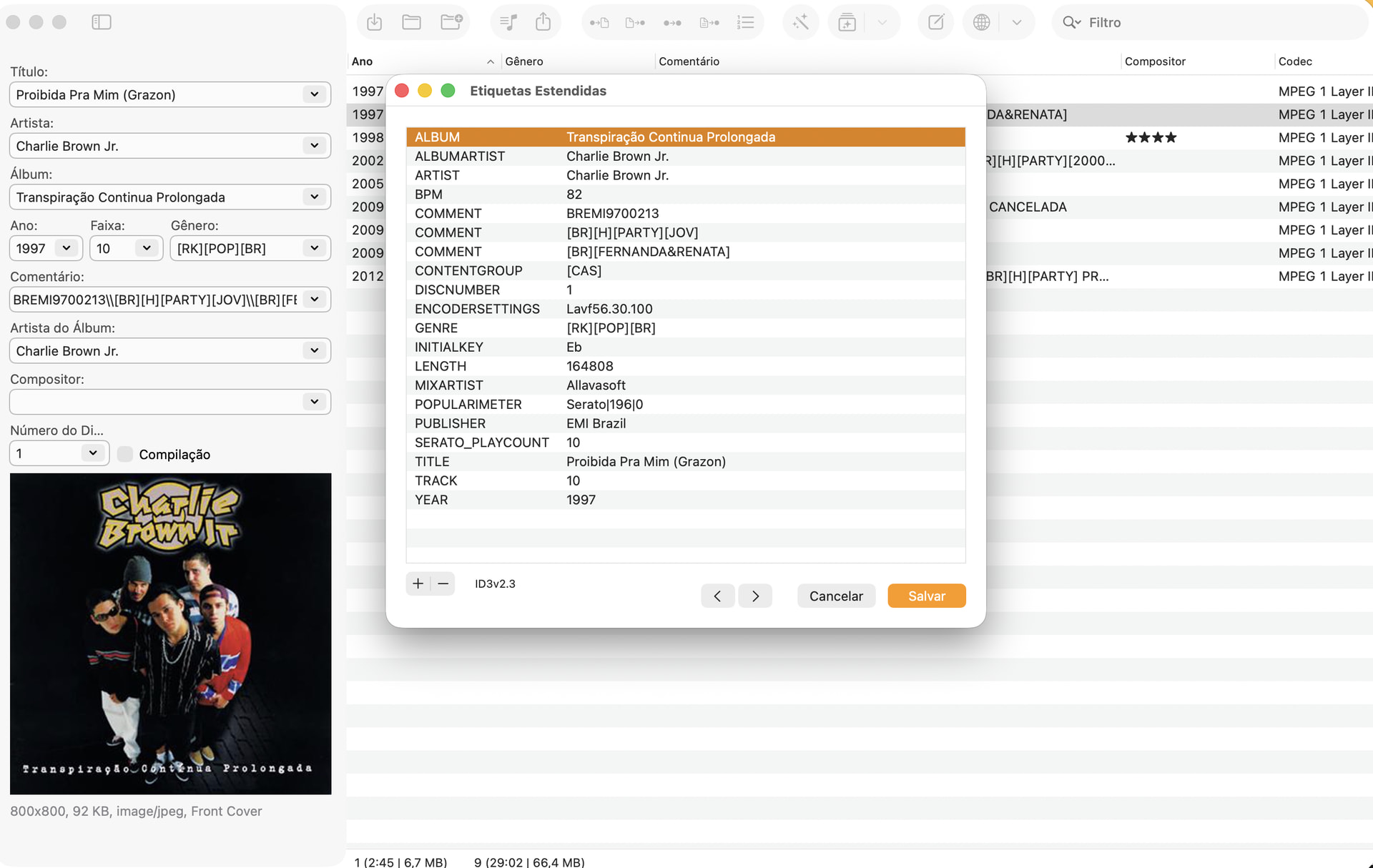
Opening them this way (Command+T) makes the file cleanup process easier, but cleaning each file individually will still be a major task 
I cannot tell which of the data you want to keep.
The COMMENT field shows the \\ which indicates multi-value fields.
You can merge such fields so that they become a single field of that type and then treat the resulting string with a suitable function to e.g. remove everything following [BR].
Or yu use an action of the type "Remove duplicate fields" which leaves only one of the fields of the same type.
Before you randomly apply actions to remove this data, I would question how that data was filled in the first place, and if it has any value to you now. You may want to double check before taking further action.
Either way the methods suggested by @ohrenkino both work once you have decided to eliminate those details.
I see. In this case, the files show three comment fields: the first contains the incorrect information, while the other two contain the correct information. So, I don't think using the tool to remove duplicate fields will work, because it would delete two comment fields—including one of the correct ones, right? If all the files follow this "pattern," then merging them and removing the information that appears before the [BR] tag should work.
I'll look up how to run those commands, since I'm still learning how to use the app and don't know how to do it yet...
If you have a typical sample string (of the merged fields) and tell us which part should be deleted, probably someone can help with the solution.