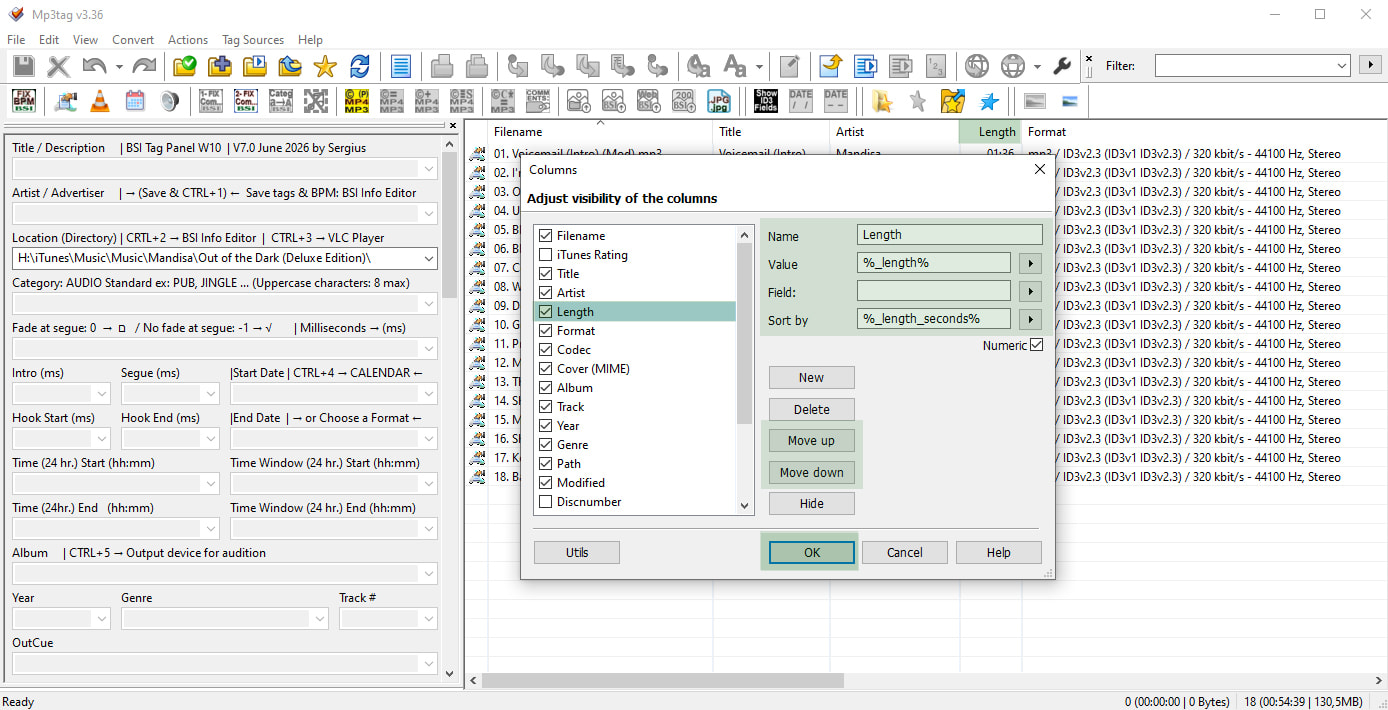
I am new here, and would like to know where I can make feature requests? I believe it's here in General Discussion.
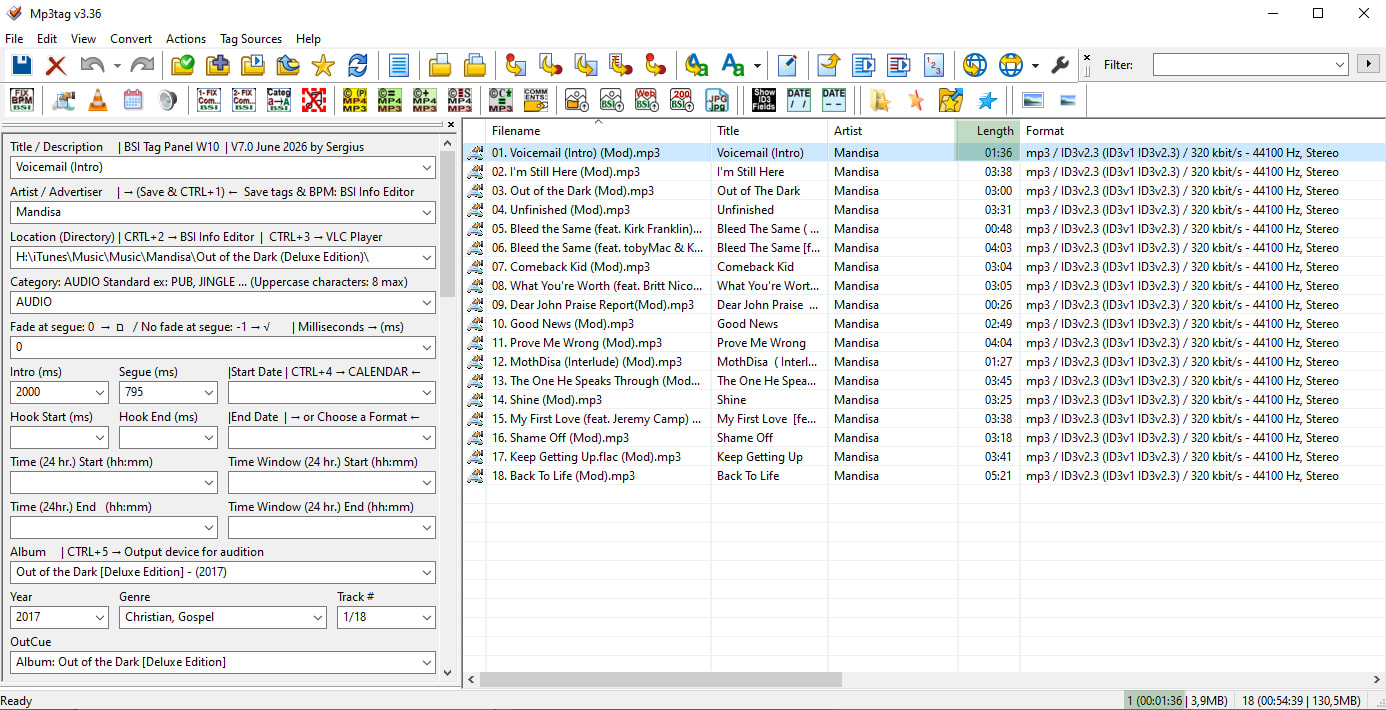
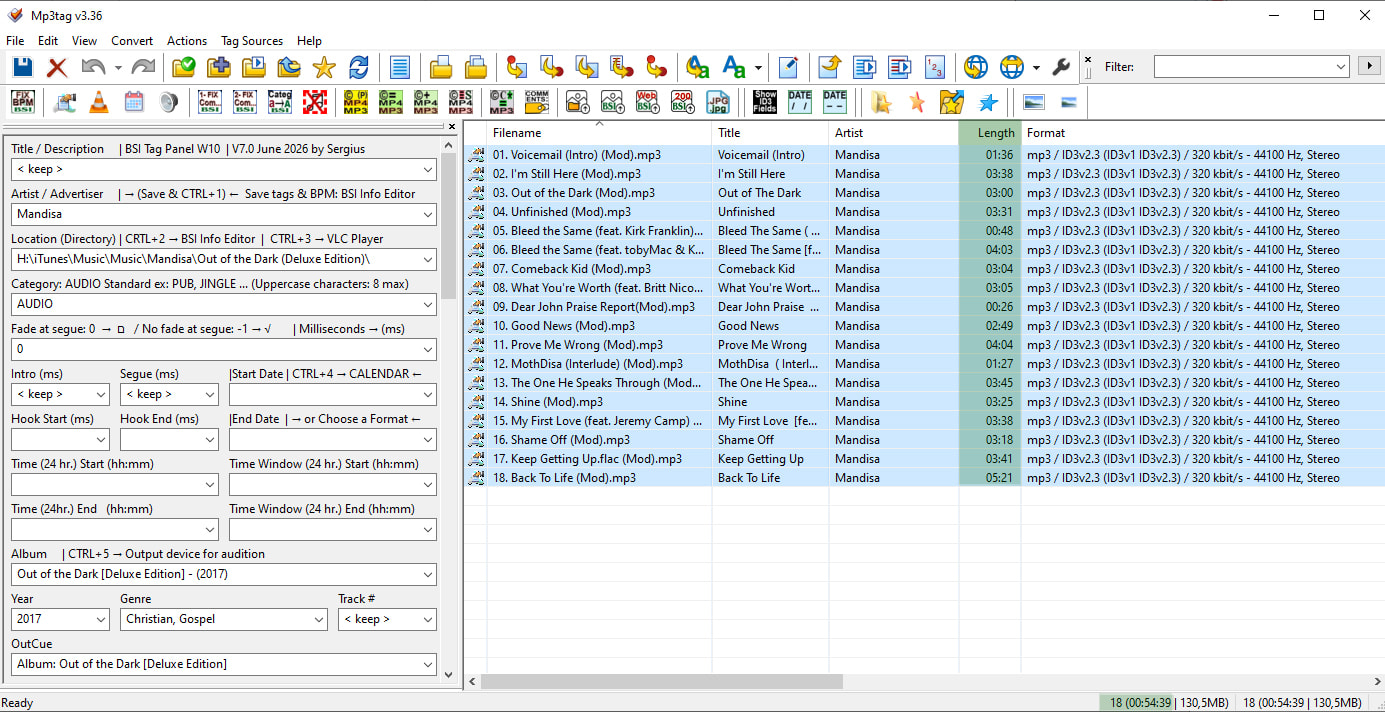
The only reason I must return to File Explorer while I'm using MP3TAG is to view the aggregated runtime of my selected files. I host a jazz radio show, and use MP3TAG extensively while adding files to the queue to play on each show... so incredibly useful for numbering and adding dates, missing artists, etc.
The only reason I have to keep going back to File Explorer, is that in MP3TAG, I cannot select several files and view their AGGREGATE run times. I can't believe I'm the only one who needs to have this feature. If I had this, I could stay out of File Explorer completely, speeding up my show creation time by perhaps a factor of 2 not having to go back and forth.
REQUEST: Please allow the user to select all, or a subset of files and provide the aggregated running time of all files selected.
I just thought of this: Do you have this now and I just haven't seen it? If so, please let me know and you will have one very happy camper on your hands! 
Larry Alexander