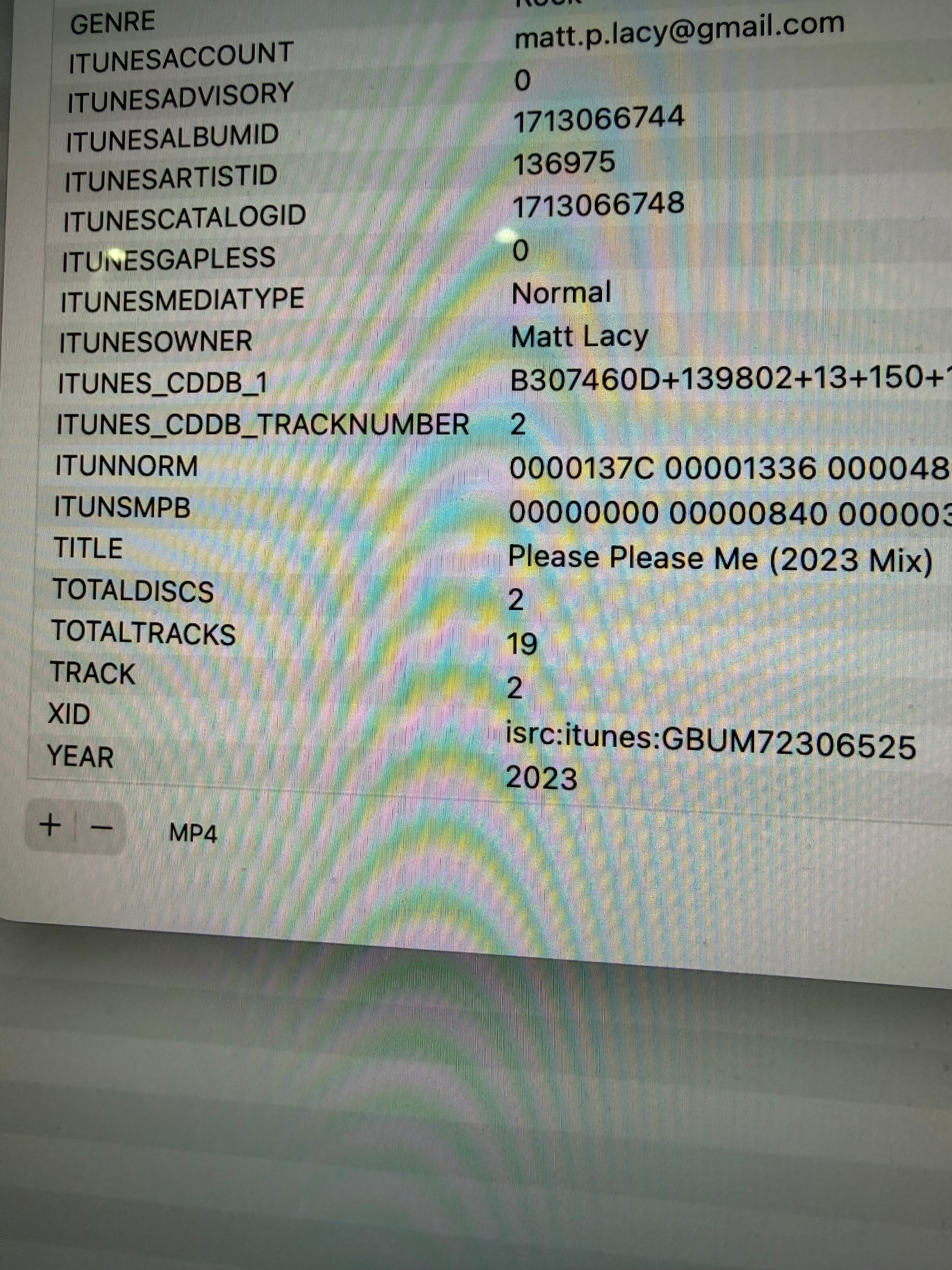
So this is killing me. I have a Range Rover and can’t get the album artwork to display correctly on its infotainment center for certain albums. The issue is typically with Greatest Hits albums only. Normal albums display the artwork correctly. When the album is being displayed incorrectly on the infotainment it is being displayed on my iphone correctly. Go figure. That’s because I have the ITUNESALBUMID, ITUNESCATALOGID, ITUNESARTISTID, ITUNESRATINGADVISORY input correctly so my iPhone (and other Apple devices) are good.
Last thing. When I rip a CD, I use iTunes Match to get the highest quality version. Upon researching, I thought I was losing some data by using iTunes Match, so I created a column for iTunes_CDDB_1 and am now preserving this field which I understand to be linked to Gracenote. This should have fixed my issues by having all fields persevered but it is still displaying incorrectly.
This looks to me like it is a player problem.
You would have to find out what the player likes or what its limitions are.
Points for investigation could be:
file type (mp3, flac, wav, etc),
embedded vs. external pictures,
picture format (jpg, png, etc.),
picture size.
And once you know (or have tried) what the car stereo likes, then MP3tag will very likely have functions to update the files.
These songs are Matched and then the appropriate iTunes tags are input so they are M4A files and the artwork is whatever Apple gives when Matched. The music files are all clean, I can assure you that.
I read that as that you say that the tags are all up to the mark and do not need any more refinement - so which contribution to solve your problem do you expect from the tagging program MP3tag?
My issue was that for some of my mp3's the artwork was saved as a progressive jpg. My car would not load those.
I used MP3 Diags to identify those files then in MP3tag used "adjust cover" and moved the max pixel size 1 smaller than whatever the current size of the artwork was. MP3tag then saves it as a baseline jpg. (I think I got my terminology correct.) You will notice the size change quite a bit.
So I think I figured it out. I noticed that when I run iTunes Match on a Greatest Hits album it’s matching to older versions of songs often on the original album. I see this by the album years changing from the original ripped version year to what gets displayed after Match. These are the songs that render the wrong album artwork from the original album release on my Range Rover. I was able to get use the XID field to input the isrc number from the correct version of the album. This worked and force iTunes to Match to the correct version and ultimately the right artwork was rendered on my Range Rover! Is there a database or something of isrc numbers? Do I have to use the XID tag to input isrc numbers. Can I create a custom isrc tag and just input it directly there?
SoundExchange does have an ISRC finder, which is probably the most up to date service as it is updated by the various rights societies. If iTunes Match is not working as expected, you have to contact Apple.