Good morning!
I've noticed that the Wizard doesn't remember the last switch setting or the contents of the checkboxes, as it used to.
I set what I need.
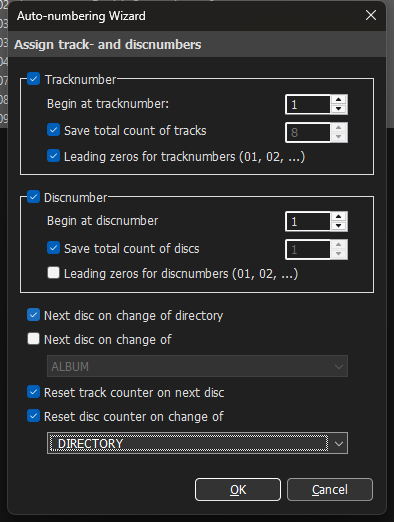
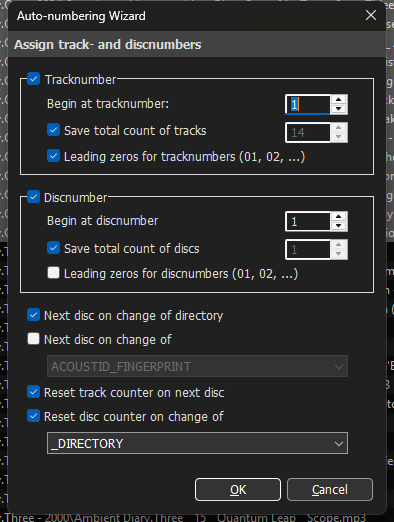
When I use it again, it reverts to the default settings and inserts %ALL% into the checkboxes. BTW., in my opinion, %_DIRECTORY% is usually more useful, and _DIRECTORY has been there for years (I don't remember if it was the default value, or if I set it myself and the program remembered it).
Is it possible to go back to remembering the contents of the settings in this window (or in every window, for that matter)?
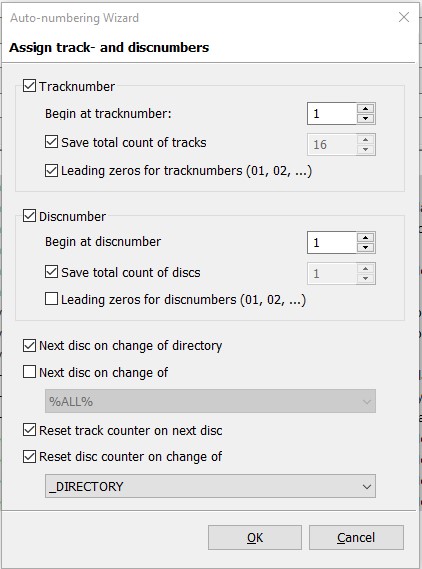
Before action:
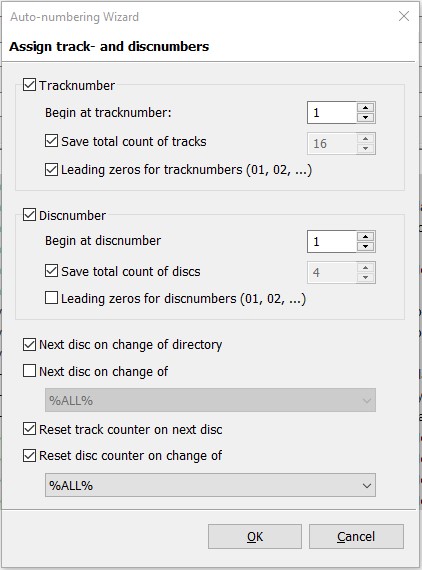
Next opening:
PS. I also don't see the _DIRECTORY command in the top checkbox. Is this a bug or a feature?
Hence my question here: is this a complete catalog of commands in both checkboxes? What if I have custom fields defined in tags? Does it include them or not?
TBH I cannot reproduce it. I have changed a couple of settings in the wizard, closed the wizard and opened it again and it showed the settings with which it closed.
The reference to fields with % around the name is only applicable in format strings. So to get the reference to %all% the field would have to referenced in format strings as %%all%% - if such a field does not exist, then the condition to reset the counter will never be met.
If you want to reference a user-defined field, then you have to type in the name.
"Checkbox" usually refers to the square elements that can be ticked to activate an option. Do you mean the dropdown list?
If you want to use the _DIRECTORY as trigger, please use the option "Next disc on change of directory" - the dropdown list only shows variable references to tag field names but not to properties whose name starts with an underscore.
I mean the dropdown list. Sorry.
What I want to achieve:
I have several discs organized in directories.
The disc number for multiple discs should be 1/1, but each disc should have its own truck number with a maximum number representing the number of tracks on the disc, e.g., 01/08 for an eight-track disc. After changing the directory, it should start renumbering with the new maximum number and set the disc number to 1/1.
This works and has always worked, but now the program inserts that unfortunate %ALL%!
I don't know why you can't reproduce this, but this problem also existed in the previous version of the program (when I previously reported a problem with the program remembering panel positions last week). After fixing that problem, I see that this problem still exists.
Let's do this. I'll take screenshots with the date and time, and you'll see that it doesn't work:
-
Call the function, of course, %ALL% appears in the default, I change it to _DIRECTORY and execute:
-
Call the function (as you can see from the date and time in the file name, it's right after the previous use).
The result: the task is completed as for _DIRECTORY, but there's no memory for _DIRECTORY, it's %ALL% again.
What more can I do?
I don't have a field called %all% - if you want to reset the field list to the default one without user-defined fields, then
- open Convert>Tag-Tag,
- click on the right-arrow-button next to the field list and
- select "Reset fields ..."
see if that helps to keep the entry.
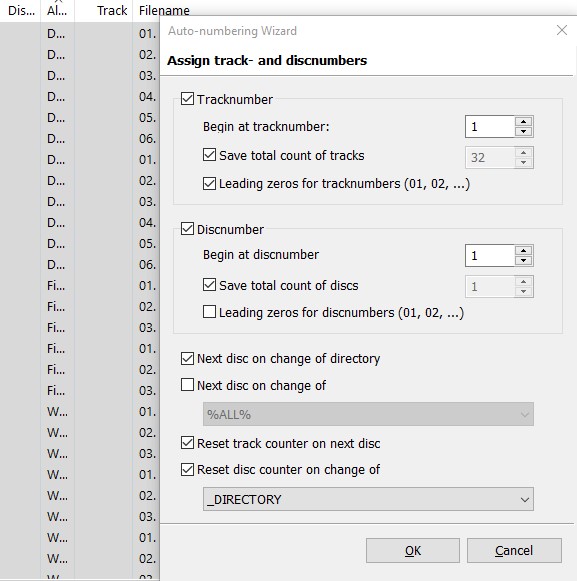
This is what the wizard looks like on my machine to test your settings
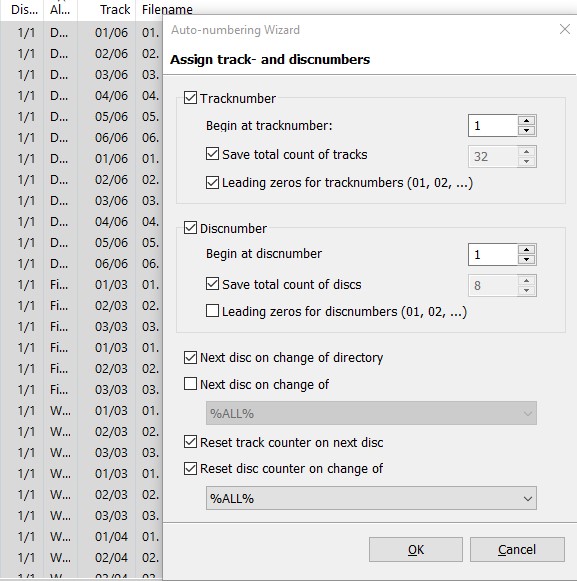
And this is the display after closing and selection of a different set of files (you see more total files - just to prove that it is really another call of the function)
To me it looks like the settings are remembered
I believe, you did solution.
As I understand the situation, that was my custom tag before _DIRECTORY on the list, so why it was the first on the list.
But I do not really understand, from where I had it, I am no so power user to do that 
Thank you for help