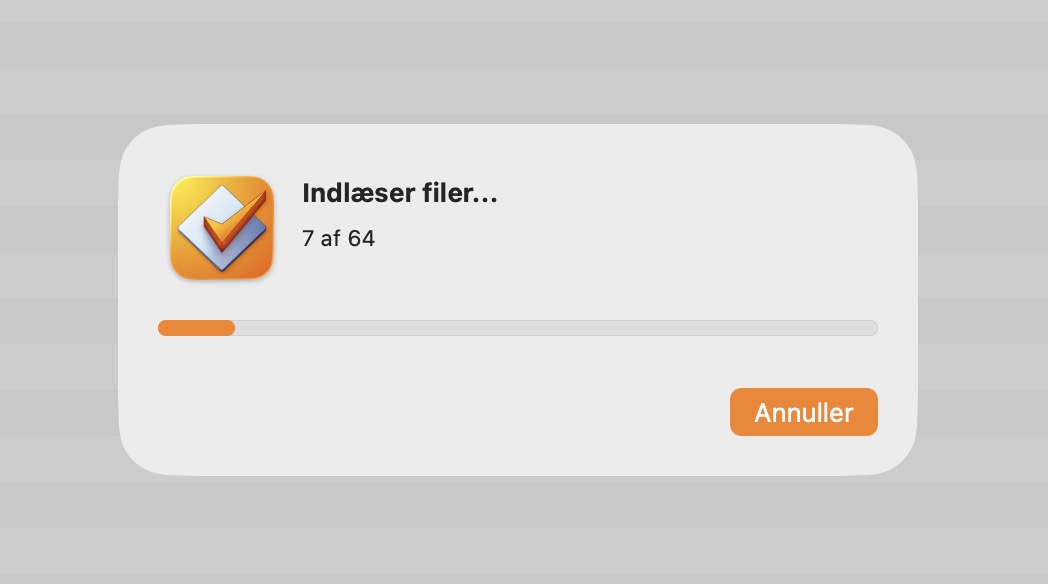
Issue: If you add files to Mp3tag, and press the Cancel button in the dialog that opens, the functionality to add things to Mp3tag stops working until the application is restarted.
Steps:
Add any number of files to Mp3tag, resulting in the "Reading files dialog".
Press the Cancel button in the "Reading files" dialog. (To make the dialog stay for a longer periode, add a long number of files to Mp3tag, or a file that is present in your favorite cloud drive service but not physically downloaded - iCloud Drive for instance)
Mp3tag now doesn't accept files dragged-and-dropped to its window anymore, and the File --> Add menu option doesn't do anything anymore.
I can reproduce it repeatedly, using version 1.12.2 (137). Do you want a movie, or is my description sufficient?
It is quite annoying, because I am currently working through a bunch of files I have in iCloud Drive, and i keep having to quit Mp3tag to make it work, if I am working faster than iCloud Drive fetches files.
Good call, there's definitely some timer involved. I triggered the bug, then waited 2 minutes, and it still didn't work. Then I waited 3 minutes more and now the app worked again!
And for whatever reason, after I did that testing, I now can't trigger the bug, despite having run into it 15+ plus before writing the initial post. I will test some more in a few days on my home machine, to see if I have triggered something with the waiting.
It's most likely related to the file currently being downloaded from iCloud. Pressing Cancel discards the progress dialog, but Mp3tag is still busy in the background until the current file is processed and eventually stops afterwards.