Hello,
I need some help to program the following.
I have built a field "Composer2" through checkbox.
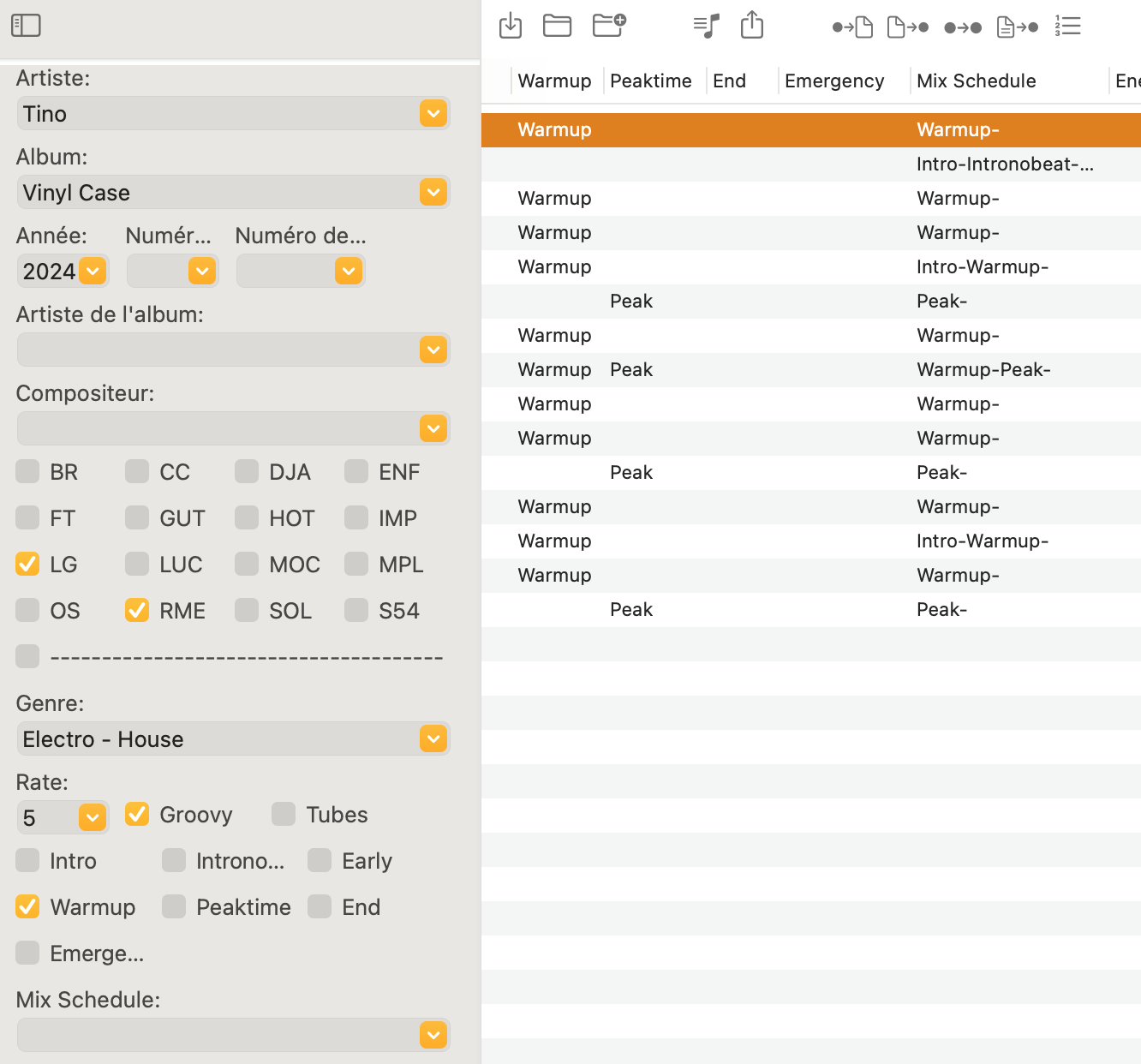
When I check a box in the tag panel, the field "Composer2" display the info.
Here is the value of each check box: $IF($%PL Deer Jade%=1,PL Deer Jade-,)
I would like to copy the output of the field "Composer2" into the field "Composer" without erasing the content of the field "Composer" which has currently this value: $metasep(composer,\\)
What function should I use in the value ? OR, AND, IF2 ?
This is no valid MP3tag scripting syntax.
I doubt that you can define a format string for a tag panel element, you can select only a field which is read and written to.
If you want to copy the field contents of one field to another, see the FAQs
If you want to add contents to a multi-value field, try as
Format string: $metasep(composer,\\)\\PL Deer Jade-
is not a valid syntax.
AFAIK it should be something like $if($eql(%PL Deer Jade%,1),PL Deer Jade,)
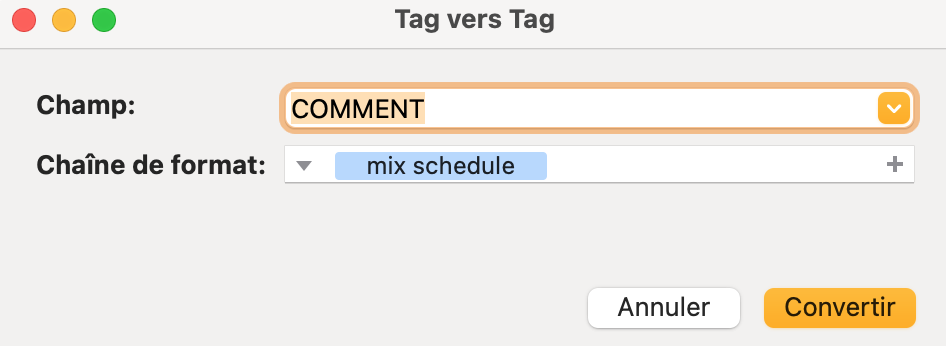
You can test this expression in Convert>Tag-Tag.
I doubt that you can use the display in a field list column to set the value of field automatically.
You would have to use an action of the type "Format tag field" for the target field with the format string that you applied so far for the value of the column.
Unless you really set a (new) value the field either does not exist or does not recognize the displayed value.
Please show us the action that you already have.
Or please show us the action with which you tried to add data to composer.
Basically, I already mentioned the necessary parts:
and
so, combine these 2 and get
Format string: $metasep(composer,\\)\\$if($eql(%PL Deer Jade%,1),PL Deer Jade,)
Taking in consideration that I have created a field "Mix Scheduled" that record the output of the checkbox: intro, warmup, peaktime, emergency, Groovy, tubes, End...
I tried to add %mix scheduled% into the action to replace the if function but it did not work. reason why I have added the If function...
Either the syntax for the Mac version is completely different from the WIndows version or you present something that has never worked and comes from some kind of AI source.
Again: I am pretty sure that the syntax
is invalid.
I would suggest that you verify first that this expression works at all or replace it with already mentioned code that I suggested earlier.
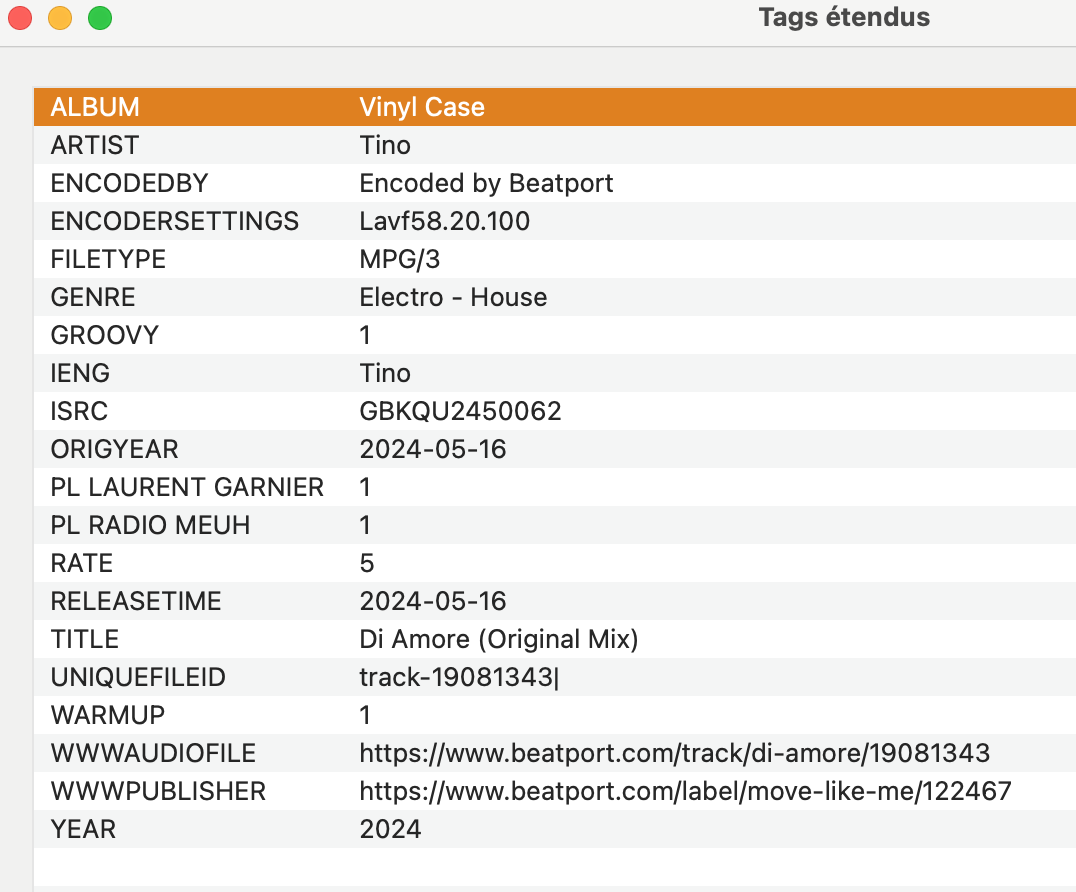
Please check the extended tags dialogue whether mix schedule has a value at all (=exists)?
On a side note:
I would create a test file and supply a value for one of your user-defined fields like intronobeat and then check if the expression for mix schedule returns "Intronobeat-" - to make sure that the expression works
I meant the extended tags dialogue that opens with Command-T.
Please show us the extended tags dialogue and the definition of the item in the tag panel.
Or: the field, that you filled in the file list also has to referenced in the tag panel item definition to show the same data.
I did command-T and the field "mix schedule" is not in the list...
mix schedule field is recording the output of the checkbox: Intro, Warmup, peaktime,...
Warmup = 1 is displayed below in the extended tags dialogue.
Warmup = 1 because the warmup checkbox is checked on the left tags menu
The column in the file list only displays stored data but the display is not enough to also write it to a field - in this case mix schedule.
The field mix schedule has not/never been filled with data.
You need an action of the type "Format tag field" to write data to a tag field.
So, after you have filled the various fields like "Warmup", "Early" etc. with the 1, you have to run the action of the type "Format tag field" for "mix schedule" with the format string
And you have to run that action, every time you change something in the individual parts of the schedule.
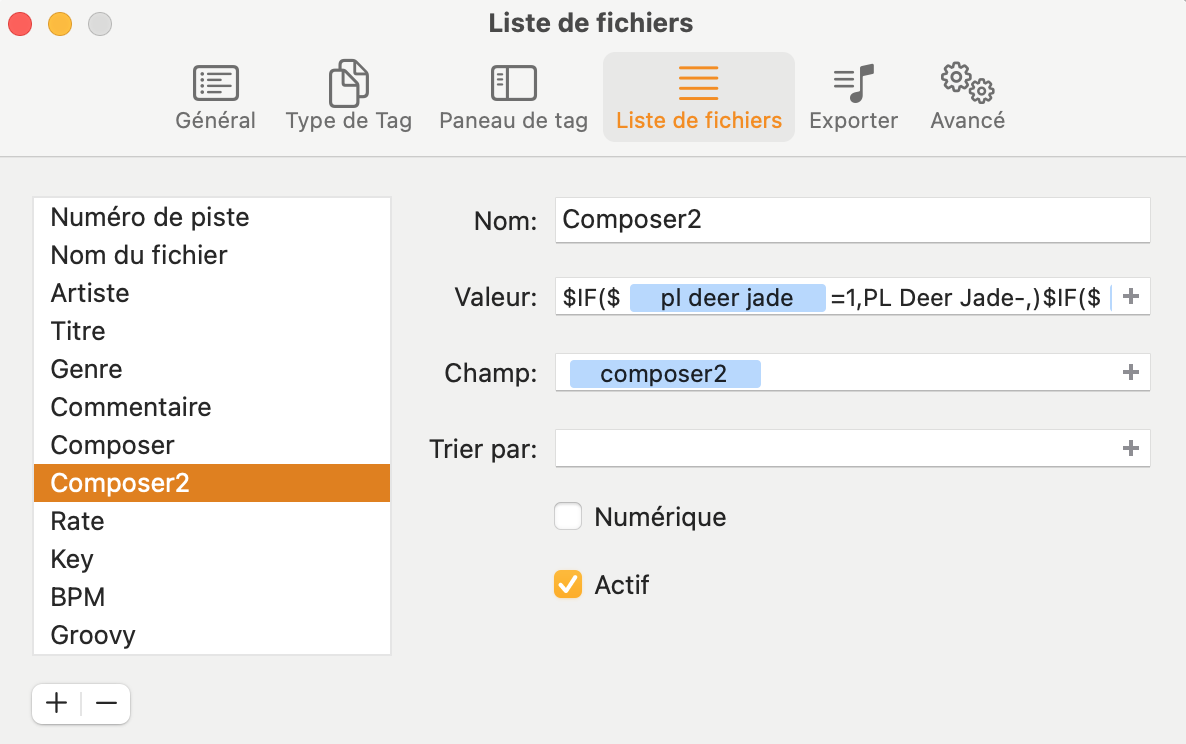
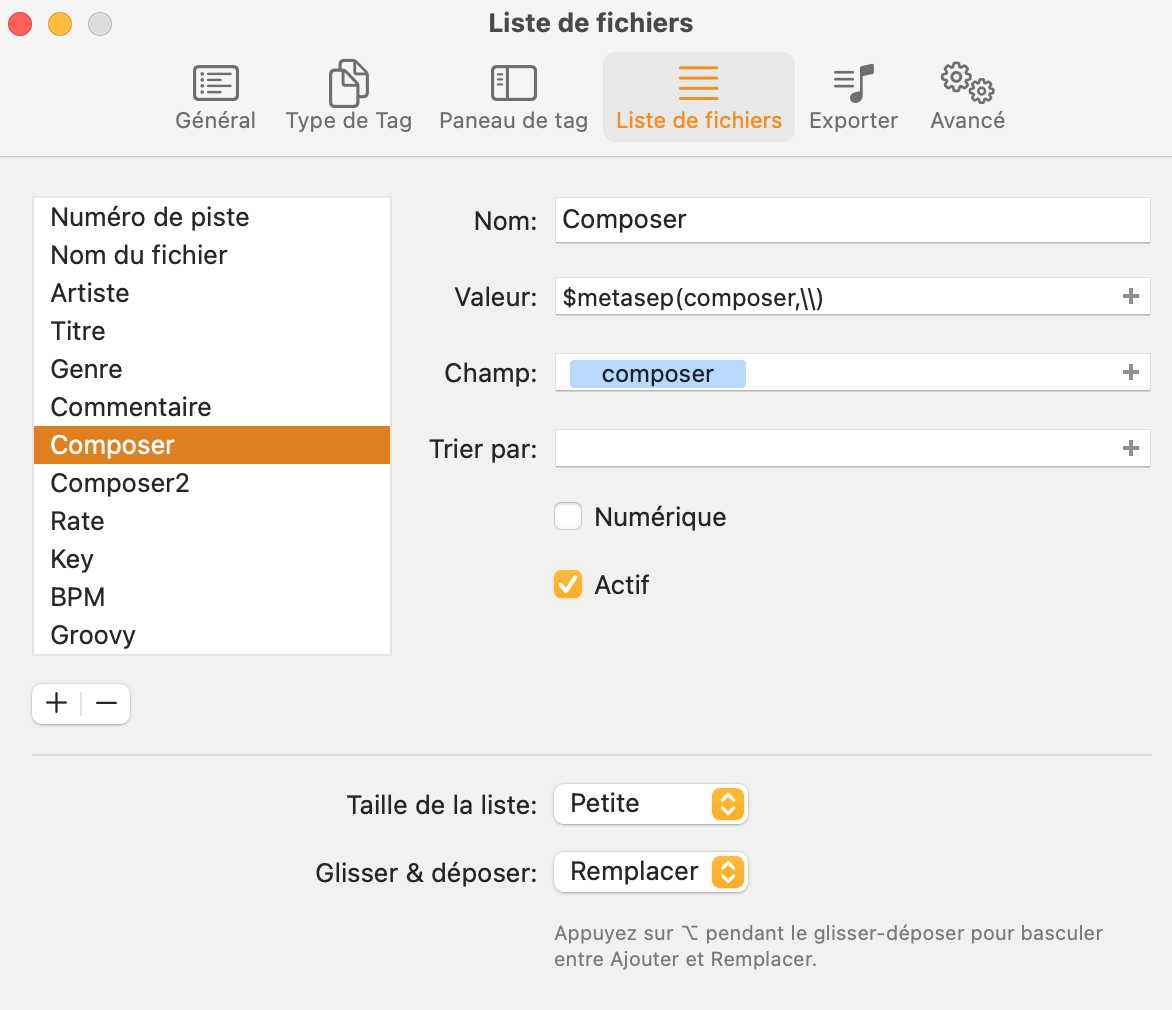
 but the column "mix schedule" has the correct info ( see print screen)