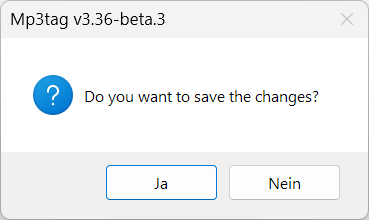
I found one situation where D&D works, but the cover will not be saved, even if you confirm "Do you want to save the changes?":
Steps to reproduce:
- Open Mp3tag with some random tracks
- Do not select them.
(If they are selected automatically, deselect all tracks by clicking on a empty space in the File List) - Drag & Drop an random image to the Cover Art placeholder, the image appears there
- Click on one of your tracks.
Depending on your settings, this question-messagebox appears:
- No matter which option you select (Ja or Nein or Yes or No), the cover will not be saved - this is obvious and logical, as you have not selected any target tracks beforehand.