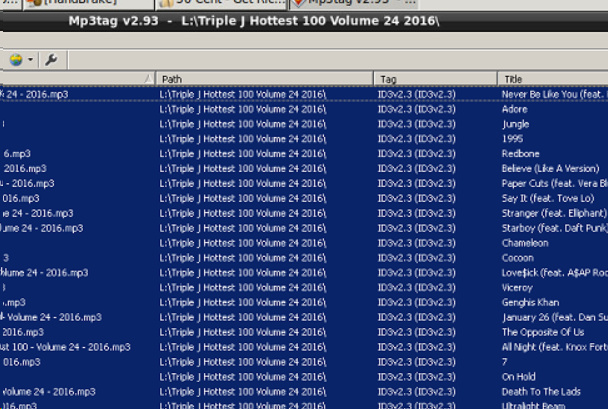
Hi,
I have been using Mp3tag for many years with Linux/WINE and hats off to you guys, cause its worked without issue for a long time.
Recently I updated to 2.9x and started getting a "Directory cannot be accessed" error when opening a folder via the command line. If I roll back to 2.83 it works again.

The command I'm using:
#!/bin/bash
export DISPLAY=:0

if [[ -f $1 ]]; then
  echo "is filename"
  1=$(dirname $1)
fi

wine ~/.wine/drive_c/Program\ Files\ \(x86\)/Mp3tag/Mp3tag.exe  /fp:"$1"
I'm running Mp3tag on Ubuntu x86 18.04 with WINE 4.0
Any ideas on how to fix this?