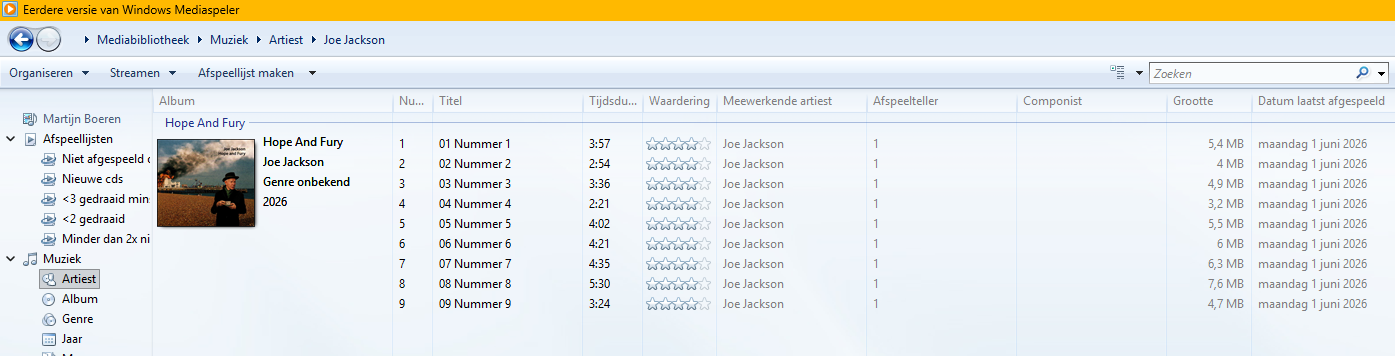
Since Windows 11, I have installed "Earlier version of Windows Media Player" because it has a play counter. This is the old classic Windows Media Player.
In the past, mp3tag worked fine with Windows Media Player, but since I reinstalled it under Windows 11, it has the name with the prefix "Earlier version of..." and sometimes reads some data that I added with mp3tag, but 99% of the data is not displayed.
Is there a setting that I need to adjust in Windows Media Player?
Isn't this a problem for the Microsoft support forums?
In general: screenshots help in many cases.
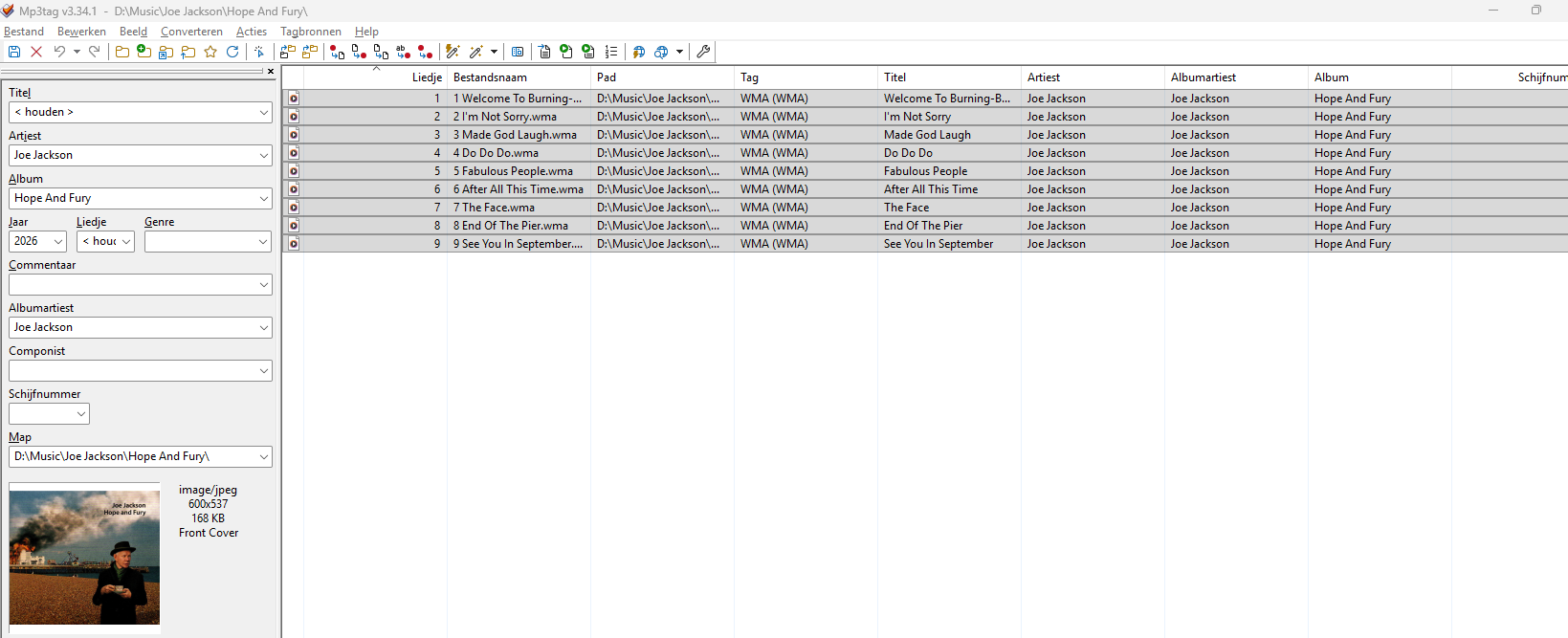
If you suspect a problem in MP3tag, then a screenshot esp. of the extended tags dialogue would help.
Do you have problems will all the files or just new ones?
A note on the WIndows Media player: I am using it in W11 and also see it as "legacy Media player" - but it works just as it used to when it still had the shorter name.
So perhaps you compare the old Media player settings and the new ones.
In general: take care that WMP has the music folder (or where the music files are stored) in its music library.
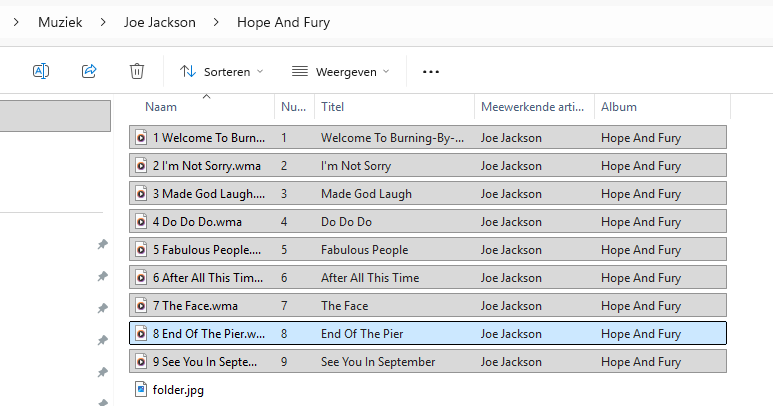
If files appear that are missing tag data (but it is in the files - it looks that way in the screenshots! Thank you for those) - then delete these files from WMP and immediately afterwards execute in WMP Extras>Enhanced>Restore deleted library elements
and check if the data returned.
Just a footnote: m4a files are no mp3 files - they behave differently.
I think the problem is in WMP and not MP3TAG. Hoped someone would know how to solve this. If I delete the files from the library and then bring them back it works, but to do that every time costs too much effort. And I lost all play counts and play dates, etc. I use WMP for the play counter...
Please be aware that there is no verification process using WMP. This means the program does not identify if there were errors during the rip, even using lossless formats. So your music files could contain skips or dropouts. Just a recommendation, consider programs like dbPoweramp or EAC that have a feature called AccurateRip that verifies your rips against others through an online database. It isn't foolproof but in most cases since you are comparing perhaps against hundreds of others, it is pretty reliable.
I cannot force you to modify your workflow - I can only point to where issues may arise with the use of this tool chain.
It would be up to you to determine what is more important: the playcounter or the tag data - or whether there are other programs (like e.g. Foobar2000) that are more flexible and versatile than WMP.
If you rip the files with WMP, then it could be an idea to update all the tag data before you play the files for the first time. Then the update of the WMP database would not delete the play counter.