Based on this idea here, I enhanced my example Export configuration script.
MyColumnsExport (with Filter, Sort, Player, Cover) v1.2.mte (37,9 KB)
(download it and place it in %appdata%\Mp3tag\export)
Speed-optimized v2.0:
This Mp3tag export script creates a HTML-page for all selected tracks.
Features:
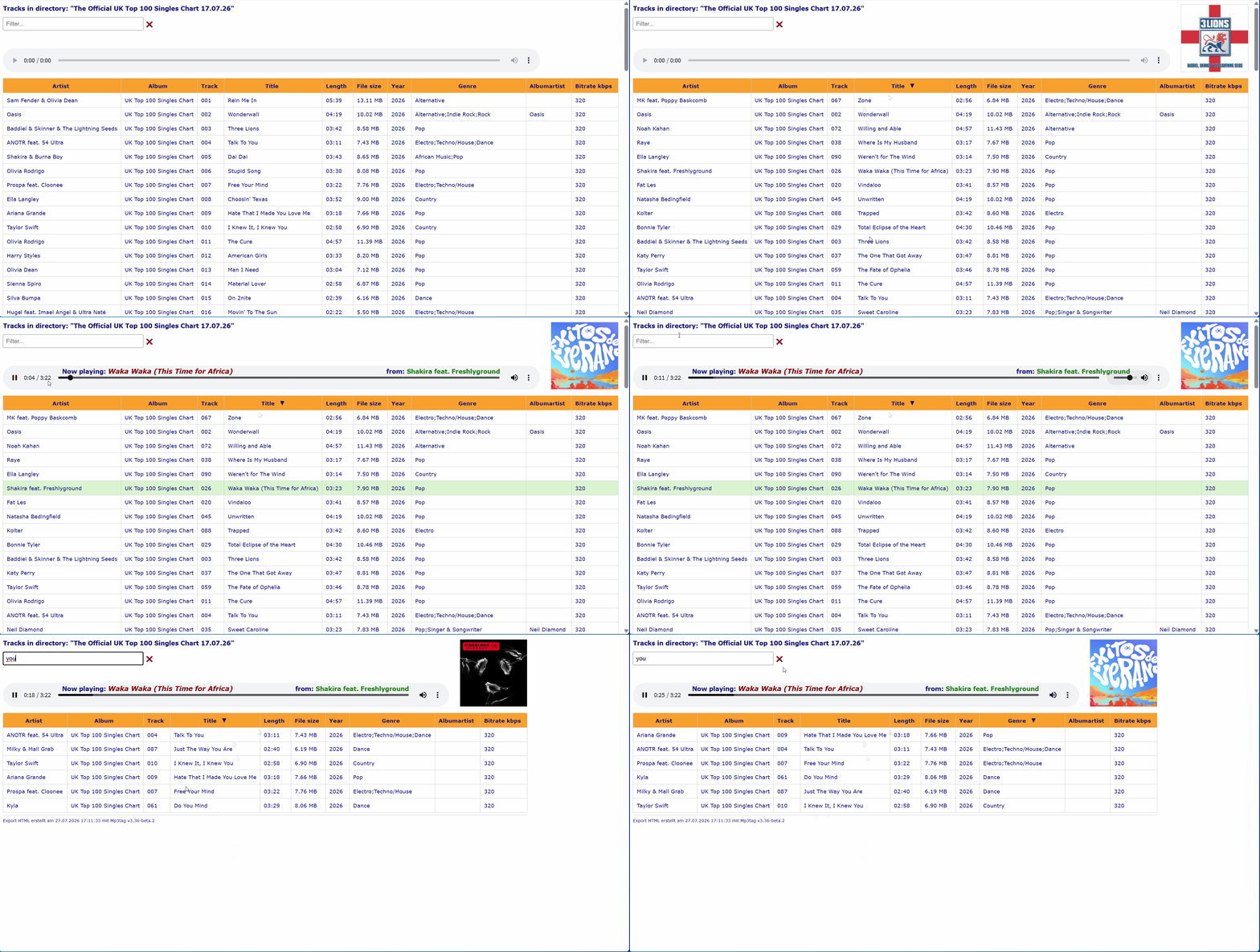
a) Sort your tracks by any column (by clicking on the column header) in ascending or descending order, by size in MB/KB, or alphabetically or numerical
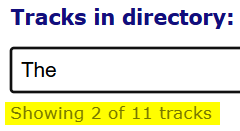
b) Filter your tracks by entering any character that your filtered track TITLE has to include
c) Play your local track by clicking anywhere on the row. The embedded HTML5 browser-player controls include Play/Pause, Volume, Mute and Position, which you can access via the large slider.
d) Display the track cover. If you export the covers for your selected tracks with an Action "Export Cover to file" and the Format string .\Covers\$num(%track%,2) - %title% hovering over the TITLE column displays such covers. When you click on a song to play it, an existing cover art will remain in the top right-hand corner.
Important:
Such a HTML page is not a replacement for Foobar, VLC, or any Jukebox or Media Manager!
This template only demonstrates the potential of an HTML page enriched with JavaScript code.
Those interested can take a look inside the .mte. I have documented all its functions and styles. You might get an idea of what is possible with File -> Export and some JavaScript skills.
Final hint: This script has been tested in Google Chrome, Microsoft Edge, Opera (Blink), Mullvad Browser, and Firefox (Gecko).
All core features work consistently across these browsers. However, due to limitations of the Gecko rendering engine, the HTML5 player supports fewer design and styling options in Firefox and Mullvad Browser than in Blink-based browsers.