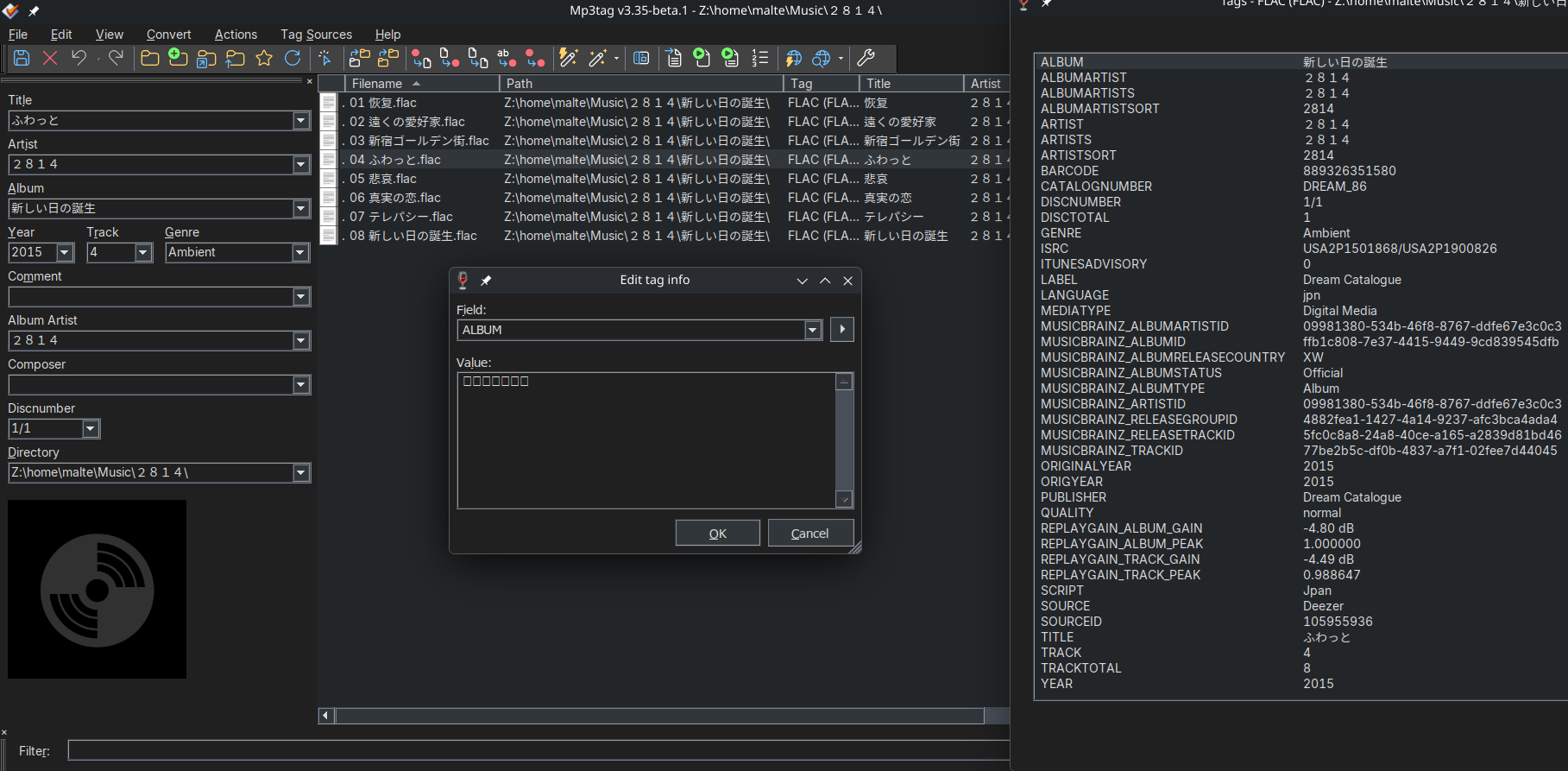
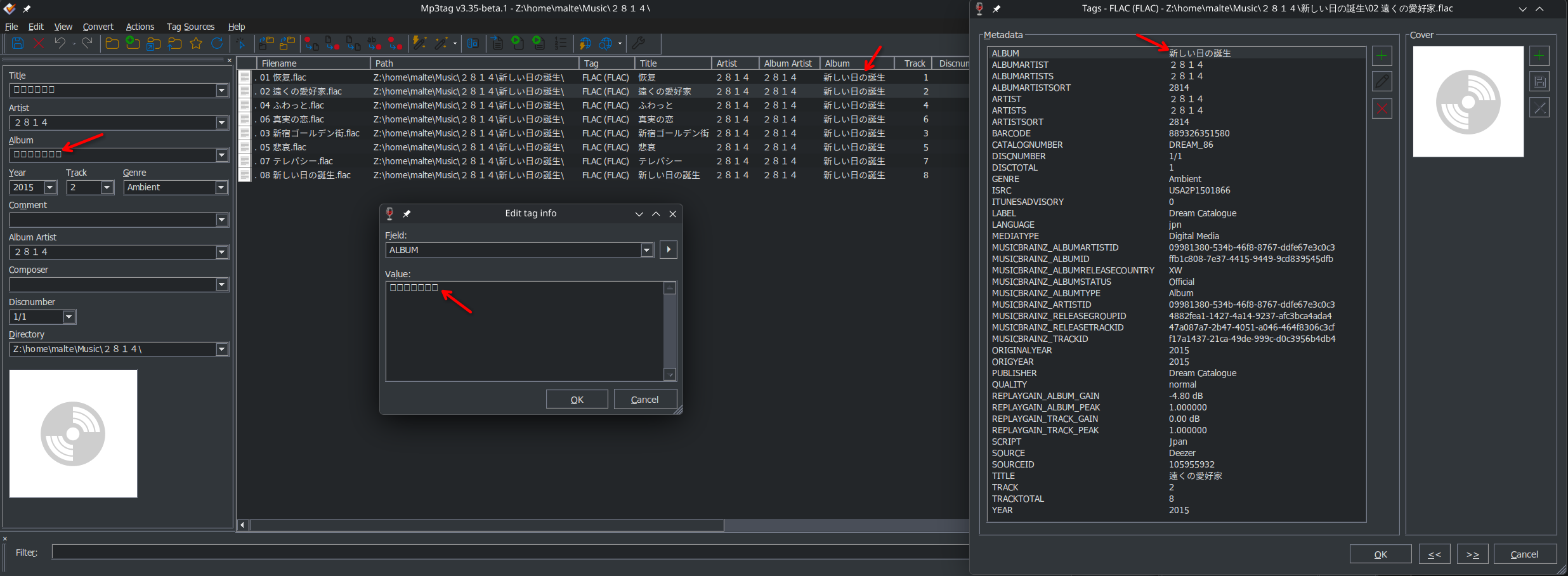
So my first guess is that Mp3tag defaults to a font without CJK support in Wine. Which font does it try to use by default? Perhaps it can be supplied via winetricks or installed on the host system?
Update:
While searching for solutions I found a matching Wine issue from 2024.
It is some time since I used Wine, but you have to install Unicode fonts, those are not included. Which one depends which Windows you emulate, with winetricks you can use allfonts which should solve it for most cases.
The Wine issue I referenced already stated that installing allfonts via winetricks did not resolve the issue.
To be sure, I just installed allfonts for my Mp3tag prefix and it changed nothing.
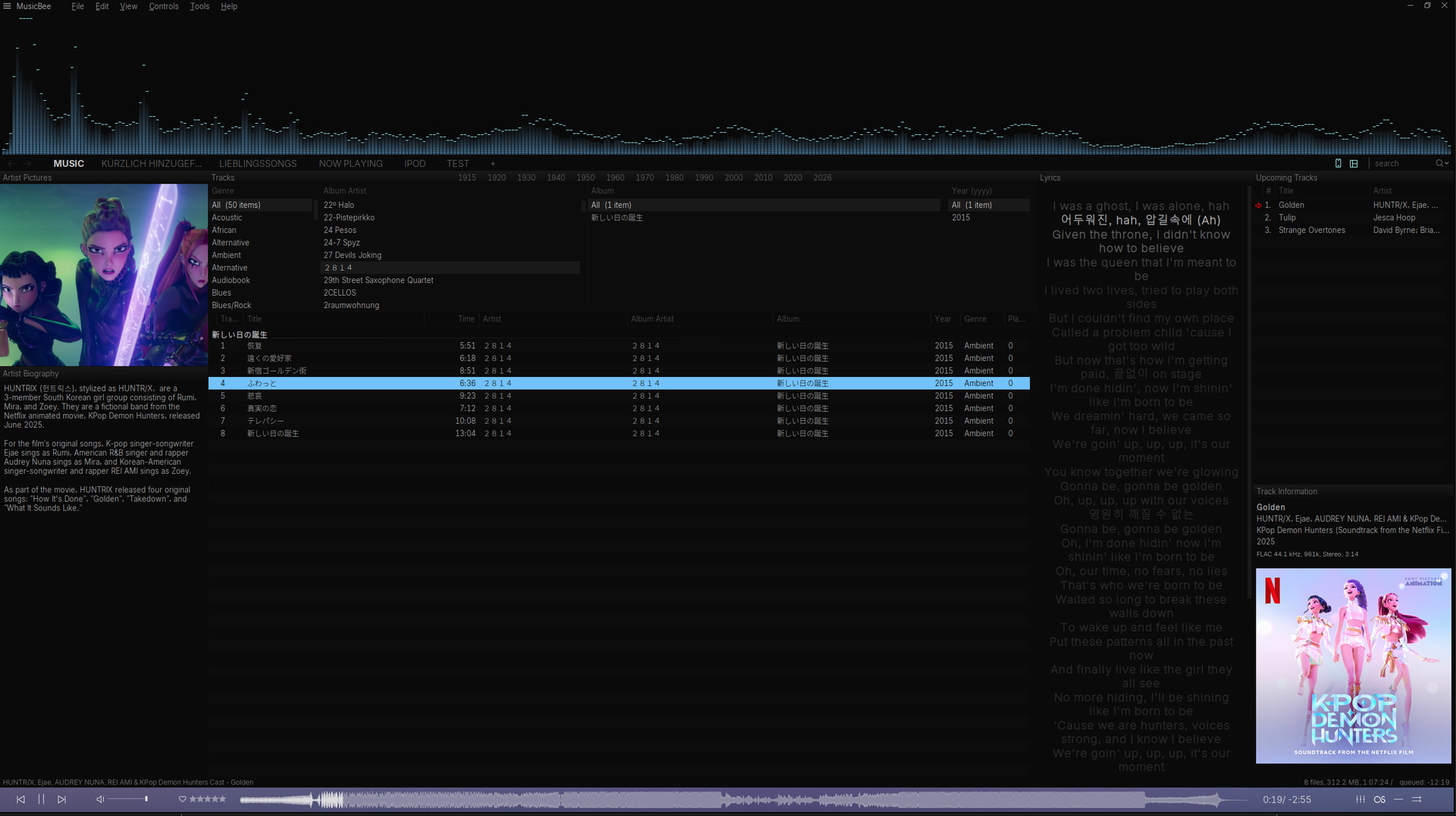
I had similar problems with MusicBee in Wine, despite having installed allfonts.
Finding a font available to MusicBee that is able to display Japanese and Korean symbols at the same time was fruitless.
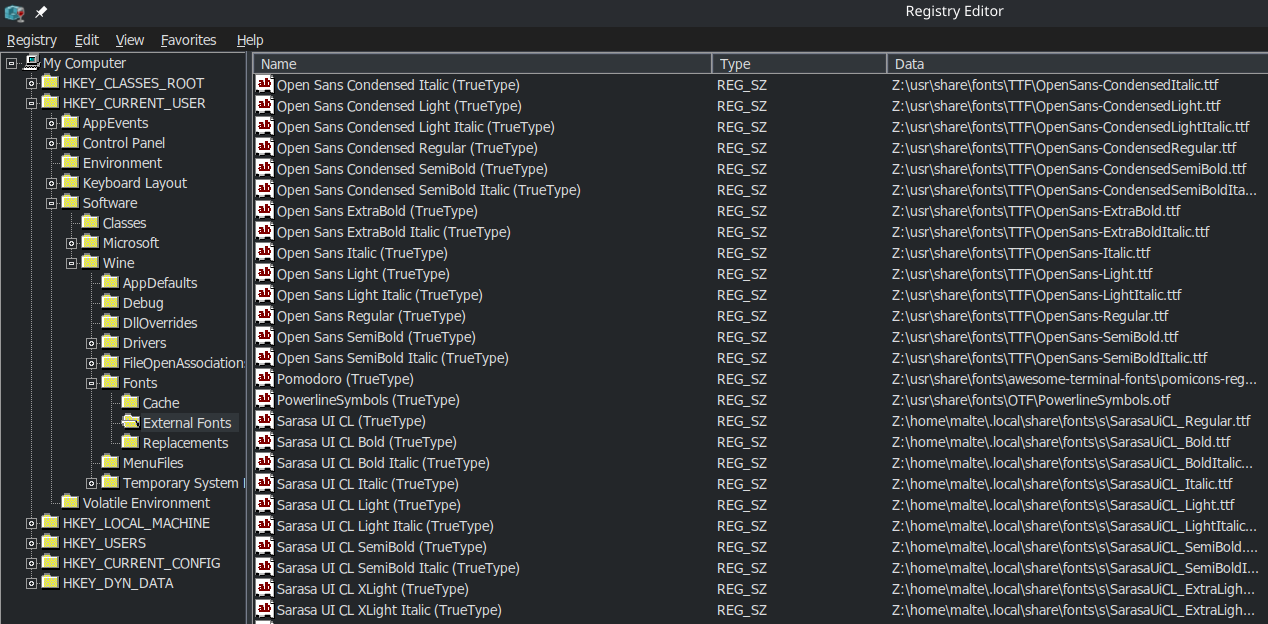
In the end I installed Sarasa Gothic on the host. Since Wine has access to the host fonts, I was able to simply select that in MusicBee after restarting Wine and all my problems went away.
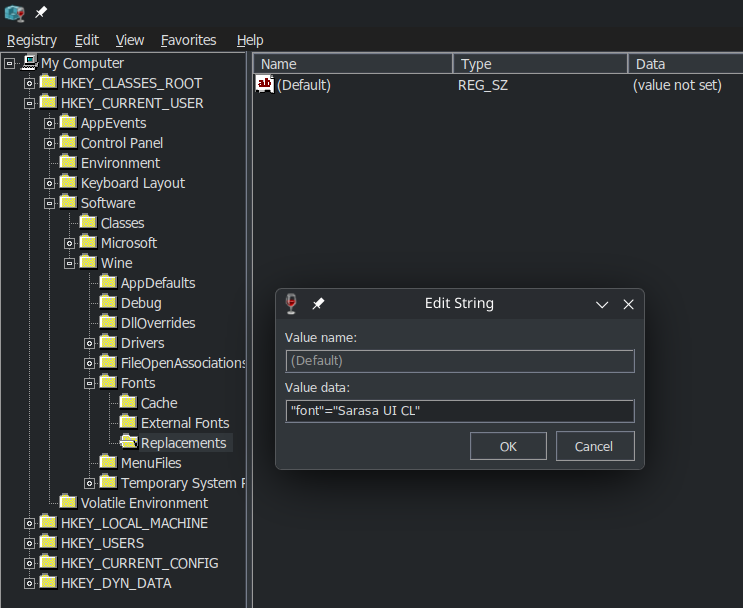
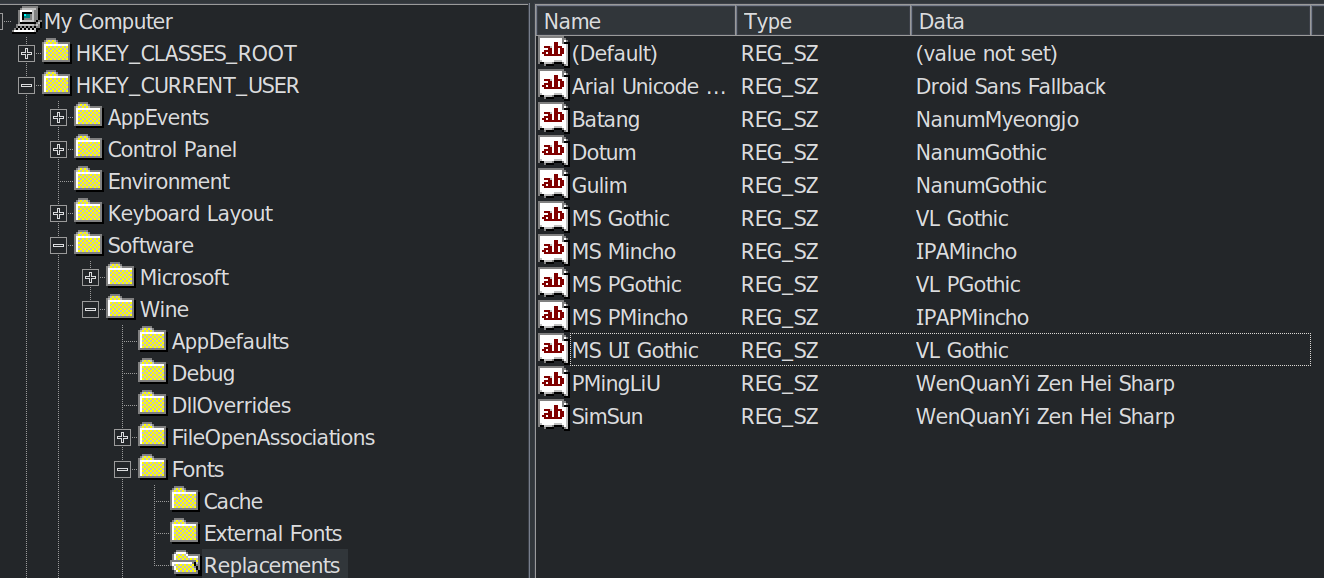
Pity that I didn't try it on Fedora first. That would've spared me the embarrassing syntax mistake since there were already a few font replacement registry entries present.
So far, replacing MS UI Gothic works, but only partially.
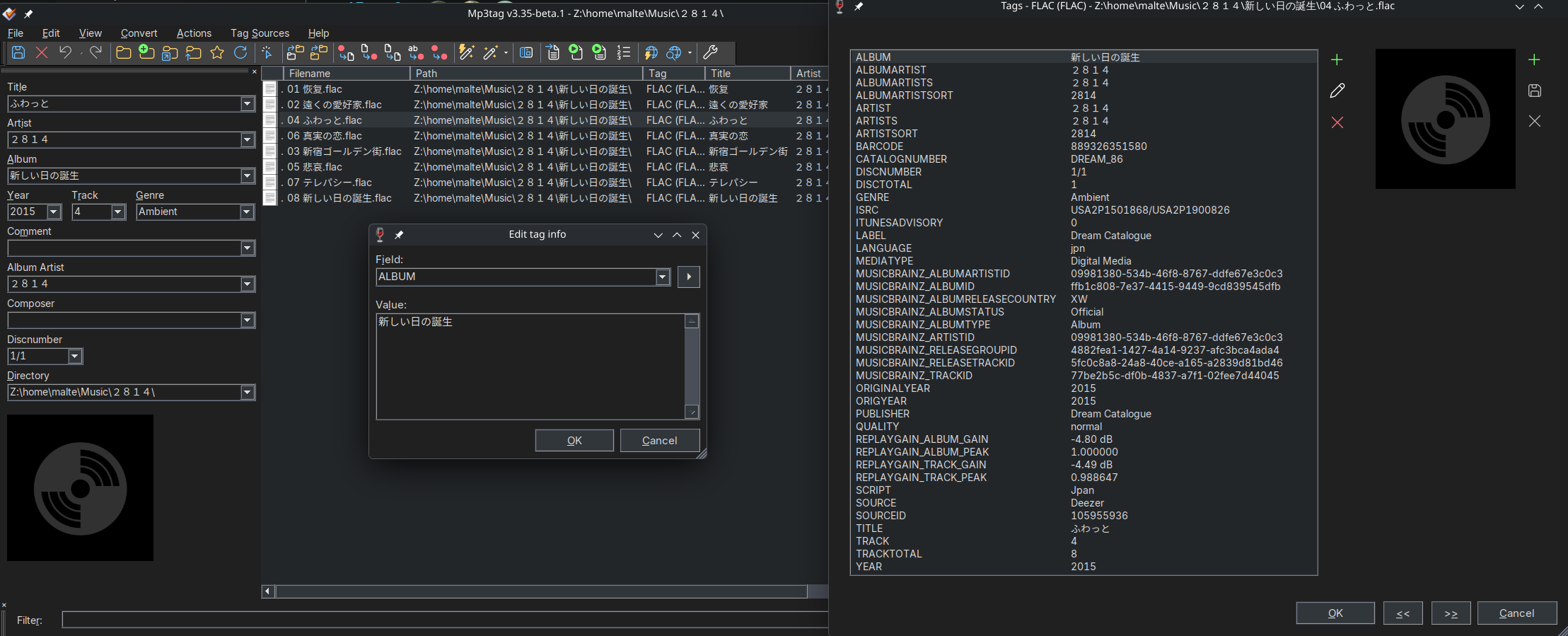
While the tags are correctly displayed in the columns and the extended tags, they remain squares in the tag panel (at least the Japanese) and even the properly displayed values in the columns (and extended tags) instantly turn to squares when I try to edit them.
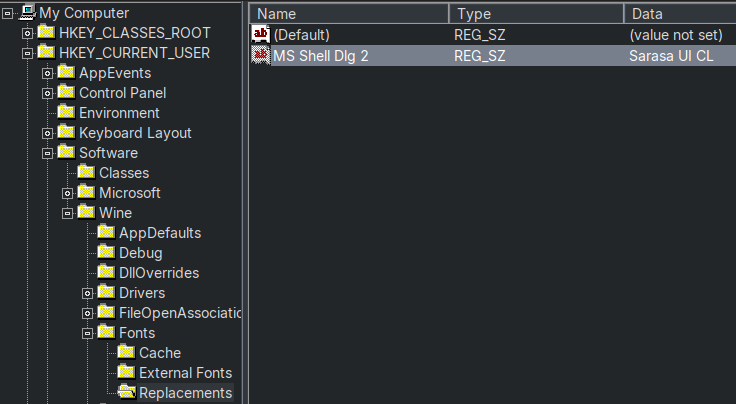
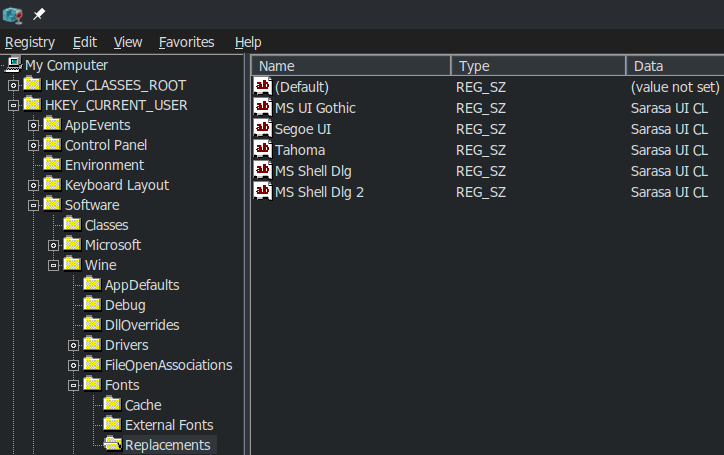
MS UI Gothic = Sarasa UI CL
and MS UI Gothic = Noto Sans CJK JP
behave the same way in this regard.
Replacing Tahoma did nothing for me.
Was that the only font you replaced?
I've tried these (only MS UI Gothic) led to changes):
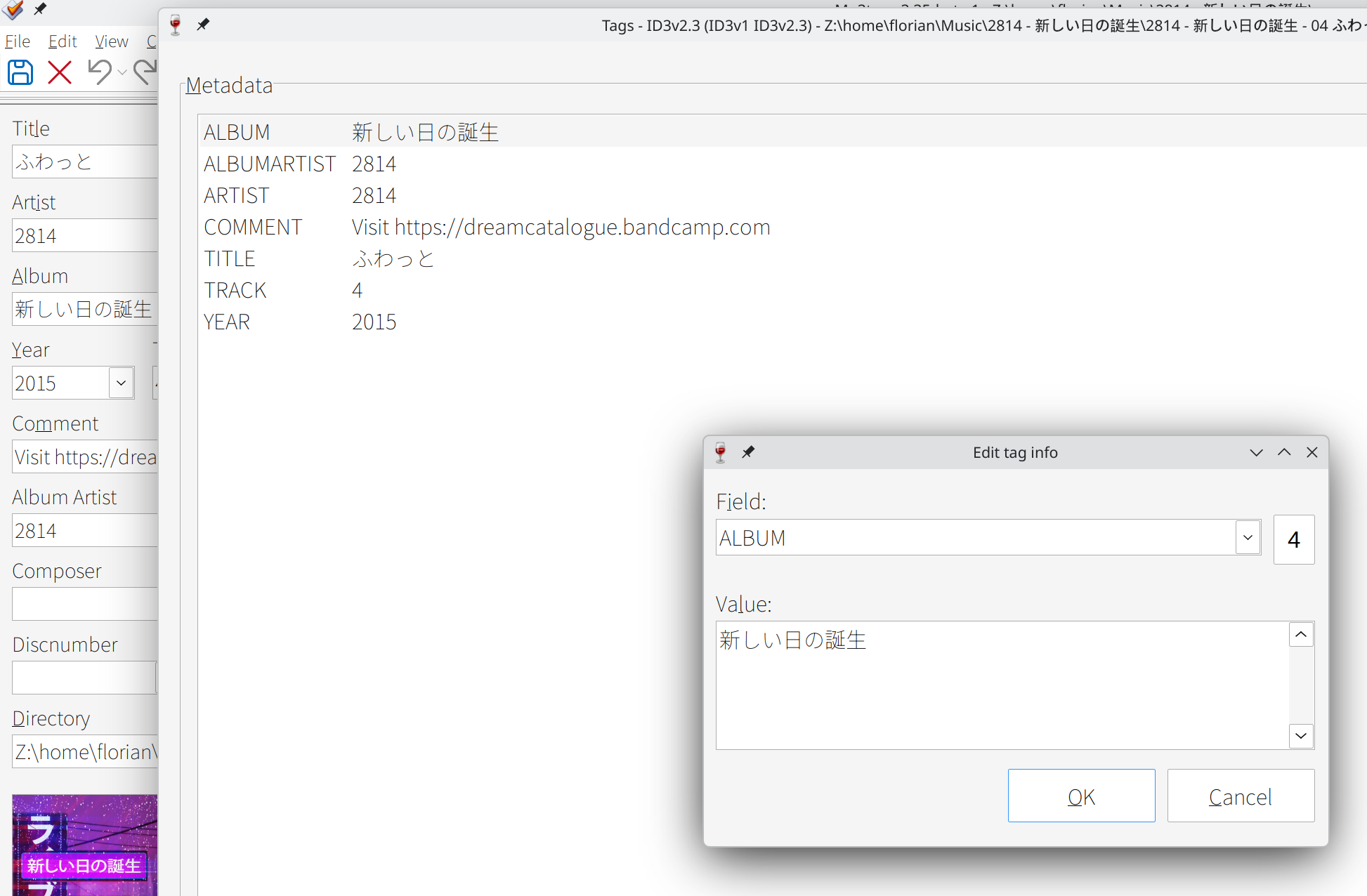
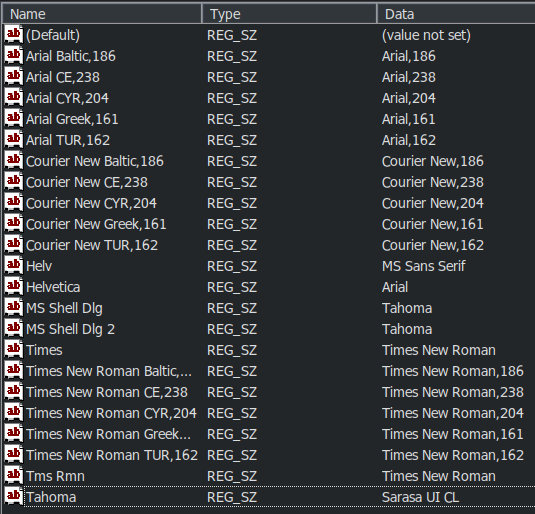
I've only replaced Tahoma and it worked right away. It's the font that is used as an example at winecfg's Graphics tab to display an example of the screen resolution.
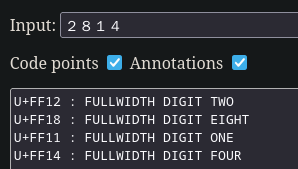
The only thing font-related I've noticed is the 4 that's shown as label of the field and format helper menus. I'm using the Marlett font internally, that usually renders this character as 🞂
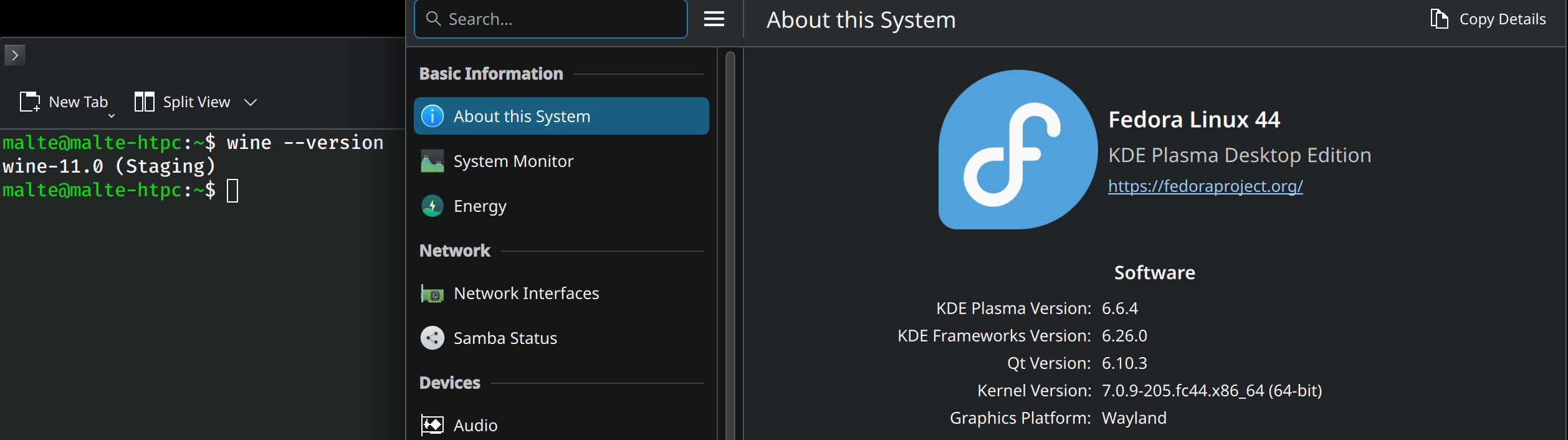
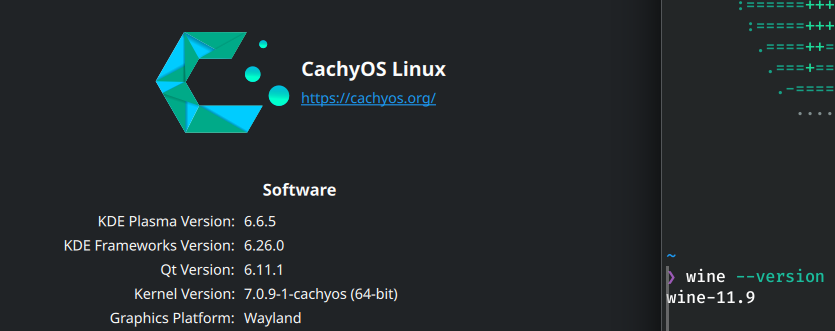
Replacing MS UI Gothic with Sarasa UI CL or Noto Sans CJK JP yields identical results as on CachyOS (display usually correct until I edit, then squares).
It's also used for that on my systems, but replacing Tahoma changes nothing.
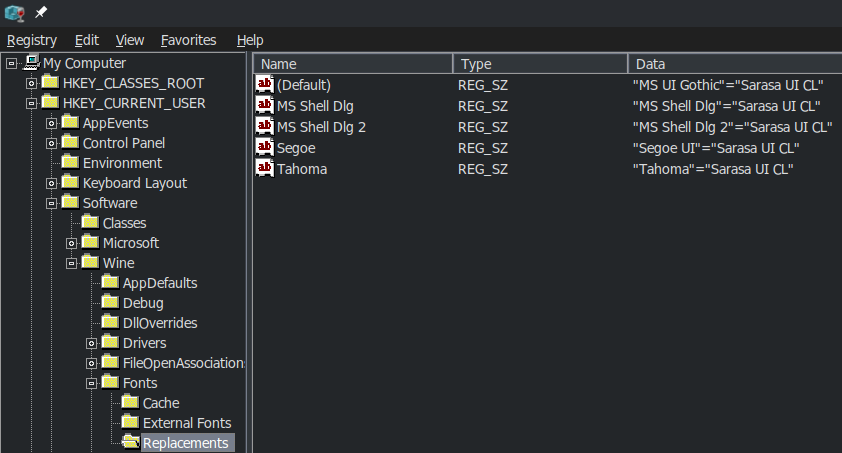
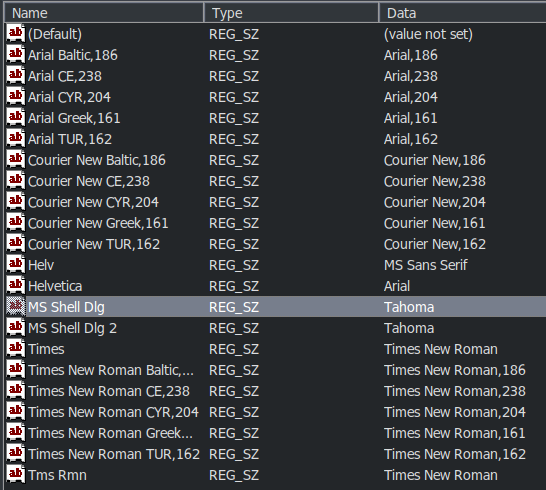
also plays into this? I had entries for MS Shell Dlg and MS Shell Dlg 2 mapped to Tahoma there, and removing those made the boxes reappear (most likely because Wine Replacements Tahoma wasn't mapped to Noto Sans CJK JP anymore).
I can confirm that changing the Tahoma value here makes the squares reappear in Mp3tag. But replacing MS Shell Dlg/MS Shell Dlg 2 with Sarasa UI CL instead of Tahoma here doesn't work either.
I still find it odd though that I had to perform 2 replacements while for your case, one sufficed.
Once I've confirmed that this works the same way on my Fedora host I'll finalize my Mp3tag on Linux notes. Can I post that guide in the Howto category or would you prefer General Discussion ?
Anyhow, thanks a lot for your help! One step closer to permanently ditching Windows.
Interesting:
I still had some leftover replacements in HKEY_CURRENT_USER\Software\Wine\Fonts\Replacements
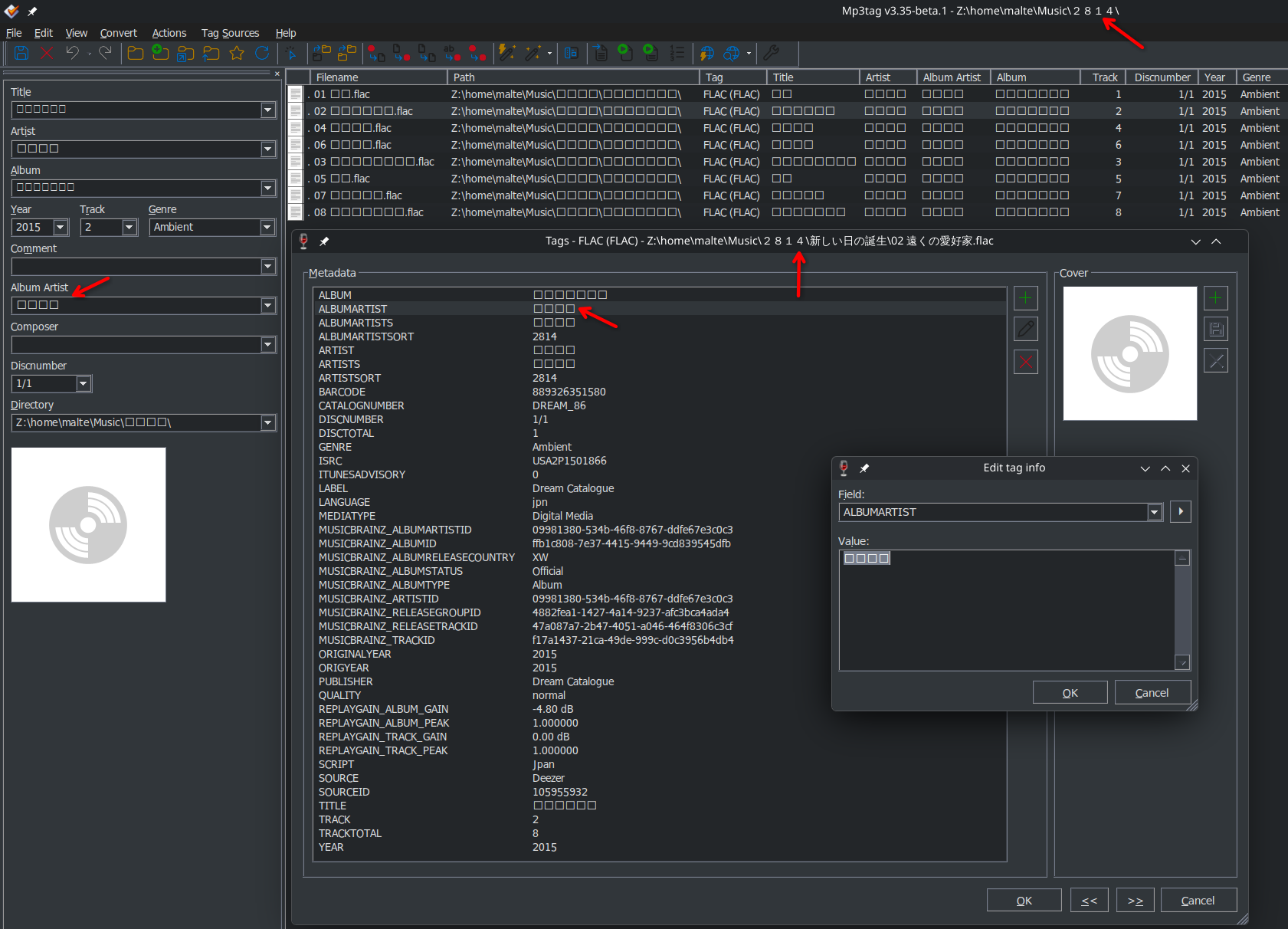
When I removed all of them, I once again had squares, but only in editing fields.
With Sarasa UI CL, the only ones with crossed squares are Armenian, Hebrew and Tamil.
With Noto Sans CJK JP it's Armenian, Greek, Hebrew, Tamil and Vietnamese.
Would be nice to have a font that can handle all of them but now that we know where and what to replace, it should be possible to find one.


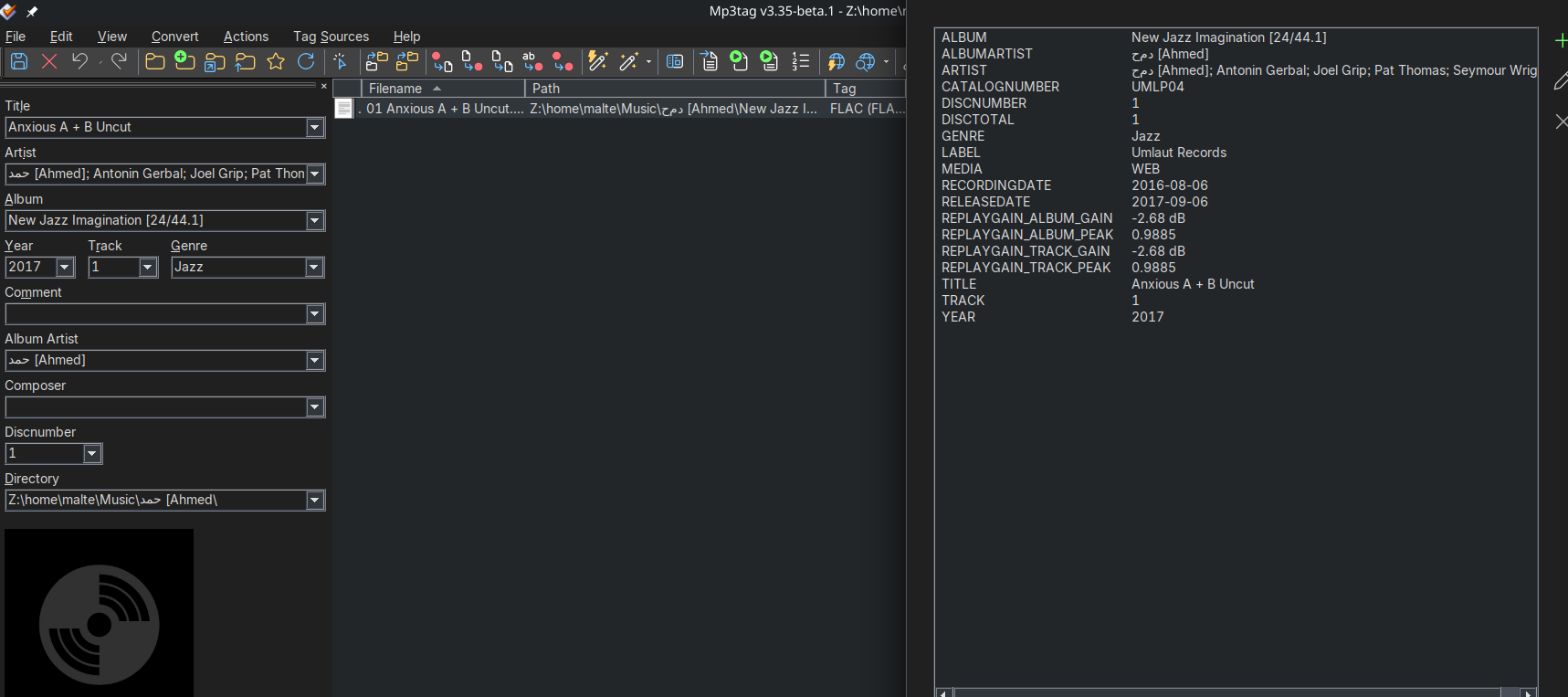
 Something worth noting is, that it probably doesn’t show Arabic characters when a CJK font is configured.