It would be useful to be able to adjust the width of the tag panel. I don't use large fields and have tags listed one per line. This leaves a lot of unused space on the right hand side of the panel which I would prefer to allocate to the column display.
Right click anywhere in the tag panel, or use the options menu.
You can highlight any of the tags you show, and choose from four different sizes, plus a multi line option for large fields like comments,
You can adjust the width using the right border of the tag panel. Drag it to the left to reduce the size of the tag panel:

Thanks - I got that but my problem was the width of the panel - it seems to have a minimum width = max field size.
Thanks, but the problem is that the minimum width seems to = max field length. My fields are all smaller than the max size and I end up with superfluous space on the right hand side.I would like the panel width to equal the field size.
For a better understanding:
Could you please show us a print screen of your (smallest possible) tag panel?
The tag panel can be moved to above or below the column display.
It can also be used as a separate window, disconnected from the menu bars and column display.

Thank you but this does not solve my problem. My panel contains medium size fields, one per line. I want to keep it where it is but make it the width of a medium sized field. It will not shrink to that size (the minimum width seems to be equal to the length of a large field size),
How do I attach a picture to this?
Press "Reply" and then use the upload button:

Or
Drag & drop the picture from your explorer into your answer
Or
Copy & paste the picture from your clipboard into your answer
Can you just use the large field size and resize the width of the Tag Panel to the desired size (e.g., your sense of medium size)?

Hi Florian,
Reviving this request for your consideration. With the Tag Panel docked left and all fields set to small, dragging the right border stops at a minimum that's noticeably wider than any field, leaving an unusable strip to the right of every field. Shrinking the fields doesn't lower it, so the panel seems to enforce a fixed minimum independent of field widths — about 30% wider than I need.
Could the minimum track the widest enabled field (plus margins), or expose an explicit width setting?
Mp3tag 3.35.1
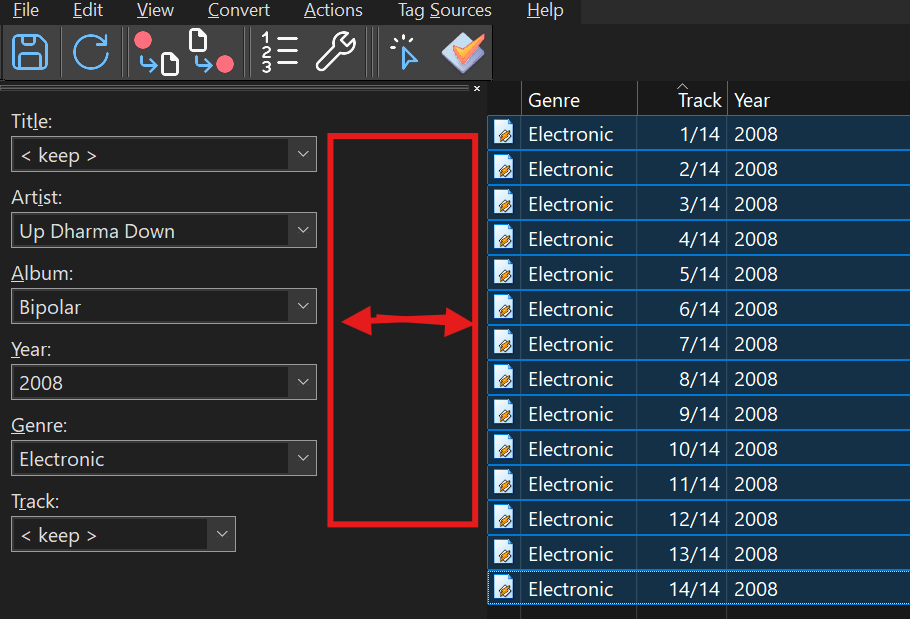
, Windows 11. Screenshot attached.
Thanks for the great software.
Have you tried what I suggested here?
If you grab the tag panel by its top edge, you can drag it completely off of the main Mp3tag window. This will un-dock the tag panel. Then you can shrink the tag panel width to whatever width that you want. With this method, there is no restriction on the width.
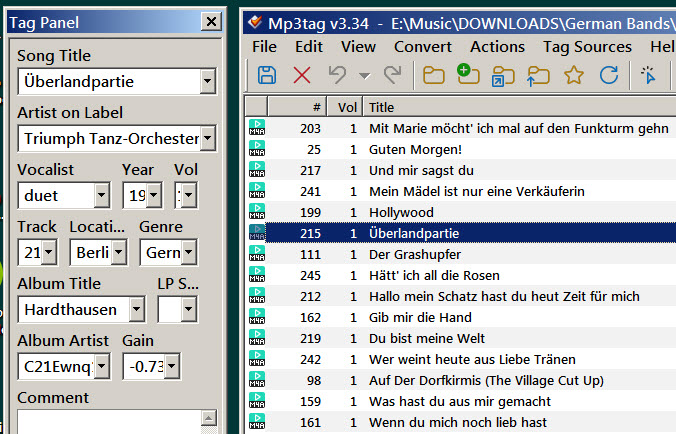
The new tag panel size and location will be preserved when Mp3tag is reopened.
UPDATE: as reported below by @LyricsLover, this technique does not work on Windows 11. My screenshot was taken on Windows 7.
I have tried this, but similar to the poster before me, the panel does not resize horizontally smaller below the 450px displayed.
I tried to reproduce the view of the Tag Panel.
If I set all fields to "small" and put a separator between all fields, it looks like this:
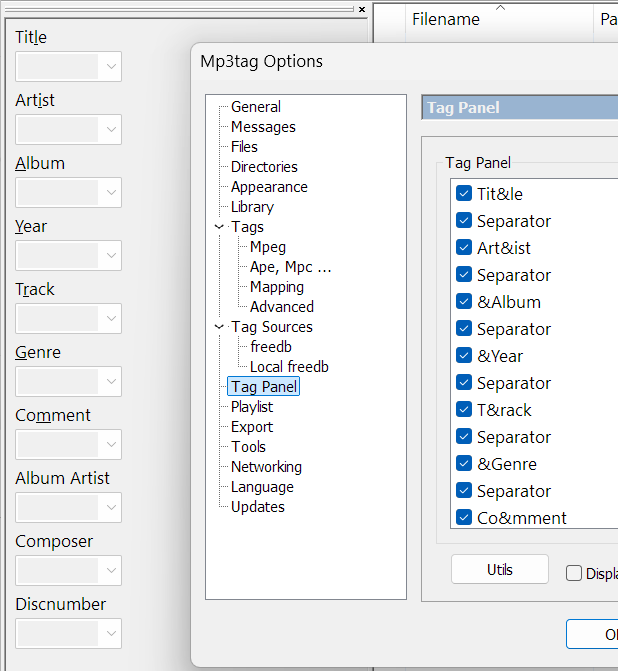
It seems not possible to reduce the width of the Tag Panel at this left position:
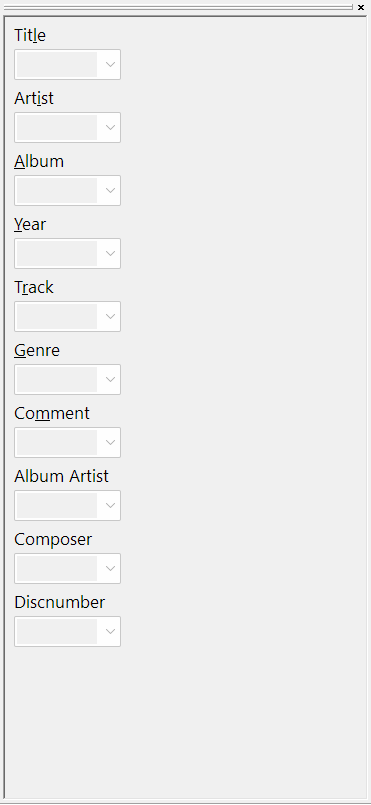
If you move the Tag Panel to the top, its height can be reduced like this:

If you move the Tag Panel to the right, a minimum width remains:
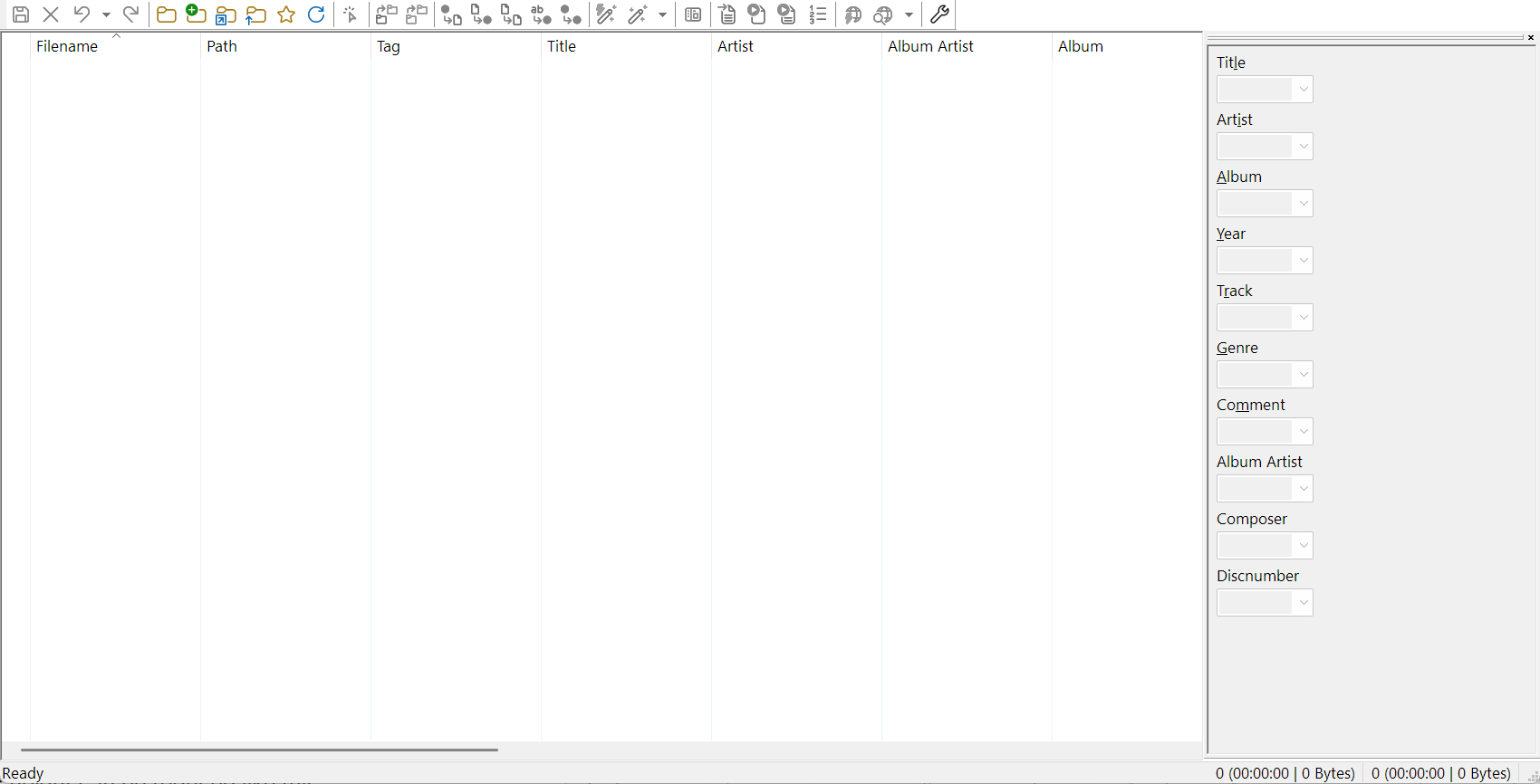
Could the separator(s) be causing the issue?
I can not confirm that on my Windows 11 with Mp3tag v3.36-beta.2.
Even when undocked, the Tag Panel leaves a minimum amount of space between the necessary field width and the window border:
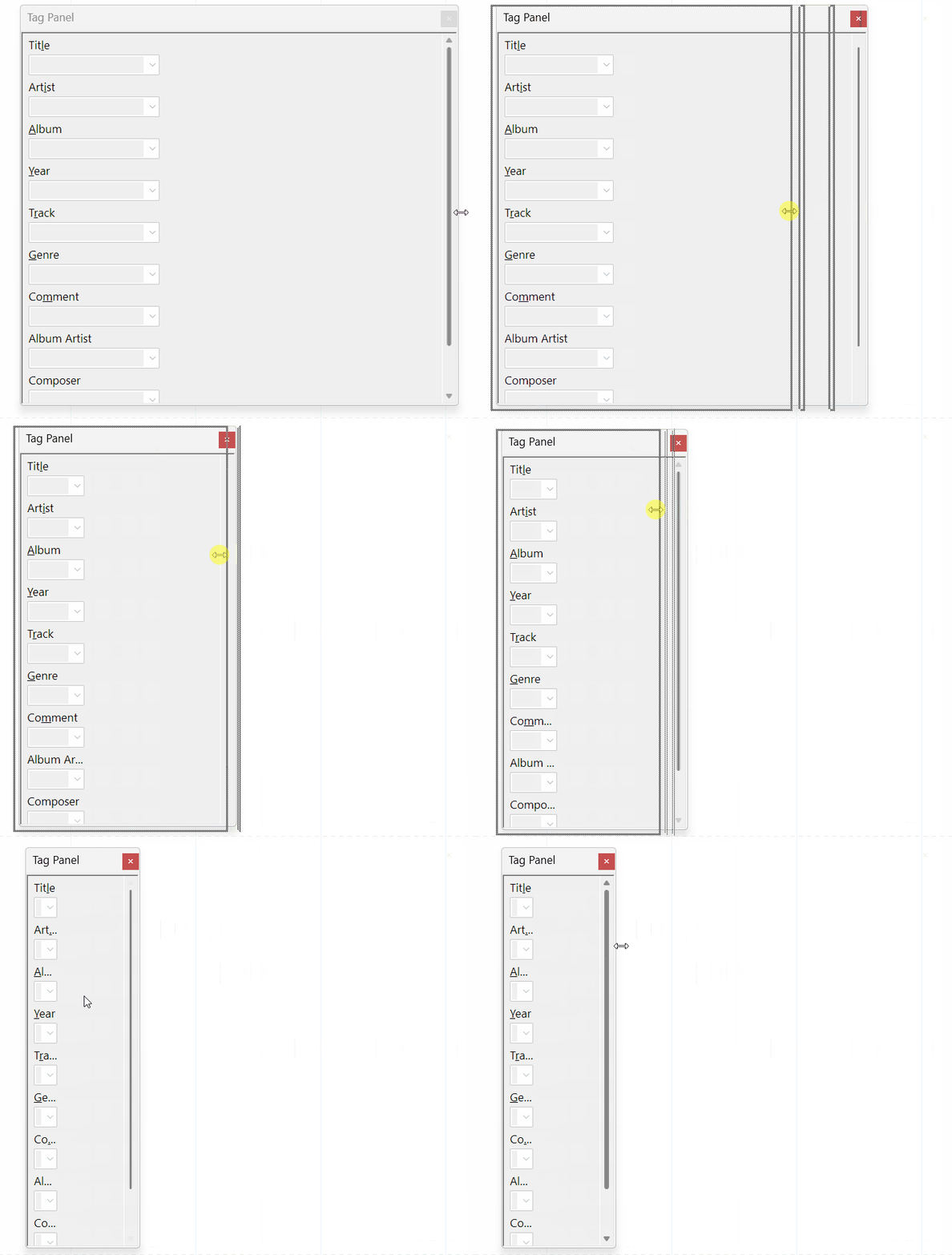
That is a surprise. I am using Windows 7 and apparently that makes the difference. It's curious that MS would decide to restrict user flexibility with window width....