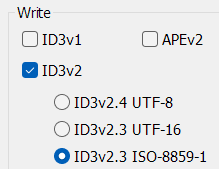
It is true that Florian provided an excellent explanation...
I should have been more precise in my question.
Let me rephrase:
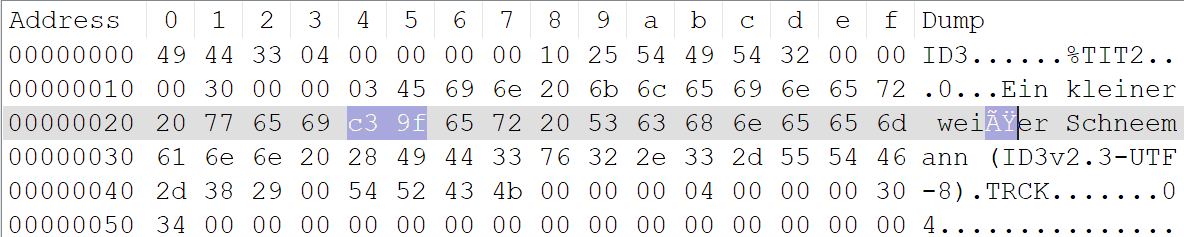
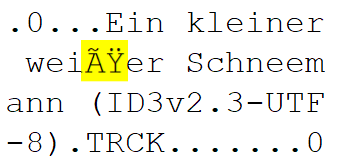
Given everything that has been discussed on this topic, does anyone have any ideas on how to help resolve the issue involving the "ß" character, which @MikeB mentioned in his post above?
I'm sorry, but you lost me here. Florian suggested a solution (use a different encoding, not UTF-8), and in the next post MikeB confirmed that it worked. What other problem do you mean?
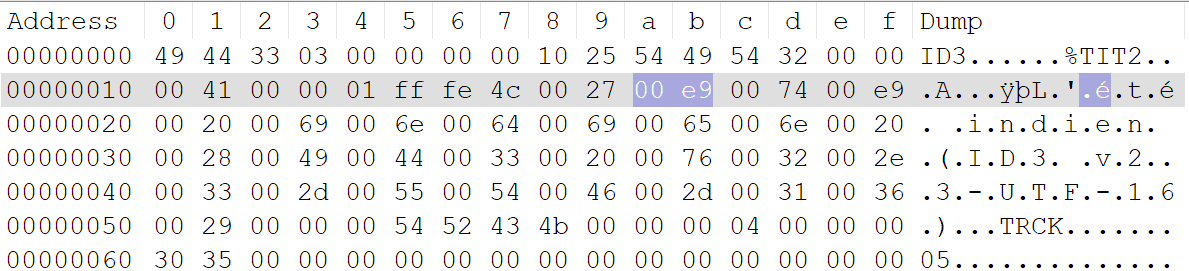
The title L'été indien contains the special character é. However, this doesn't necessarily mean that the file uses UTF-8 encoding.
The same character can be encoded in different ways:
Encoding
Representation of é
ISO-8859-1
One byte: E9
UTF-8
Two bytes: C3 A9
UTF-16
Two bytes: 00 E9 (Big Endian)
An older MP3 player might therefore display é correctly if it is encoded using ISO-8859-1, but fail when encountering the same character encoded in UTF-8.
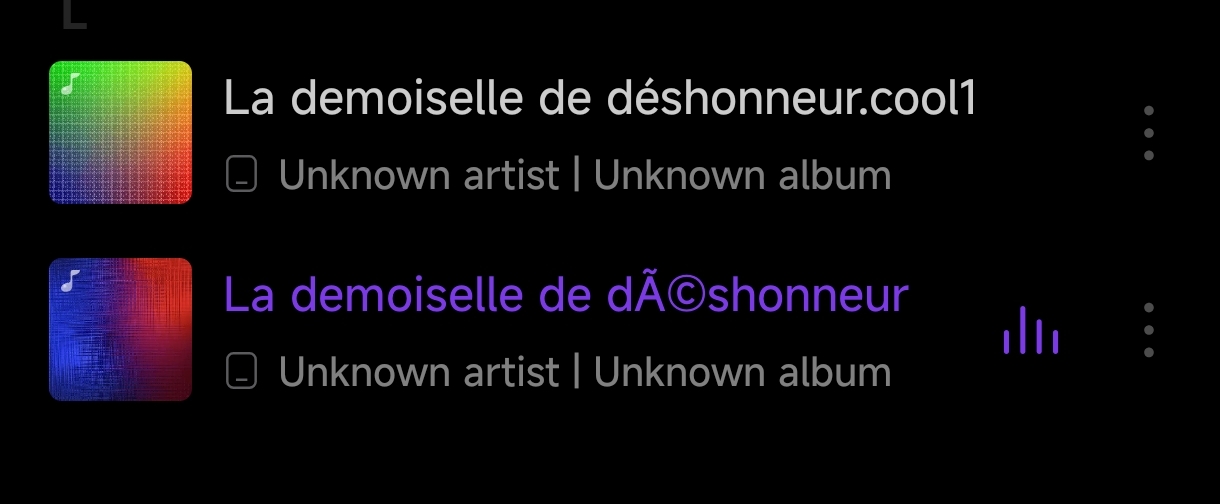
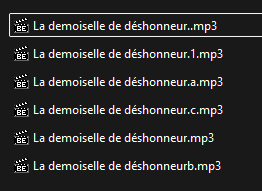
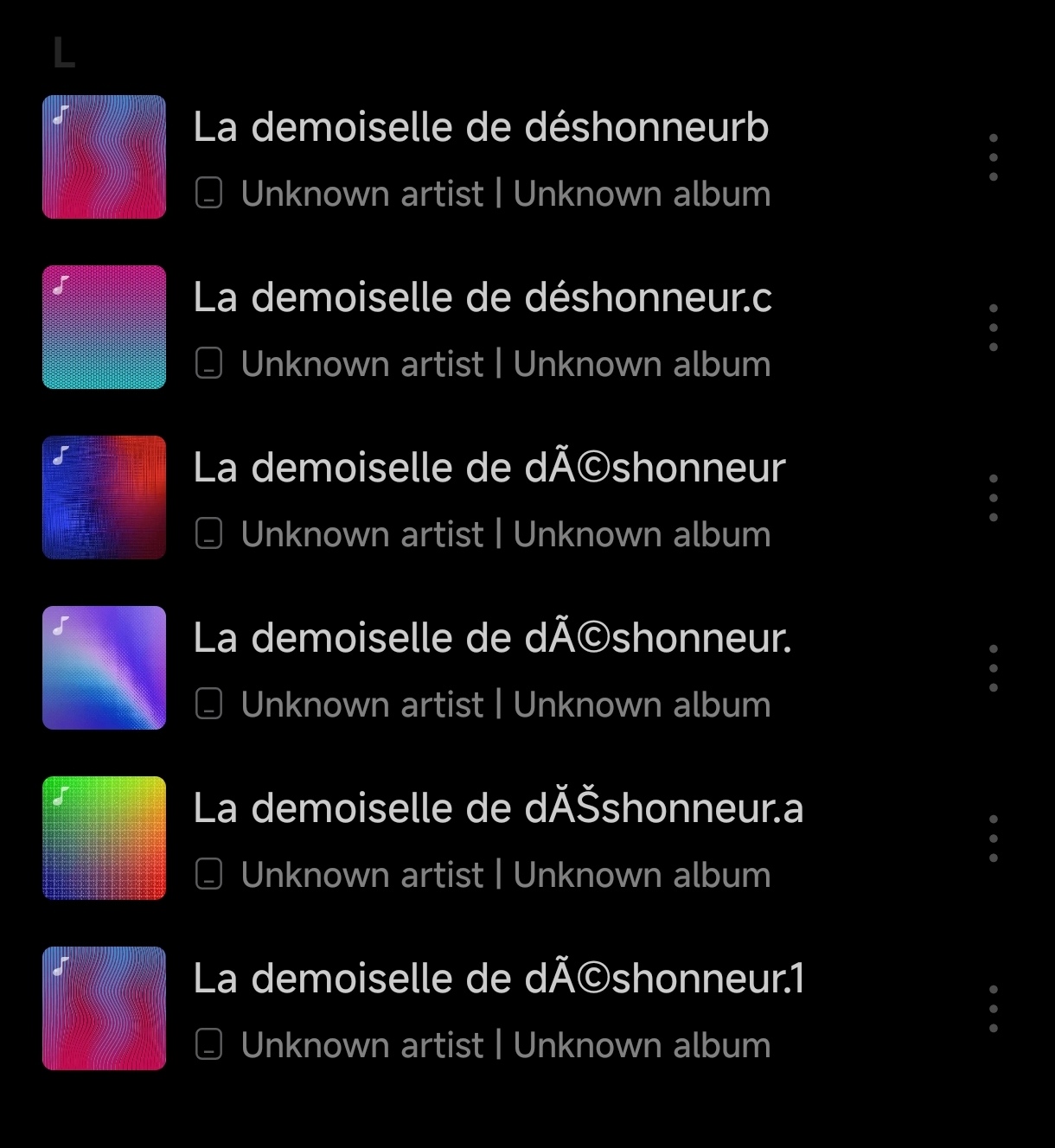
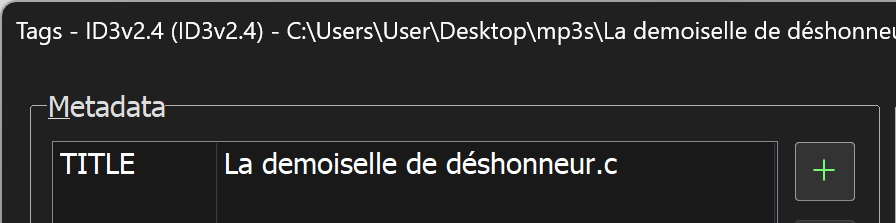
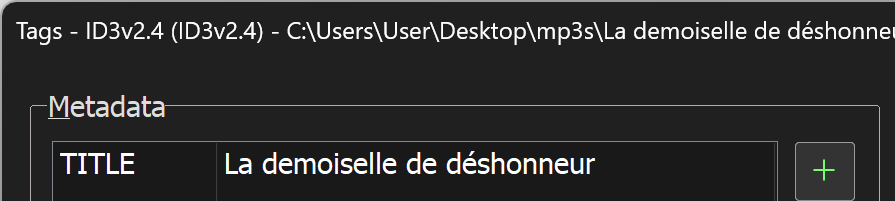
I've played with different combinations of properties and succeeded to reach the case when the same MP3-files, under ID3-tag 2.4 filled by Mp3tag 3.37 by converting file name to tag have a proper track name and the wrong-one:
The rest have an issue. What's really strange for me, why is La demoiselle de déshonneur.c.mp3 parsed properly, while La demoiselle de déshonneur.a.mp3 does't.
What does lead .a to be parsed wrongly, while .c is OK?
Why the file name La demoiselle de déshonneurb.mp3 parsed correctly, while La demoiselle de déshonneur.mp3 doesn't?
Copy & paste the filename that works directly from Windows File Explorer here: (Press F2 in Windows File Explorer, Ctrl + C and in Babelstone press Ctrl + V)
(press the Identify-Button)
Then copy & paste the name of the filename that doesn't work at Babelstone.
The correct filename (La demoiselle de déshonneur.c):
U+004C : LATIN CAPITAL LETTER L
U+0061 : LATIN SMALL LETTER A
U+0020 : SPACE [SP]
U+0064 : LATIN SMALL LETTER D
U+0065 : LATIN SMALL LETTER E
U+006D : LATIN SMALL LETTER M
U+006F : LATIN SMALL LETTER O
U+0069 : LATIN SMALL LETTER I
U+0073 : LATIN SMALL LETTER S
U+0065 : LATIN SMALL LETTER E
U+006C : LATIN SMALL LETTER L
U+006C : LATIN SMALL LETTER L
U+0065 : LATIN SMALL LETTER E
U+0020 : SPACE [SP]
U+0064 : LATIN SMALL LETTER D
U+0065 : LATIN SMALL LETTER E
U+0020 : SPACE [SP]
U+0064 : LATIN SMALL LETTER D
U+00E9 : LATIN SMALL LETTER E WITH ACUTE
U+0073 : LATIN SMALL LETTER S
U+0068 : LATIN SMALL LETTER H
U+006F : LATIN SMALL LETTER O
U+006E : LATIN SMALL LETTER N
U+006E : LATIN SMALL LETTER N
U+0065 : LATIN SMALL LETTER E
U+0075 : LATIN SMALL LETTER U
U+0072 : LATIN SMALL LETTER R
U+002E : FULL STOP {period, dot, decimal point}
U+0063 : LATIN SMALL LETTER C
The wrong filename (La demoiselle de déshonneur.a)
U+004C : LATIN CAPITAL LETTER L
U+0061 : LATIN SMALL LETTER A
U+0020 : SPACE [SP]
U+0064 : LATIN SMALL LETTER D
U+0065 : LATIN SMALL LETTER E
U+006D : LATIN SMALL LETTER M
U+006F : LATIN SMALL LETTER O
U+0069 : LATIN SMALL LETTER I
U+0073 : LATIN SMALL LETTER S
U+0065 : LATIN SMALL LETTER E
U+006C : LATIN SMALL LETTER L
U+006C : LATIN SMALL LETTER L
U+0065 : LATIN SMALL LETTER E
U+0020 : SPACE [SP]
U+0064 : LATIN SMALL LETTER D
U+0065 : LATIN SMALL LETTER E
U+0020 : SPACE [SP]
U+0064 : LATIN SMALL LETTER D
U+00E9 : LATIN SMALL LETTER E WITH ACUTE
U+0073 : LATIN SMALL LETTER S
U+0068 : LATIN SMALL LETTER H
U+006F : LATIN SMALL LETTER O
U+006E : LATIN SMALL LETTER N
U+006E : LATIN SMALL LETTER N
U+0065 : LATIN SMALL LETTER E
U+0075 : LATIN SMALL LETTER U
U+0072 : LATIN SMALL LETTER R
U+002E : FULL STOP {period, dot, decimal point}
U+0061 : LATIN SMALL LETTER A
So, from the file name point of view, there is no difference besides U+0061 : LATIN SMALL LETTER A at the end.
I think this is an Android bug, and they are heuristically trying to detect encoding rather than following the standard. Do you see this in other players as well? I think a few don’t use the default media store framework.
If you look at the content in the last two mp3 files itself (correct/broken) with a hex editor, what exactly do you see as saved character for é in déshonneur? E9
or C3 A9
or 00 E9
If both files - the correct one and the broken one - show the same content, that would suggest that the problem isn't with Mp3tag.
Unfortunately, as I don't have access to your phone or Android player, nor do I use the same transfer process, I won't be able to help you solve this mystery despite having access to the shared files.