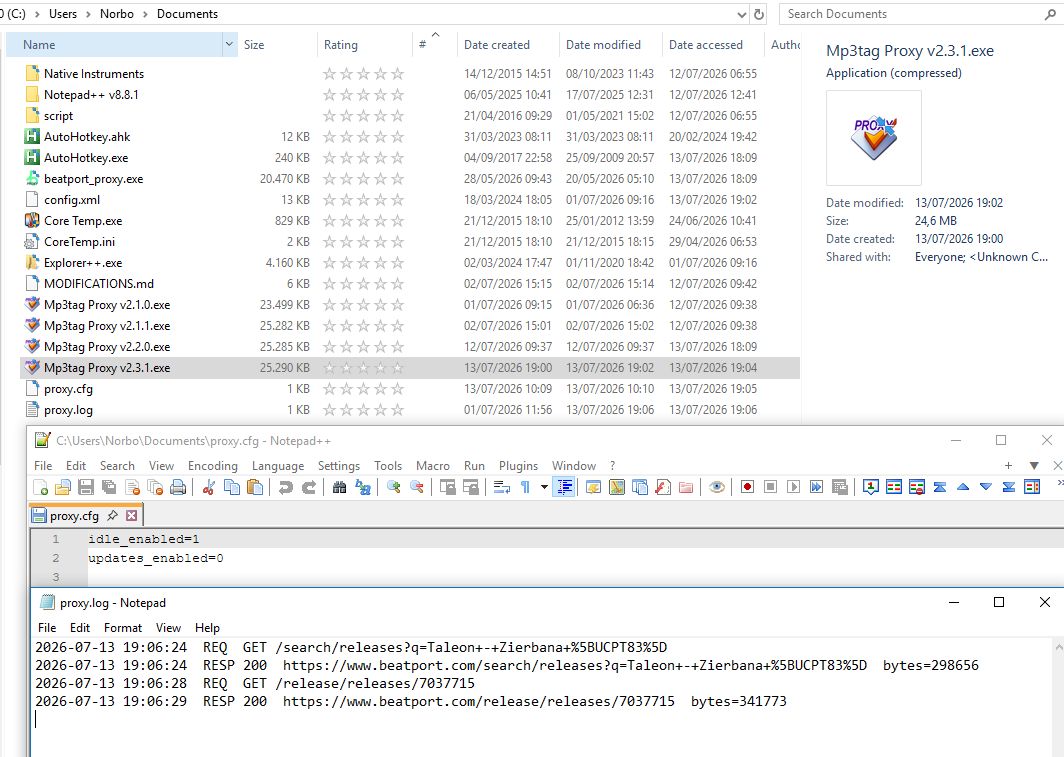
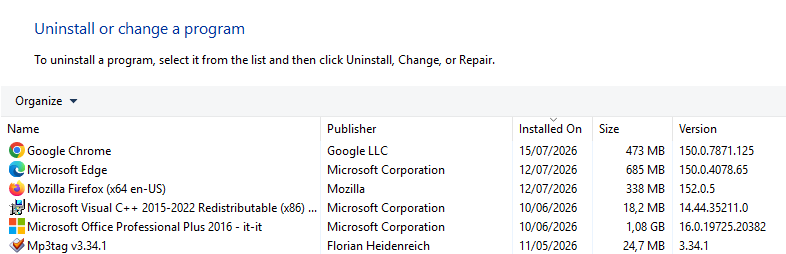
The_Zhu, I just tested your latest release, Mp3tag Proxy v2.3.1. It works perfectly. However, in my setup it still uses Microsoft Edge (my primary browsers are Chrome and Firefox). I'm not sure under what circumstances it would use those other browsers to complete the challenge.
What I'd like to know is: in my current configuration, will it continue to use Edge and the associated cf_clearance cookie?
Correct. As long as Edge is installed (it ships with Windows), it'll keep using Edge for this, regardless of what your primary browser is. The detection order is Edge, then Chrome, and it stops at the first one it finds, so Edge always wins if present. Chrome is just a fallback for machines where Edge is missing or too old (pre Chromium). Firefox isn't supported at all, since the solver needs a Chromium based browser.
As for resources, no need to worry. Edge isn't running all the time, only when a challenge actually needs solving, or when the previous session's clearance cookie has expired, and that's typically 5 to 10 seconds. It's a real browser process, so there's a short CPU/RAM bump while it launches, but it's a one time spike, not a background drain. It also uses a separate throwaway profile in a temp folder, so it never touches your real Edge profile, bookmarks, or history, and it's closed and cleaned up automatically right after. GPU acceleration and account sync are disabled on launch too, to keep it lighter. Once it gets the clearance cookie, that's cached, so it doesn't relaunch on every request either.
So yes, in your setup it'll keep using Edge, briefly and on demand, and the cf_clearance cookie tied to it.
The_Zhu, I'm tempted to uninstall Edge 150 (which I absolutely hate).
You mentioned that if your proxy detects an unsupported or outdated Edge browser version, it automatically falls back to Chrome to solve the challenge.
So, by uninstalling Edge, I'd end up with the original 2018 version of Edge that came with my Windows 10 installation. However, since everything is working perfectly right now, I'm very hesitant to try this. What do you think? Should I just leave everything as it is, since it's working flawlessly?
If it's working flawlessly, I'd leave it as is. No need to fix what isn't broken. And just so you know: even if you did uninstall Edge and ended up back on the old 2018 EdgeHTML version, the proxy would notice it can't drive that one and fall back to Chrome automatically, so you wouldn't lose functionality either way. But there's no upside to switching right now, so I'd just keep things as they are.
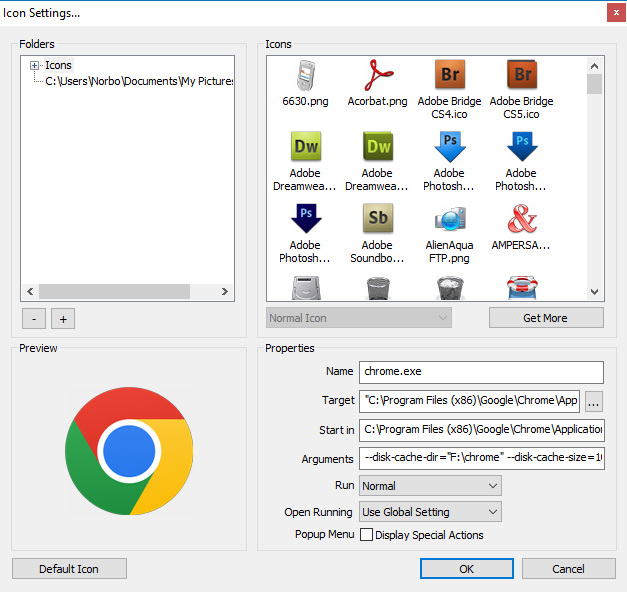
The_Zhu, I've decided to leave everything as it is for now, since it's working. But do you think the settings I use to launch Chrome could interfere with your proxy (if i unistall Edge)?
No, they don't. The proxy launches its own separate, temporary Chrome instance just to solve the challenge, your normal Chrome flags never apply to it.
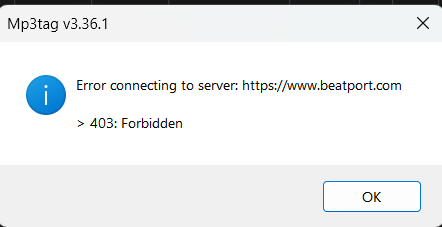
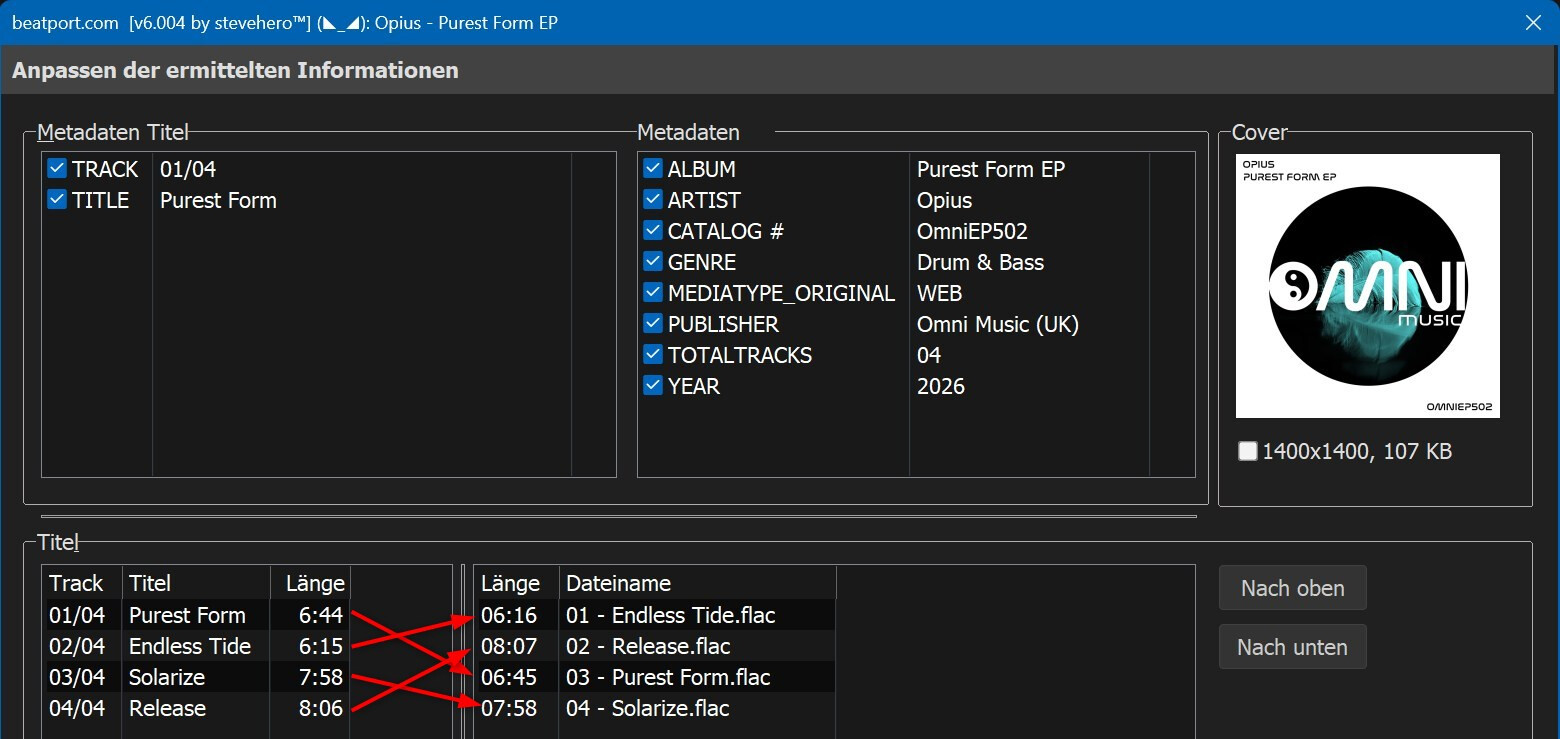
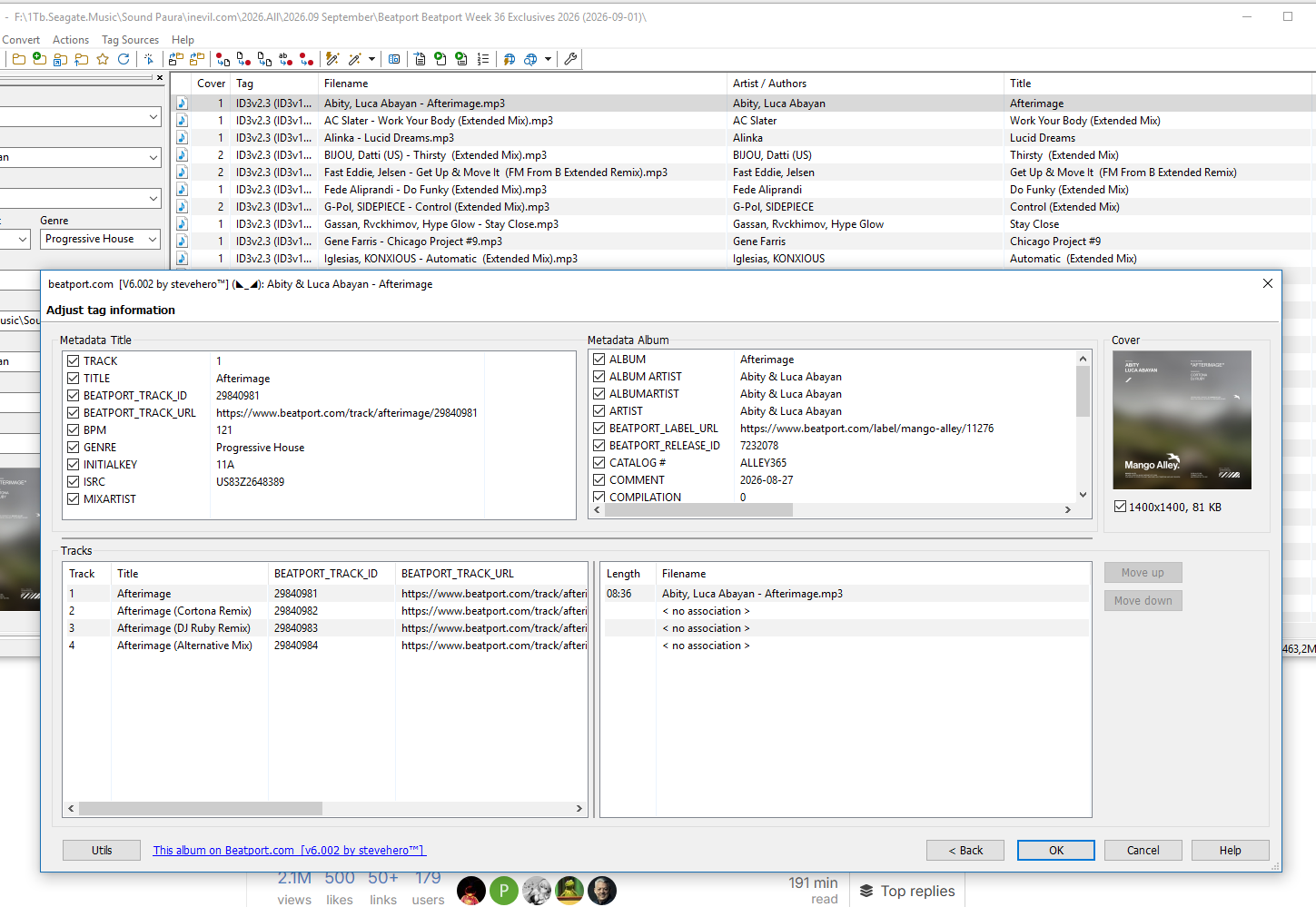
@Norbox thanks for the report. Found the cause: sometime between late August and early September, Beatport rewrote the JSON behind track pages specifically (release pages are untouched, which is why Release Search kept working). That's what broke Track Search and Track Direct.
Mp3tag Proxy v2.4.0 is out with the fix, plus a couple of things that make this kind of break less painful going forward:
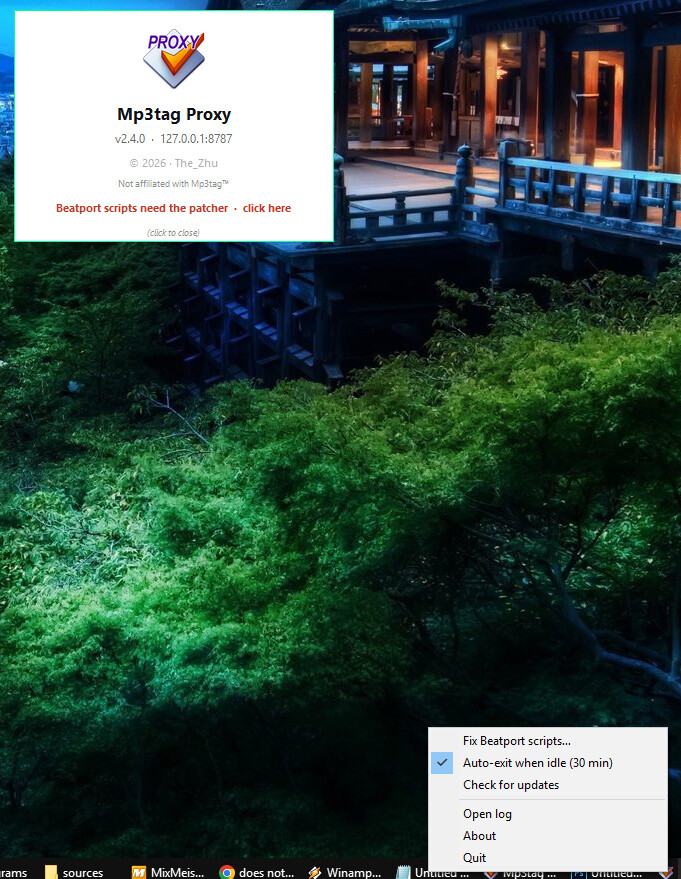
The proxy now checks your Beatport scripts on startup and tells you if they need fixing: a note on the splash and a "Fix Beatport scripts…" item in the tray, only showing up when something's actually missing.
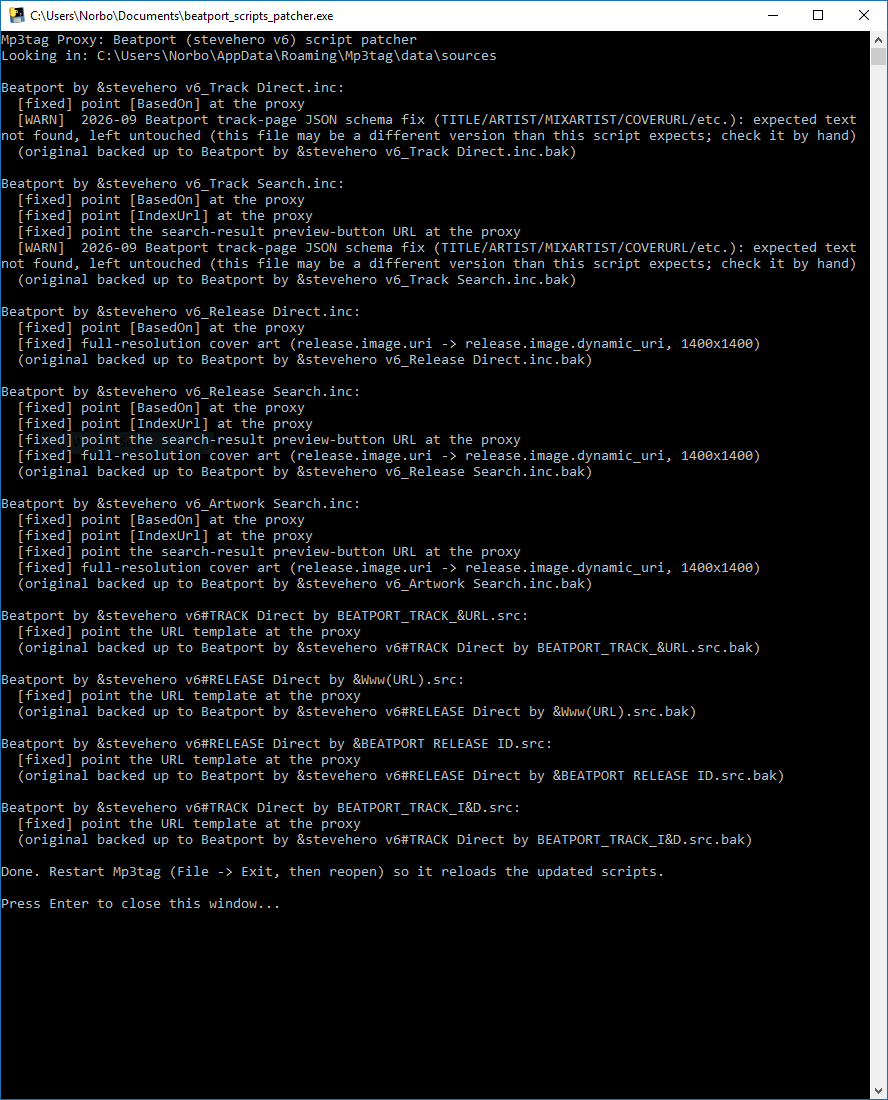
New tool bundled with this release: beatport_scripts_patcher.exe. Grab it alongside mp3tag_proxy.exe and it applies every needed fix (proxy routing, full res covers, this schema fix) in one go, with a backup of each file first.
Hi there, great app, have used it flawlessly until the change Beatport made today
I manually applied the fix to the Track_Search.inc and Track_Direct.inc and it works great again. However, I did have a custom line somewhere where I scraped the CATALOG (as seen in Beatport search results) to my custom CATALOGNUMBER field.
I added the below to both Track Search and Track Direct, but the Cat number isn't scraping.
### Beatport — v6.008 (by Jordi & Claude) is no longer available but is a requirement to your proxy and patch script. Therefore I can no longer use your proxy as it always states that some code was expected to be there but was never found. Can you please provide those files or either create a new patch that no longer relies on those files that have been deleted. Thank you!
beatport_scripts_patcher.exe tell me that script was different | beatport by stevehero v6.007 Scripts.... (this is the last one on this TOPIC)
[WARN] 2026-09 Beatport track-page JSON schema fix (TITLE/ARTIST/MIXARTIST/COVERURL/etc.): expected text not found, left untouched (this file may be a different version than this script expects; check it by hand)
i change by hand follow GItHub Required (2026-09): Beatport changed the track-page JSON schema
select track super slow to change from list to page with image an track info, for me does not work
Brother, you’ll always be a great guy to me, but this time you really made a mess.
I spent six freaking hours this morning fixing everything, and I finally managed to get it working.
However, it runs incredibly slowly · ridiculously slow · while my old .src (custom made) file, which uses the old Release Search system, runs like a kid’s merry-go-round.
Maybe you have such a fast computer and such a fast Internet connection that you don’t notice these kinds of problems.
But I’m working with a connection that, when I’m lucky, reaches 3/4 MB/s (4G router with a SIM card), and a computer that is almost 10 years old (WIndows 10 · 2018).
With my setup, everything becomes painfully slow.
One important thing:
I tried using all of your proxies, including the older ones, and interestingly, the oldest one is actually the fastest.
Mp3tag Proxy v2.0.2
Mp3tag Proxy v2.1.1
Mp3tag Proxy v2.2.0
Mp3tag Proxy v2.3.1
Mp3tag Proxy v2.4.0 (this is the bad ones)
! Beatport Release Search.src (22.4 KB) [best Beatport script always on top] (just copy and paste the name of file with artist and title) (no Stevehero files needed) [This, to me, means fast · or even very fast. Try it and let me know.]
v2.4.0 went out half baked. The patcher that shipped with it could not actually apply its most important fix, and then the proxy kept telling you the scripts still needed fixing no matter how many times you ran it. Some of you lost hours to that, chasing a problem on your own machines that was mine all along. I am sorry. I should have tested it properly against a clean install before putting it in front of anyone.
It is fixed now, in v2.4.3. If you patched your Beatport scripts at any point, download both files again and run the patcher once more: it repairs what the earlier versions got wrong, including the dates that were coming out with a time stuck on the end.
Thank you to @Norbox, @Trev0rDan5 and @ravager90 for reporting it, and for being patient about it. Everyone slips up sooner or later, and this one was mine.
@Norbox, thanks for both reports. You were right about the dates, and it was worse than you saw: every date format was affected, not just YYYY-MM-DD. Fixed in v2.4.3, and running the patcher again repairs scripts that were already patched, so the $cutRight workaround is no longer needed.
On the speed: I compared v2.3.1 and v2.4.0 line by line and there is no difference in how requests are made, so I cannot find a cause for v2.4.0 being slower. What you are probably feeling is that v2.0.2 cannot get past Beatport's Cloudflare challenge at all, while the newer ones start a browser and wait for it, which on your connection is genuinely slow. v2.4.1 did fix one real slowdown that should help you more than most.
Could you try v2.4.3, and if it is still slow going from the results list to the track page, send me proxy.log from next to the exe? It timestamps every request, so it will show exactly where the seconds go instead of me guessing.