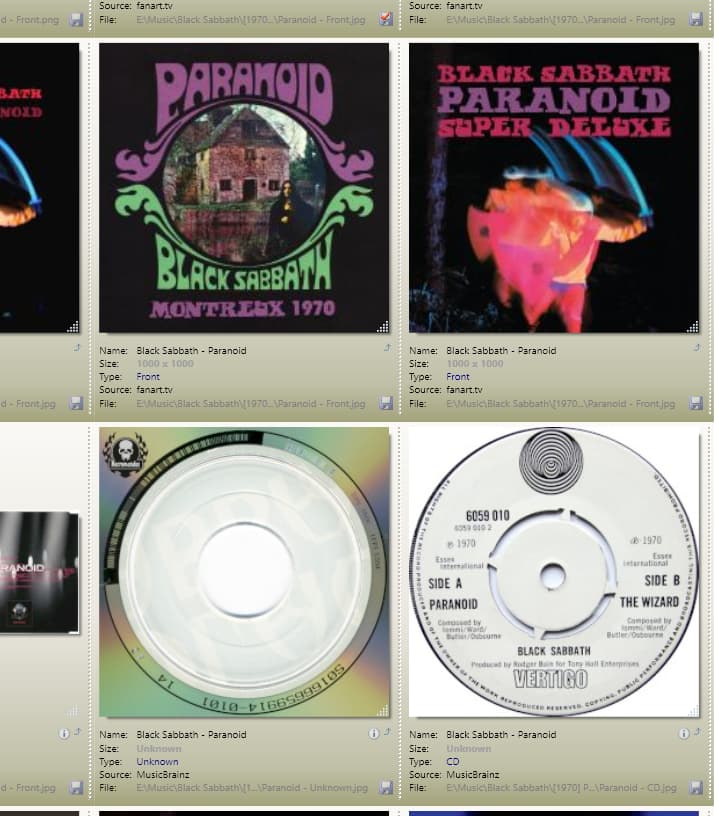
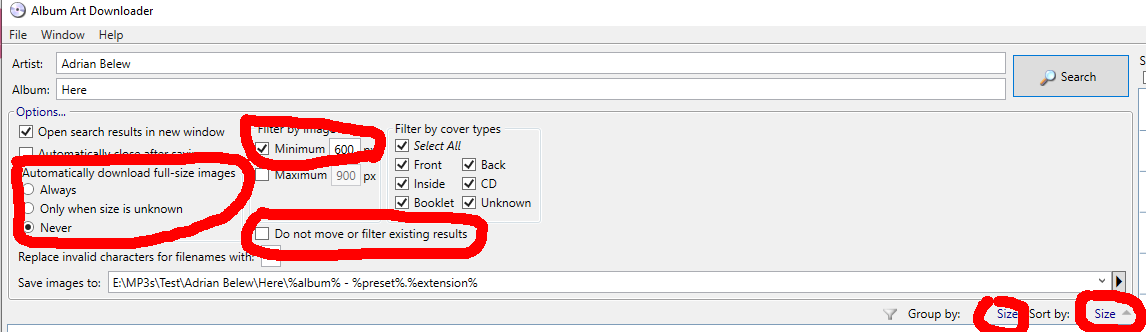
I'm updating the album art in my library.
I've used the excellent tutorials provided by g.p.m here:
and by M3Rocket here:
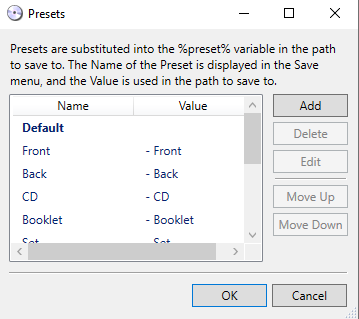
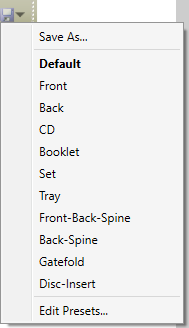
I have searches set up in Tools for each album art type: Right click filename > Tools > "Front Cover Search" to search for the front cover, ... "Back Cover Search for the back cover, ..."Disc Search" for the disc etc.
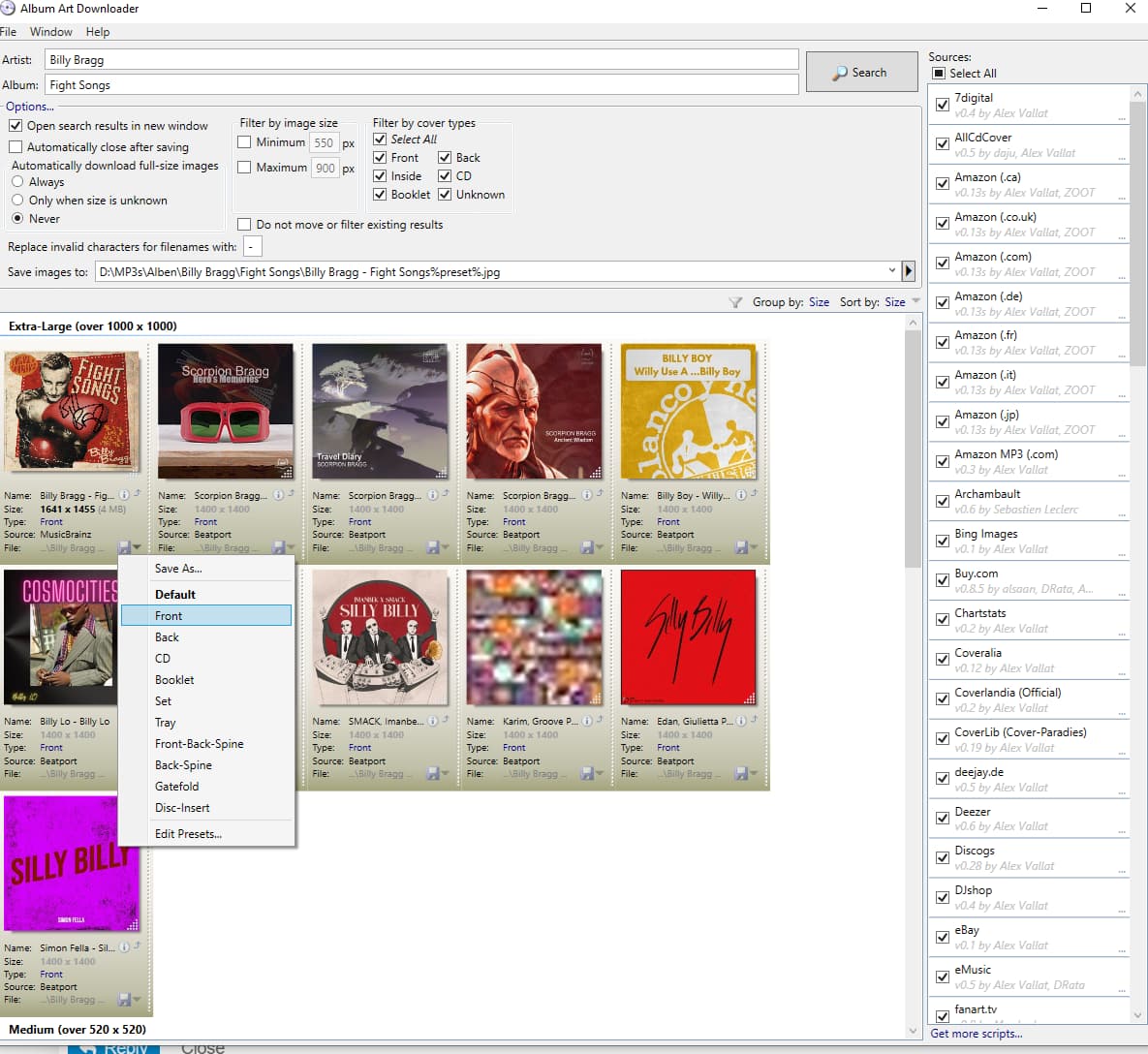
This gets me satisfactory results but I wonder if it's possible to consolidate that into one search. My thinking is that AAD opens new searches in a new window by default, so if I could form the parameter such that it would perform multiple searches in AAD, I could then select the desired image from each AAD window (which would then autoclose).
Here is my current script, which is just the "Front" and "Back" searches separated by a double pipe and a space, and "/new " before the second search:
/ar "%artist%" /al "%album%" /p "%_folderpath%%album% - Front.%%extension%%" /t Front /mn 600 /mx 1400 /o a- /ac || /new /ar "%artist%" /al "%album%" /p "%_folderpath%%album% - Back.%%extension%%" /t Back /mn 600 /mx 1400 /o a- /ac
I also tried it with three searches in place, but reduced it to two for easier modification for testing. As is, it only opens one AAD window with the last cover type searched for, e.g. "Back" in the example above, and "Disc" in my earlier tests. I'm not much of a scripter so my other tests have been trial and error, and I get either the same, single-window result as noted above, or it fails and brings up the "command line parameter" window.
So, assuming my goal is clear enough, 1: Is this possible, and 2: what would that parameter string look like?
If not, I'm certainly open to other methods of getting multiple cover types in a simpler way.
TIA.