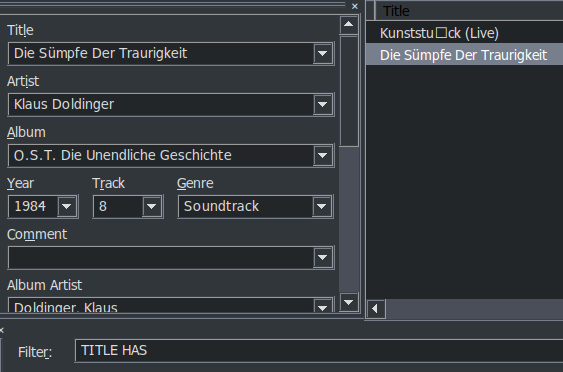
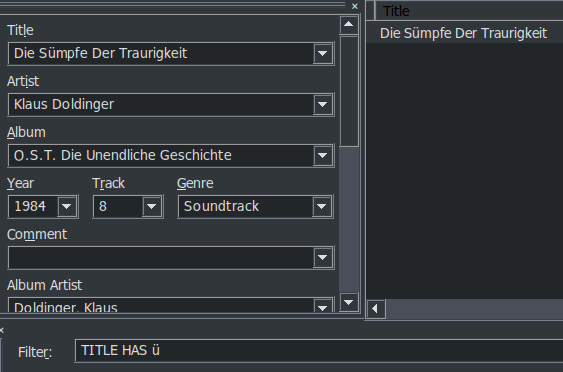
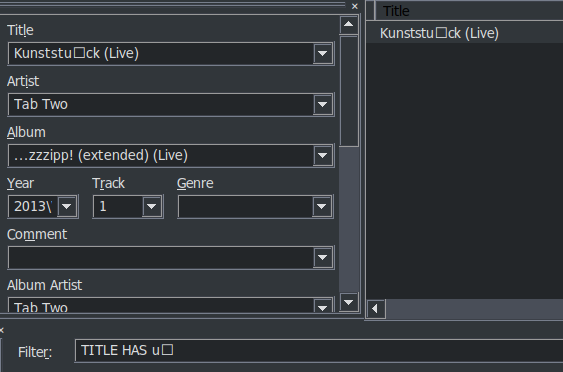
It's odd. Opening the same file in Mp3tag in Windows (using the same portable installation) displays a normal ü.
It's also not a general issue. A different test album I tried displays ü, ß, á, é etc. normally.
Florian, with a little help from google i changed the Mp3tag.desktop file, and now when i rightclick a folder in double commander, i choose Mp3tag, and Mp3tag opens with al the mp3s in that folder. Here is the desktop file :
Does this only work in double commander? And only with a single folder?
The approach I chose for my Mp3tag on Linux guide uses a separate .desktop file for the context menu as well as a helper bash script that allows calling Mp3tag with single or multiple files/folders, mimicking the behavior on Windows. This is the section in question.
Does your approach offer advantages over the one I chose?
The additional upside of using a helper script for me is that it allows easy integration of Mp3tag into other programs.
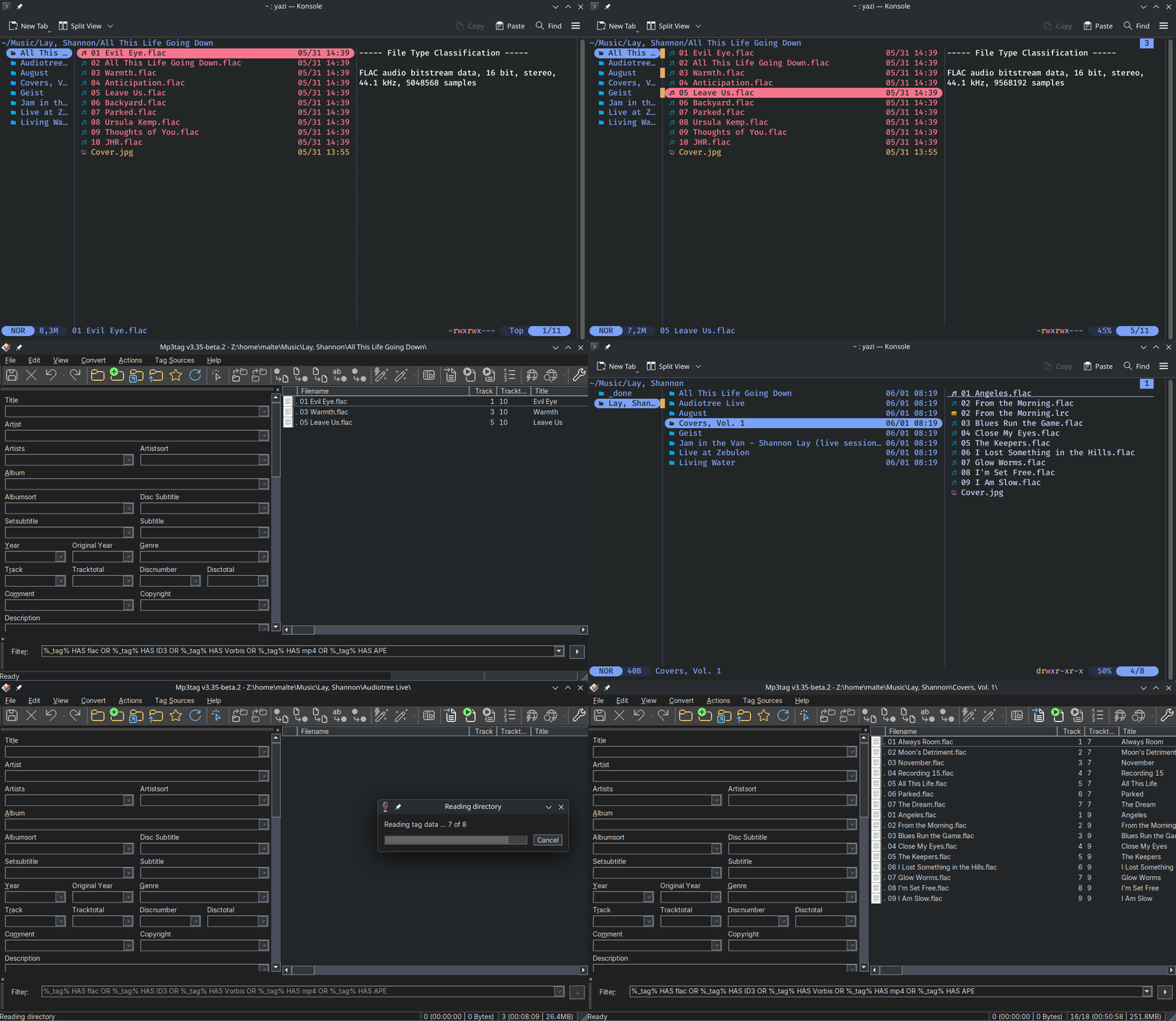
For example I've integrated it into yazi yesterday.
In case there are other yazi users in here (unlikely, which is why I didn't include it in the guide):
in yazi.toml you can add mp3tag as an [opener]:
tag = [
	{ run = "/mnt/mp3tag/mp3tag-context-menu.sh %s", desc = "Tag",      for = "unix", orphan = true },
]
and then assign it to folders and audio files in the [open] section: