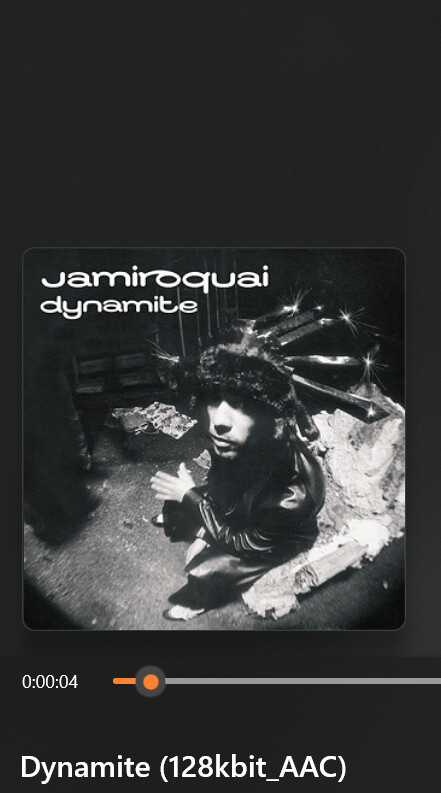
Hey everyone I'm new here, i've been using mp3 tag for 4 weeks now and its been going well. As of recently I tried to write tags the ususal way I do, and its saving the data onto the file but when I pull it up on my Windows Media player or car it doesn't show the info as it does below. When I check the file properties in Windows, all of the tag information such as the title, artist, album, and album artist appears to be saved correctly. However, Windows Media Player and my car's infotainment system sometimes display the filename instead of the tag information. For example, a song with the title tag set to "Dynamite" will display as "Dynamite (128kbit_AAC)," which is the filename rather than the title tag.
I've confirmed that the tags are being written and saved, and this issue only started happening recently. Has anyone run into a similar problem or know of a setting that could be causing Windows Media Player to ignore the tags? Any help would be greatly appreciated.
Different players (WMP, car) behave differently.
If you have older files that work, and newer ones that don't: what is the difference?
IF MP§tag shows the tag data but the player does not, then it looks like a player problem.
To be sure that the new files are OK, check them with the tools as suggested in this thread: