I have tried tagging two specific files for an album and they refuse to work. I have checked every place they would possibly be in. I've tried renaming the files, renaming it goes through fine, but the metadata refuses to change. I put songs of the same format in there too, and MP3Tag is fine with those, even though they're the same type. I am very confused. I tried to change it via Windows Properties itself, and it says its unable to do it. I've checked and I do have permissions to edit the file, it just refuses to edit. I've also tried opening it in music players and they process it fine, so it isn't corrupt either.
What kind of files are these? WAV? MP3? FLAC?
Have you tried checking the problematic files?
They are MP3 files, It has been happening since June 1st, and it didn't get helped with the new mp3tag version. I've been trying to check the problematic files, but MP3Diag crashes every time it gets to any file. I've tried restarting my PC, but to no avail either. However, on my about 6th restart, I finally got it to not do the the thing where it won't say "Can't save to C:/blah blah blah blah blah, try again?". Now my files do work now. Thank you!
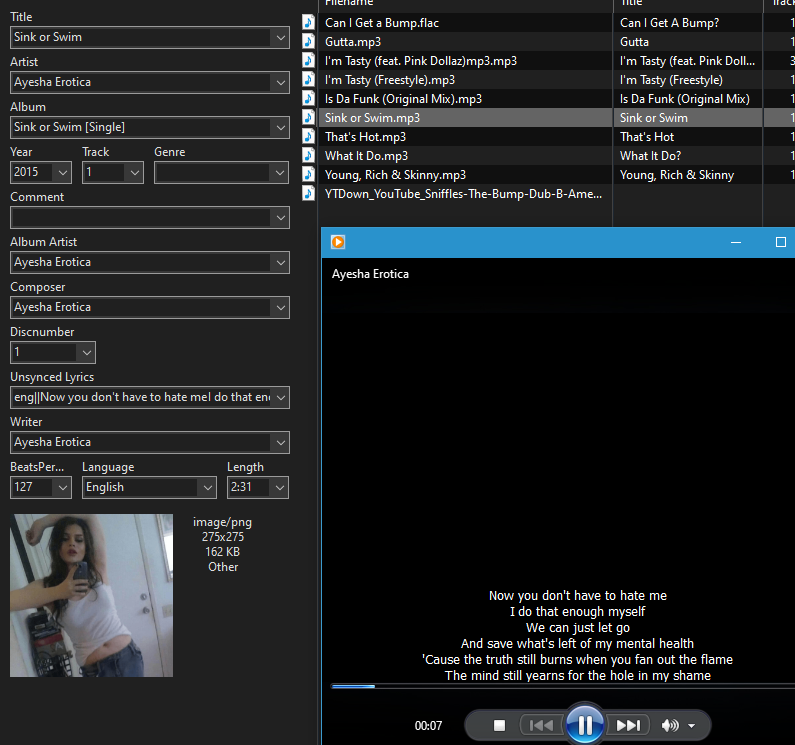
This would be an absolute alarm indicator for me. It looks to me like the files are broken so that they could not even be analyzed.
I doubt the remedy was really the
but good that you got your problem solved.
it still looks like an individual local one that could not be solved from the distance.
What do you see in the Tag column as mentioned in the same topic:
An early indication of such a problem is when Mp3tag doesn’t report any details about bitrate, length, … in the respective columns in the file list.
Starting with Mp3tag v3.12a, it also reports some of the issues found to the Tag column in the file list. Please make sure you check those.

Please also check "How to repair files identified as corrupted?"