Hello,
I would appreciate your advice regarding a problem I encountered after editing an M4A file with Mp3tag.
Environment
-
Mp3tag version: 3.35
-
Operating System: Windows 11
-
File type: M4A (AAC)
-
Windows Media Player language: Japanese
-
Mp3tag interface language: Japanese
What happened
Before editing, the M4A file played normally in the new Windows Media Player.
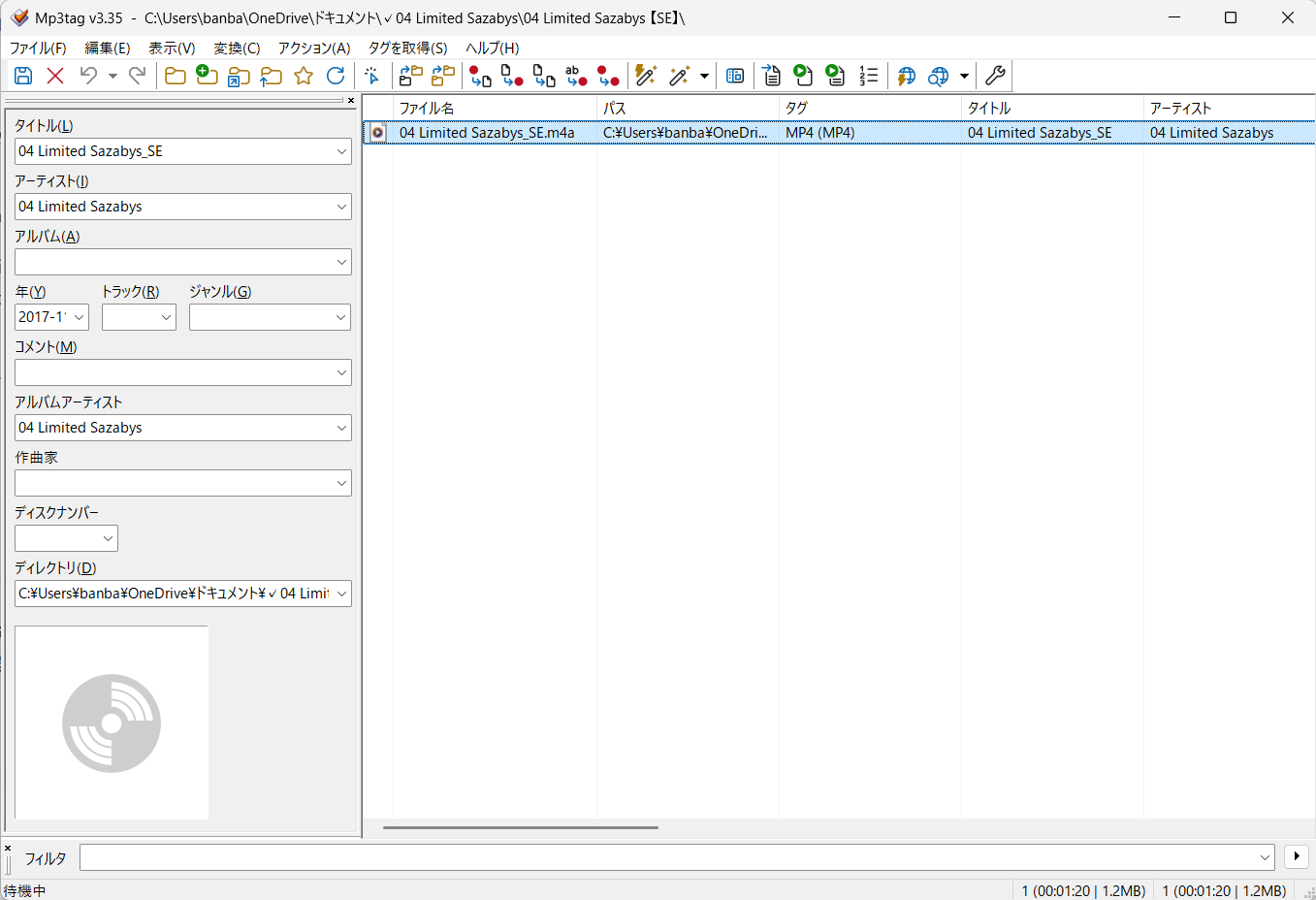
I opened the file in Mp3tag.
The field labeled アルバム (A) means Album. This field was originally empty.
I entered the following value into the Album field:
04 Limited Sazabys_SE
Then I saved the file.
Immediately after that first save, Windows Media Player could no longer play the file.
After the issue occurred, I tried clearing the Album field again and saved the file once more, but the problem still remains.
This is why the attached Mp3tag screenshot currently shows the Album field as empty.
Error message
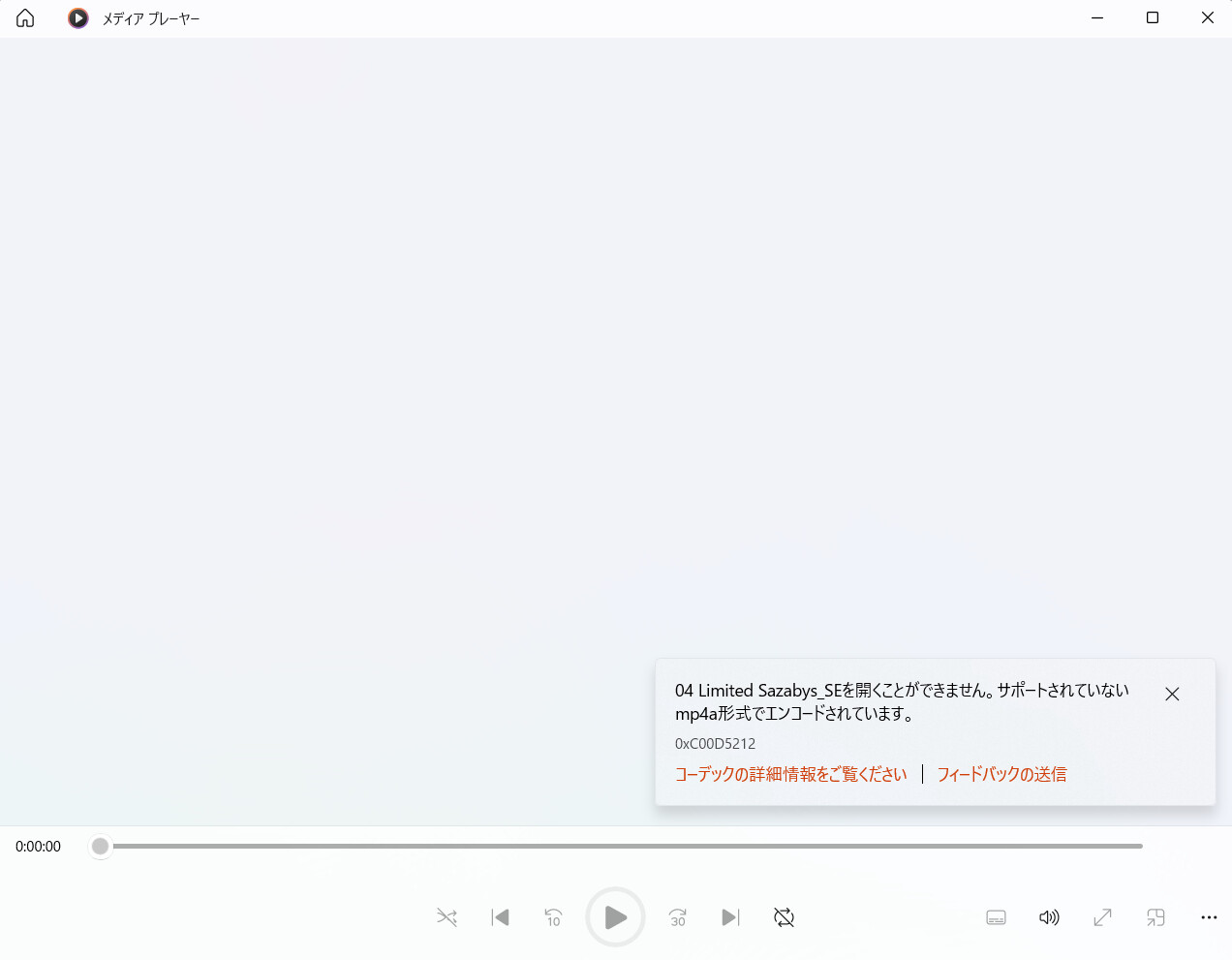
The Windows Media Player error message is shown in Japanese in the attached screenshot.
The relevant part means:
This file cannot be opened.
It is encoded using an unsupported mp4a format.
Error code: 0xC00D5212
Additional information
-
The same file still plays correctly in VLC Media Player.
-
I did not convert the file.
-
I did not rename the file.
-
I did not change the file extension.
-
The issue first occurred immediately after adding a value to the previously empty Album field and saving the file.
-
The original pre-edited file was overwritten when I saved it, so I no longer have that version.
-
I cannot upload the affected audio file publicly because it may contain copyrighted audio.
I have attached screenshots of:
-
the Windows Media Player error message
-
the Mp3tag editing window
The screenshots are in Japanese, so I translated the relevant parts above.
I can provide additional technical information, such as ffprobe or ExifTool output, if needed.
Has anyone experienced this behavior before?
Could this be related to how Mp3tag writes MP4/M4A metadata, or is there anything else I should investigate?
Thank you very much.